Wedding guest photo sharing — one QR code
The wedding photos
your photographer never sees
Moment49 is a QR code photo sharing app for weddings. Guests scan one code and upload every photo and video to one private gallery, with no app and no account. You watch them appear live on the big screen while the night is happening. Afterwards, you never chase anyone for photos.
14-day refund guarantee if no photos or videos are uploaded. Refund policy.
As seen in

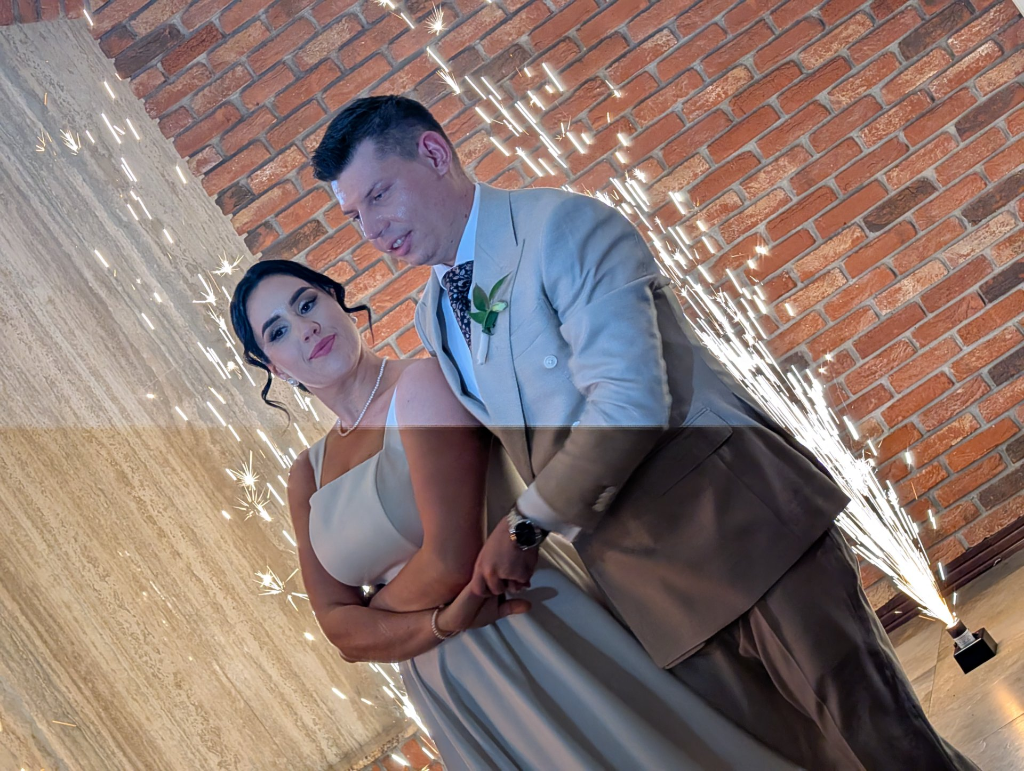
"Instead of waiting weeks to see everyone's photos, we were watching memories appear live throughout the day."
— Asia, Bride · Poland 🇵🇱 ♡
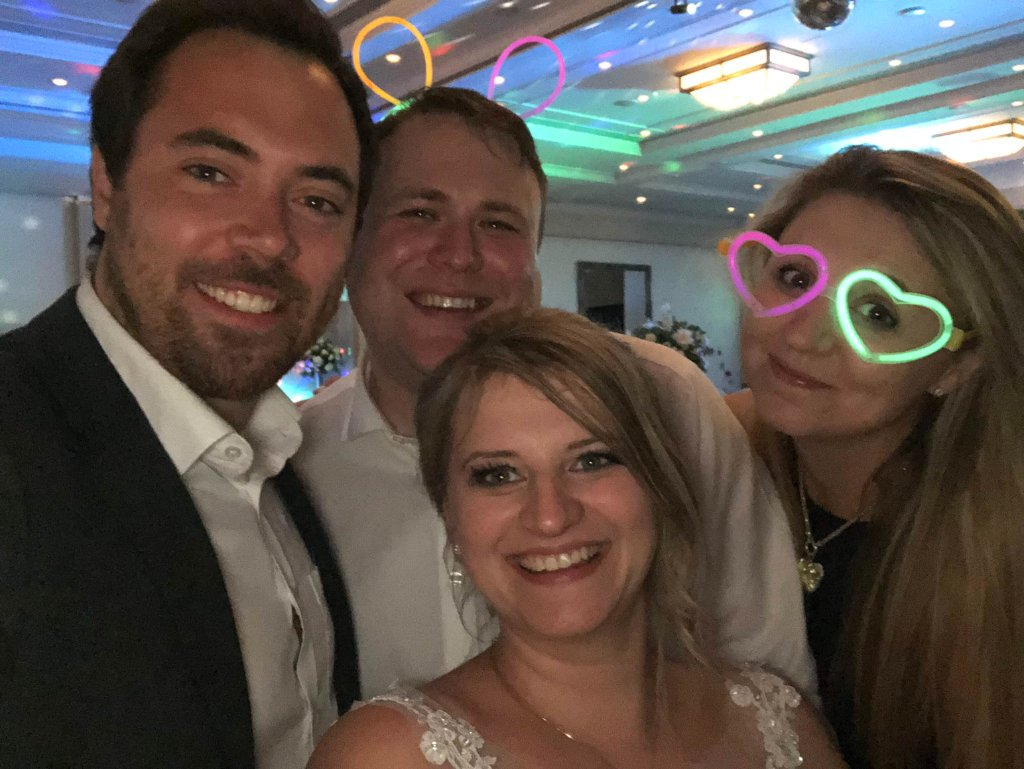
"Our guests uploaded 396 photos throughout the day — moments we never would have seen otherwise."
— Paula, Bride · UK 🇬🇧 ♡
Everything You Need for Your Event
Everything a guest takes, in one gallery you keep.

Every photo your guests take
Guests scan one QR code and upload straight from their phone. No app, no account, nothing to chase afterwards.
Tap to watch
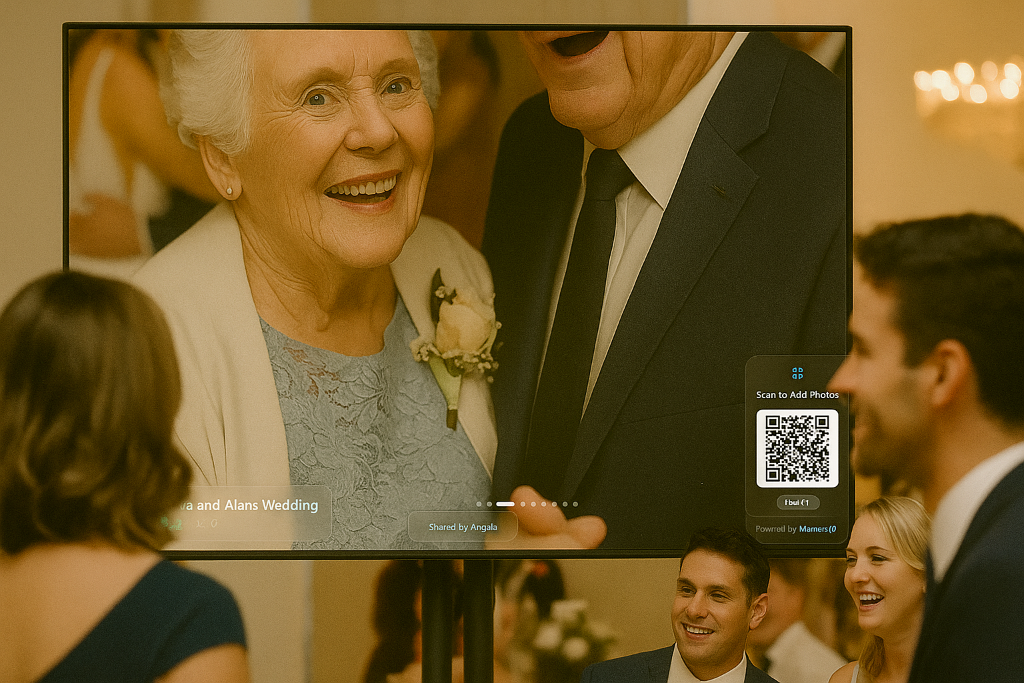
Photos on the big screen, live
Put the gallery on a laptop or projector and photos appear as they are taken, while the night is still happening.
Tap to watch

A message from everyone who couldn't come
Guests record a short video message. Each one is saved on its own so you can watch them again whenever you like.
Tap to watch
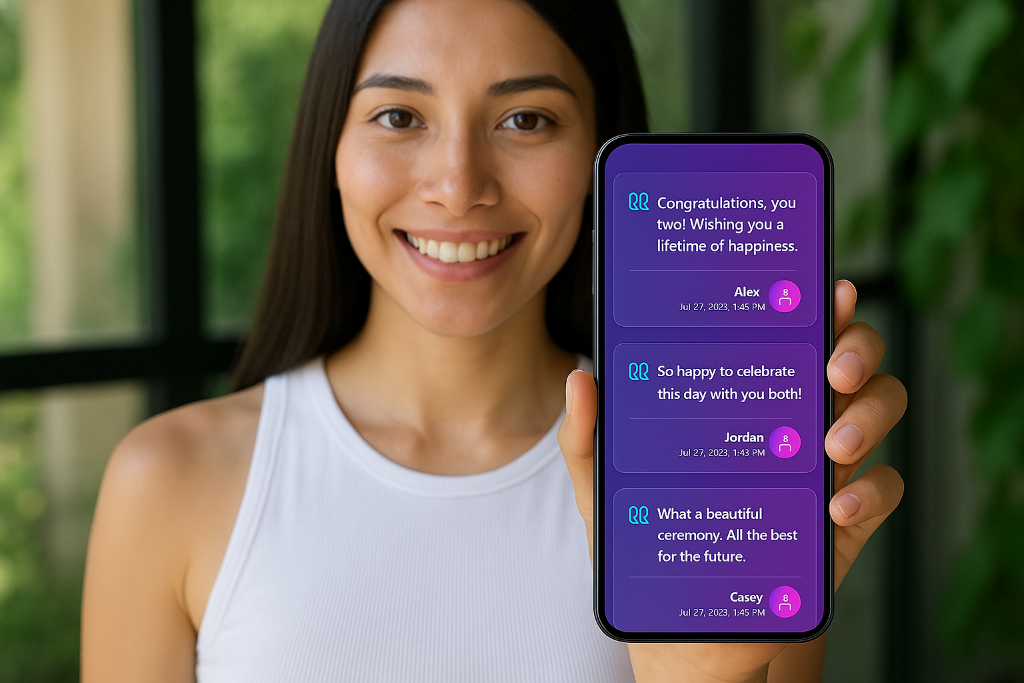
A guestbook you keep
Guests leave written messages and well-wishes, and can attach a photo to what they write.
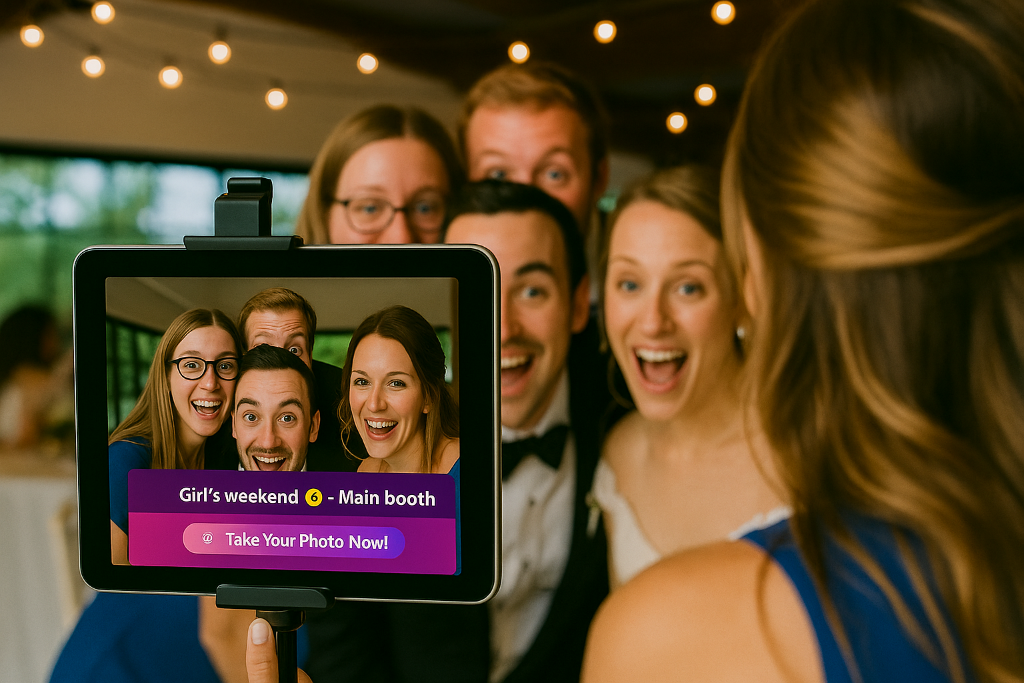
A photo booth without the hire
Set up a tablet as a photo booth on the night. Everything guests take lands in the same gallery.
Tap to watch
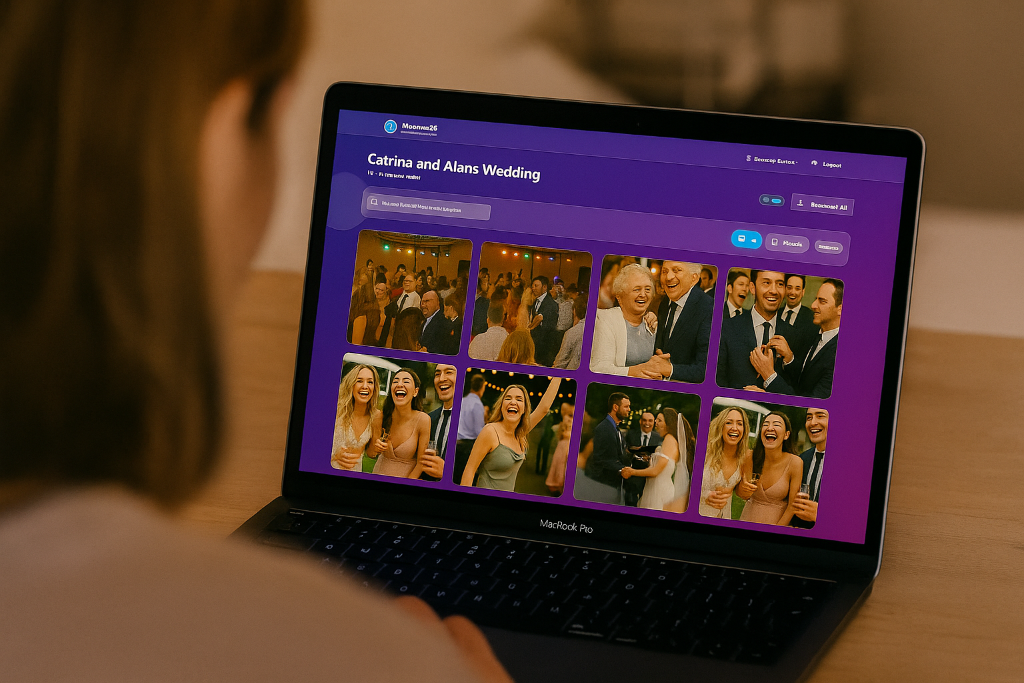
Download the whole gallery
Download every photo and video in one go during the 90 days after your event, and keep the files for good.

Challenges that get guests snapping
Set missions like 'best dressed' or 'most creative pose', then pick a winner once the entries are in.
Tap to watch
Real users. Real memories.
Moment49 completely changed the atmosphere of our wedding. Instead of waiting weeks to see everyone's photos, we were watching memories appear live throughout the day and evening. Guests absolutely loved getting involved, especially seeing their pictures appear on the big screen during the reception. The best part was how natural and relaxed it felt — people captured moments we would have completely missed otherwise. By the next morning we already had hundreds of photos and videos from different perspectives, all in one place. It honestly felt like having a personalised social feed for our wedding, without anyone needing to download complicated apps or send files afterwards. We would recommend Moment49 to any couple wanting to make their wedding more interactive and memorable.
Asia
Bride · Poland 🇵🇱
How guest photo sharing works
Three steps, from the QR code to the finished gallery.
1. Share your QR code
Every event gets its own QR code and link. Print it on the tables, add it to your invitations, or show it on a screen at the venue.
2. Guests scan and upload
Guests open the code in their phone browser and upload photos and videos straight away. No app download, no account, nothing to install.
3. Watch it happen live
Photos appear in your private gallery as they arrive, and on the live slideshow if you put it on a screen. After the event you download everything in one go.
Use it your way, on any device
Works as a web app in any browser — no download needed. Prefer a native app? Also available on Android (iOS coming soon) for those who'd like it.
Open in browser
Web App
No download required

Coming soon

Available now
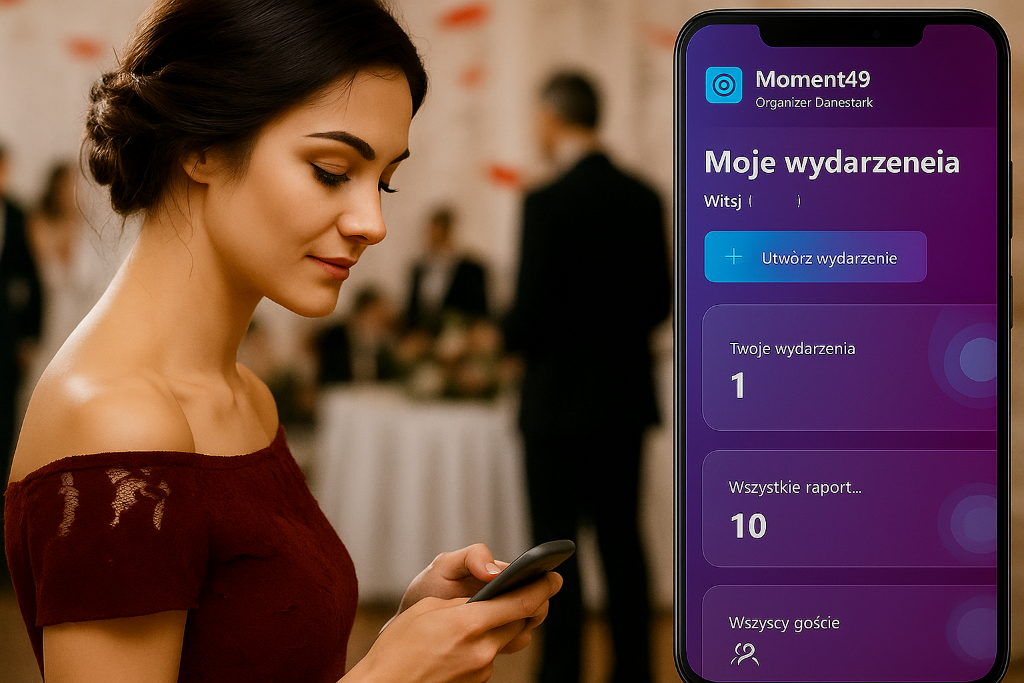
Built for International Events
Got guests from all over the world? No problem. 17 languages are supported so every guest can upload and sign the guestbook in their own language — no confusion, no barriers.
Guests simply select their preferred language on arrival. The entire experience — from uploading photos to signing the guestbook — is instantly translated.
Our Story
Built for our own wedding day
When I was planning my own wedding, I kept thinking about one thing, our guests would take hundreds of photos on their phones, and we'd never see most of them.
So I built Moment49. A simple way for every guest to share their photos in real-time, with a live slideshow playing on the big screen during the reception. It's evolved a lot since our wedding and I'm proud to see other weddings benefitting.
Our guests uploaded 396 photos, candid moments, guests we barely got to speak to, memories we'd never have seen otherwise.
That's why every feature is built with one thing in mind, making sure you don't miss a single moment of your day.
Moment49 is still run by Daniel, who built the first version for his own wedding. It's a small, independent product, and he answers the emails himself.
— Daniel Pearce, Founder of Moment49

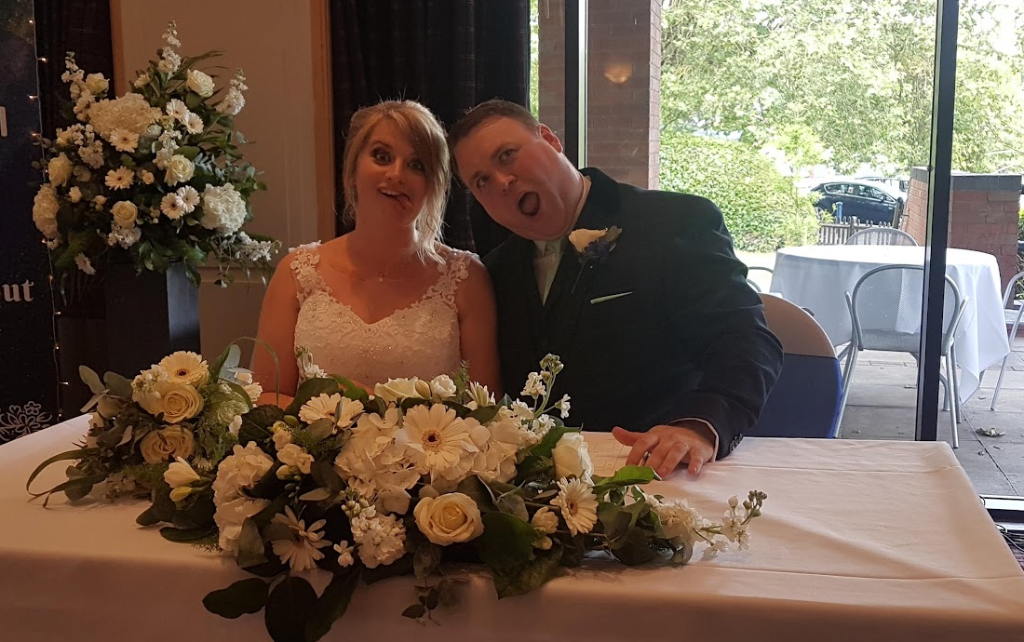
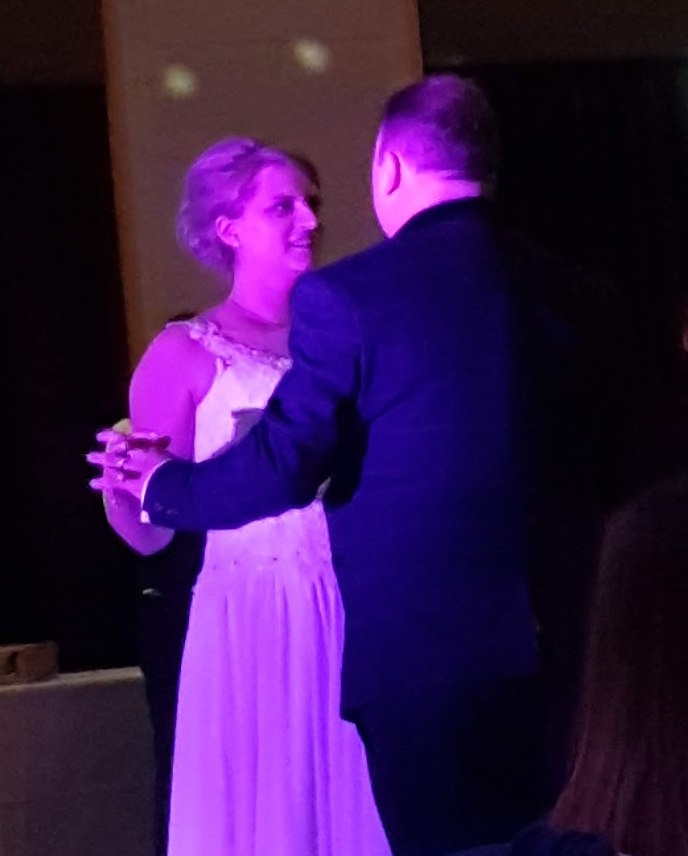
Paula & Daniel — the wedding that started it all, real photos from our guests.
Simple, transparent pricing
One event. One price. Everything included.
Worldwide pricing:
One-time payment · No subscription · No hidden fees


+ many more currencies accepted 🌍
One-time charge per event — not a subscription
£39 once — less than £1 per guest at a 50-guest wedding.
Setting up your event is free. You pay £39 only when you activate it for your guests.
First event? Use code FIRST49 for 20% off — enter it at checkout.
Secure payment powered by Stripe — we never see or store your card details.
Guest uploads close 7 days after your event. Your gallery then stays online and downloadable for 90 days, and we email you at 60, 30, 10 and 2 days before it is deleted.
Your gallery is private: only guests with your link can open it, and every photo is yours to download. We never sell your data — see our Privacy Policy.
Made for weddings and one-day celebrations, where your guests are together in one place. If you need a permanent archive your team keeps adding to for months, this isn't the right tool.
Frequently Asked Questions
Everything you need to know, in one place.
Getting Started
- Do guests need to download an app?
- No — guests simply scan a QR code and upload photos directly from their browser.
- How do guests join the event?
- Guests scan your unique QR code or open a link to instantly join your event.
- What can guests upload?
- Guests can upload photos, videos, and even leave video messages.
- Do guests need an account to upload?
- No — guests can upload instantly without creating an account.
Uploads & Photos
- Is there a limit on uploads?
- No — you get unlimited photo uploads for your event.
- How long can guests upload photos?
- Guests can upload photos for up to 7 days after your event.
- Can guests see each other's photos?
- Not in the app — only the event organizer can see all photos. However, if the live slideshow is set up on a big screen, guests will be able to visually see each other's photos.
- Can I moderate what gets uploaded?
- Yes. Turn moderation on and every upload waits for your approval before it appears in the gallery or on the live screen.
Live Display & Features
- Can photos be shown live during the event?
- Yes — photos can be displayed instantly on a live slideshow screen.
- Can I use this with a projector or TV?
- Yes — simply open the live gallery on a laptop and connect it to a screen or projector.
- What is the photobooth mode?
- You can set up a tablet or camera to capture photos, which are automatically added to your event album.
- Why not just use WhatsApp or Google Drive?
- Everything in one place — live slideshow, guestbook, photobooth, and a full downloadable gallery, without the chaos.
Your Gallery & Privacy
- Can I download all the photos after the event?
- Yes — you can download the entire gallery in one place.
- Do I own the photos?
- Yes — every photo and video your guests upload belongs to you, and you can download the whole album at any time.
- How long are photos stored?
- Guest uploads close 7 days after your event. After that your gallery — photos, videos, video messages and guestbook — stays online and downloadable for 90 days from the event date. Then it is permanently deleted, so download anything you want to keep. We email you at 60, 30, 10 and 2 days before that happens.
- Is my event private?
- Yes — only guests with your link or QR code can access your event.
Pricing & Payment
- Is this a subscription?
- No — it's a one-time payment per event.
- Are there any hidden fees?
- No — everything is included in the single price.
- Can I pay in my local currency?
- Yes — pricing is available in multiple currencies depending on your location.
Compatibility
- Does it work on all phones?
- Yes — it works on any smartphone with a web browser.
- Is it available in different languages?
- Yes — multiple languages are supported for international events.
Get Started in Minutes
One simple payment. One week of unlimited uploads. Zero hassle.
Join an Event
Enter the code from your invitation to share your memories.
Create an Event
Ready to gather memories? Set up your event page now.
Event Organizer?
Log in to manage your events and view your galleries.