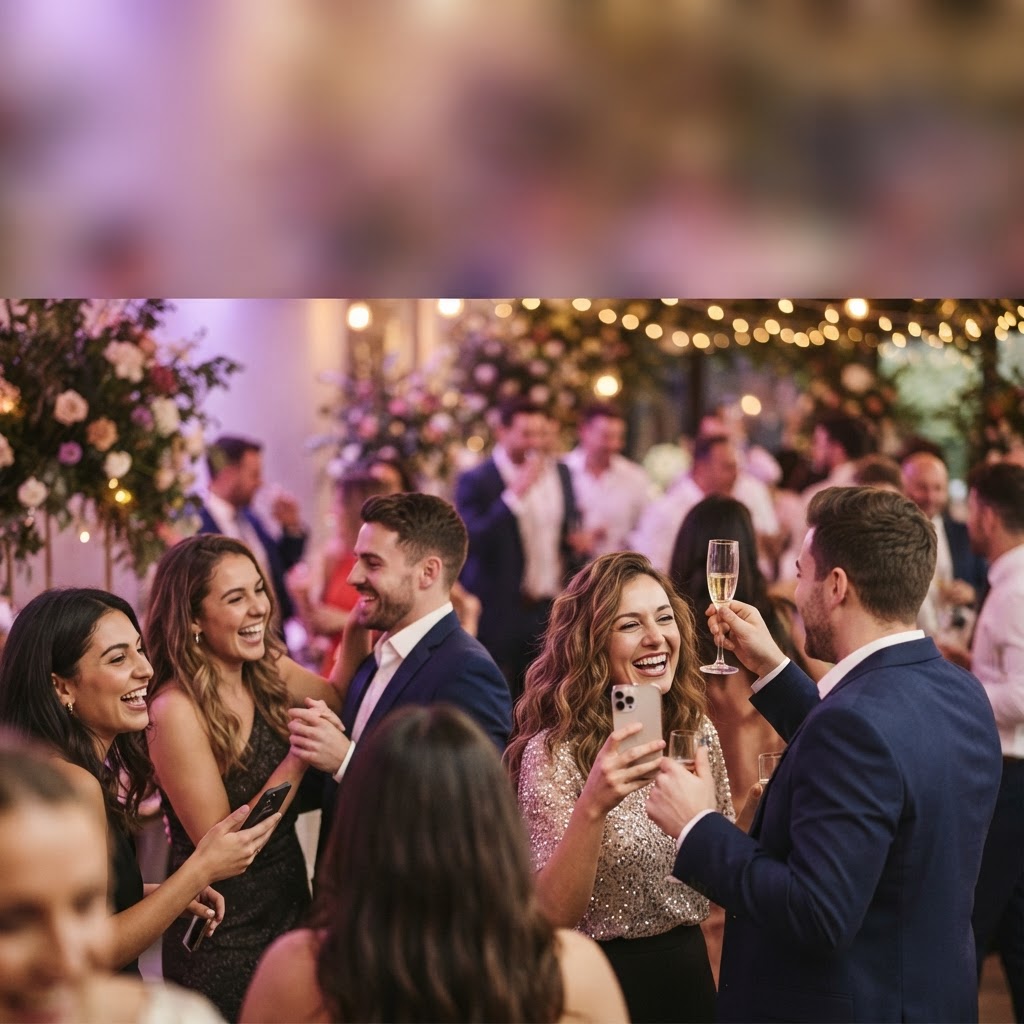
Best Digital Event Photo Sharing Platform for Events
Compare digital event photo sharing platform options for weddings, birthdays and conferences: QR-code uploads and £39 pricing.
Key takeaways
- The right digital event photo sharing platform depends on event type, guest count, and how much moderation control you need before photos appear.
- Google Photos shared albums and WhatsApp group chats are genuinely free, but neither offers a QR upload page, live slideshow or built-in moderation.
- Weddings benefit from real-time uploads and a live slideshow, while birthdays and small parties work fine with next-day photo collection.
- Large conferences need pre-approval moderation and gallery segmentation by session or day to keep the live display presentable.
- A one-time per-event price, such as £39 with a 7-day upload window, usually beats a monthly plan for a single wedding.
The right digital event photo sharing platform depends on three things: your event type, your guest count, and how much control you need before photos appear. Weddings suit QR-code galleries with live slideshows, birthdays work fine on free shared albums, and corporate events need moderation. This guide matches each format to the right tool, and shows which free options are genuinely free.
What should you look for in a digital event photo sharing platform?
The five questions to ask before you pay
Can guests scan a QR code and upload without downloading an app or creating an account? Is there a live slideshow you can project during the reception? Can you hide or remove photos before they appear? Can you download everything afterwards, in full quality, from your own camera roll as well as your guests'? And is it a one-time payment for the event rather than a recurring charge? Ask all five of every tool you consider, including Google Photos shared albums, which are free but have no QR upload page, no live slideshow and no built-in moderation.
How Moment49 scores against its own checklist
The honest test of any checklist is whether the tool selling it passes. Moment49 covers scan-and-upload with no app download and no account, a live slideshow, a photo booth mode, video messages, and end-of-event downloads, and it charges £39 once per event with a 7-day window for guests to keep uploading, per the Moment49 pricing page. Where it falls short: moderation is basic hide-or-approve rather than fine-grained filters, and there is no printed-sign or on-site support, so you are setting up the QR code yourself the night before. If you want to see the photo booth mode in action before deciding, it is here.
Which free event photo sharing apps are actually free vs. trial-gated?
Two things get labelled "free": tools that are free forever, and paid tools letting you poke around before your event. Google Photos shared albums and WhatsApp group chats are genuinely free. Most QR-code guest camera tools charge per event, and any free access is a trial with limits: capped uploads, watermarks, or a gallery that expires days after the wedding.
The free-tier checklist
Before your event, test the free option against five questions:
- Can a guest scan a QR code and upload without installing an app or creating an account?
- Is there a cap on photos, videos, or video length?
- Does the gallery stay online after the event, and for how long?
- Can you show a live slideshow on a screen during the reception?
- Do uploads keep their full resolution?
If a "free" plan fails questions 1, 3, or 4, it is a trial, not a plan you can run a wedding on.
Where free options break down for weddings
| Option | No app needed | Live slideshow | Keeps gallery after | Cost |
|---|---|---|---|---|
| Google Photos shared album | No (needs app/account) | No | Yes | Free |
| WhatsApp group chat | Yes (app already installed) | No | Buried in chat | Free |
| Moment49 | Yes | Yes | Yes, downloadable | £39 one-time per event (Pricing) |
Honestly: Moment49 has no permanent free tier, so you cannot test it free before paying. Google Photos wins on price but loses on the no-app rule, which matters when older relatives are uploading.
When do you need real time event photo sharing versus end-of-day uploads?
Real-time upload matters when guests will see the photos during the event itself, usually as a live slideshow on a screen at the reception. End-of-day or next-day collection is fine when the gallery is something you review afterwards and share with everyone later.
Weddings: why live matters
At a wedding, the live slideshow is part of the entertainment. Guests who spot their own photos on screen keep uploading, which is how you end up with hundreds of candid moments instead of a handful. Couples using Wedibox describe exactly this loop: guests "scanned the qr and uploaded" and enjoyed seeing everything appear during the day (The Knot marketplace reviews). If that sounds like your reception, choose a tool built for live display, such as Moment49's shared gallery, which shows uploads as they arrive and keeps everything downloadable afterwards for a one-time per-event price.
Birthdays and small parties: collection is enough
For a birthday or house party, nobody is watching a screen. A QR code guests scan and upload to, with no app download and no account, works just as well even if you only open the gallery the next morning. You lose the slideshow buzz but keep every photo, and free options like a Google Photos shared album handle this comfortably.
How does live event photo sharing work for large conferences?
The same QR code that works for a 60-guest wedding scales to hundreds of attendees. Guests scan, upload, and photos appear in a shared gallery without anyone chasing them afterwards. The difference at scale is volume: hundreds of people can flood a gallery in minutes, so you need a way to keep what appears on the big screen presentable.
Moderation at scale
With a large crowd, assume a few uploads will be off-topic or inappropriate. Look for a tool that lets you review or remove photos before they hit the live slideshow, or that holds uploads for approval. Wedibox and Kululu both support live display with controls; check each product page for current moderation features. A smaller event can survive without this. A conference cannot.
Corporate and community events
Corporate formats suit ceremony segmentation, splitting the gallery by session, talk, or day so attendees find their own photos. Photo booth mode works well at parties and stand-up events. Moment49 (https://moment49.com/AdsLanding) handles weddings and private parties with a one-time per-event price; for a large multi-day conference, confirm guest limits with any tool before you buy.
How much moderation control do you need before guests upload?
Pre-approval vs review-after
Pre-approval means nothing appears on the live slideshow until you (or a trusted helper) tap approve. It is worth it for weddings with mixed crowds, young guests, or a slide show projected on a big screen where an awkward photo would be mortifying. Review-after suits smaller, close-knit parties where you trust the room and want zero friction between guests scanning the QR code and photos appearing.
The trade-off is real: pre-approval delays the live gallery and needs someone on their phone during the reception. Google's own guidance on shared albums shows the default alternative, a shared album, has no per-photo approval gate, so you accept whatever arrives.
Setting it up in Moment49
Moment49 lets you switch moderation on or off per event from Settings: off for instant uploads, on for approve-first display. Where it falls short: there is no keyword filtering on video messages and no multi-approver queue, so one person carries the whole reviewing job.
What is the difference between a shared gallery and a live slideshow?
A shared gallery is the permanent collection: every guest photo and video message gathered in one private place you browse and download after the day. A live slideshow is the same uploads projected onto your venue's screen as they arrive, so guests see their own candid moments appear within seconds of scanning the QR code. Most couples want both, and tools like Moment49, Wedibox and Kululu treat the slideshow as a live view of the gallery rather than a separate product.
When to show the slideshow
Run it during the reception or evening do, when guests are seated, dancing and checking their phones anyway. It works best on a screen the whole room can see, cycling new uploads every few seconds. A photo booth mode keeps it entertaining between speeches.
Keeping the gallery private afterwards
Check what happens once the event ends. Moment49 keeps the gallery private and downloadable for a one-time £39 per event; with a Google Photos shared album, privacy depends on the link settings you choose. Confirm how long uploads stay accessible before you commit.
How do you collect photos from guests who won't download an app?
The answer is a QR code that opens a camera page in the guest's browser: scan, upload, done. No app store, no account, no password. Moment49 works this way, as do Wedibox and Kululu. Guests who refuse to install anything for one evening will still scan a code on a table card.
The QR-code flow, step by step
Print the code on table cards, invites, or a sign by the bar. Guests scan it with their phone camera, land on the gallery in the browser, and upload photos and video messages straight from their camera roll. Photos appear in your private gallery as they arrive, so you can run a live slideshow during the reception. After the day, you have a set window (7 days with Moment49) to keep collecting, then everything downloads in one bundle for your one-time £39.
International guests and language barriers
A QR code is language-neutral: nobody reads instructions to use it. Browser-based upload also avoids app store region problems for guests travelling from abroad. The fallback worth planning for is the relative who dumps everything into a WhatsApp group instead; media there is easy to miss and saving it manually is fiddly (WhatsApp help on group media). Put one person on nudging stragglers during your upload window.
How much should you pay, and when?
One-time payment vs monthly plans
For a single wedding, a one-time per-event price almost always wins. Moment49 costs £39 for the whole event: unlimited guests, a live slideshow, video messages, and a downloadable gallery afterwards, with nothing recurring and nothing to cancel. A monthly plan only makes sense if you host events regularly, which most couples never do. Free options like a Google Photos shared album or a WhatsApp group chat cost nothing but rely on guests remembering to upload later, which is exactly why photos go missing.
When to set it up before the wedding
Buy and set up your gallery 3-4 weeks before the day. That gives you time to print the QR code onto table cards or signage, test it on your own phone, and add it to your wedding website. Leave it to the week before and you risk a rushed setup you never tested.
FAQ
Do guests need to download an app or create an account to upload photos?
No. With a QR-code platform like Moment49, guests scan the code with their phone camera and land on an upload page in the browser. No app store visit, no account, no password. This matters most for older relatives and international guests, who often refuse to install anything for a single evening but will happily scan a table card.
How long do guests have to upload their photos after the wedding?
Moment49 gives a 7-day window after the event for guests to keep adding photos and video messages, so stragglers who waited for the WhatsApp dump still contribute. Google Photos shared albums stay open indefinitely, but only for guests who already have the app and an account. Confirm the window with any tool before you buy.
Can I show guest photos on a screen during the reception?
Yes, if you pick a tool built for live display. Moment49 shows uploads on a live slideshow as they arrive, cycling new photos every few seconds on a screen the whole room can see. Guests who spot themselves on screen keep uploading, which is how you collect hundreds of candid shots instead of a handful.
Is there a free event photo sharing option that works for a wedding?
Google Photos shared albums and WhatsApp group chats are genuinely free, but both fail the wedding test: Google needs every guest to install the app and create an account, and neither offers a QR upload page or live slideshow. QR-code guest camera tools like Moment49 charge per event, so their free access is a trial, not a plan.
What happens to the photos after the event ends?
With Moment49, the gallery stays private and everything downloads in one bundle in full quality, including your own camera roll photos, for the one-time £39 per event. With a Google Photos shared album, the gallery persists but privacy depends on the link settings you chose. Always confirm how long uploads stay accessible before committing.