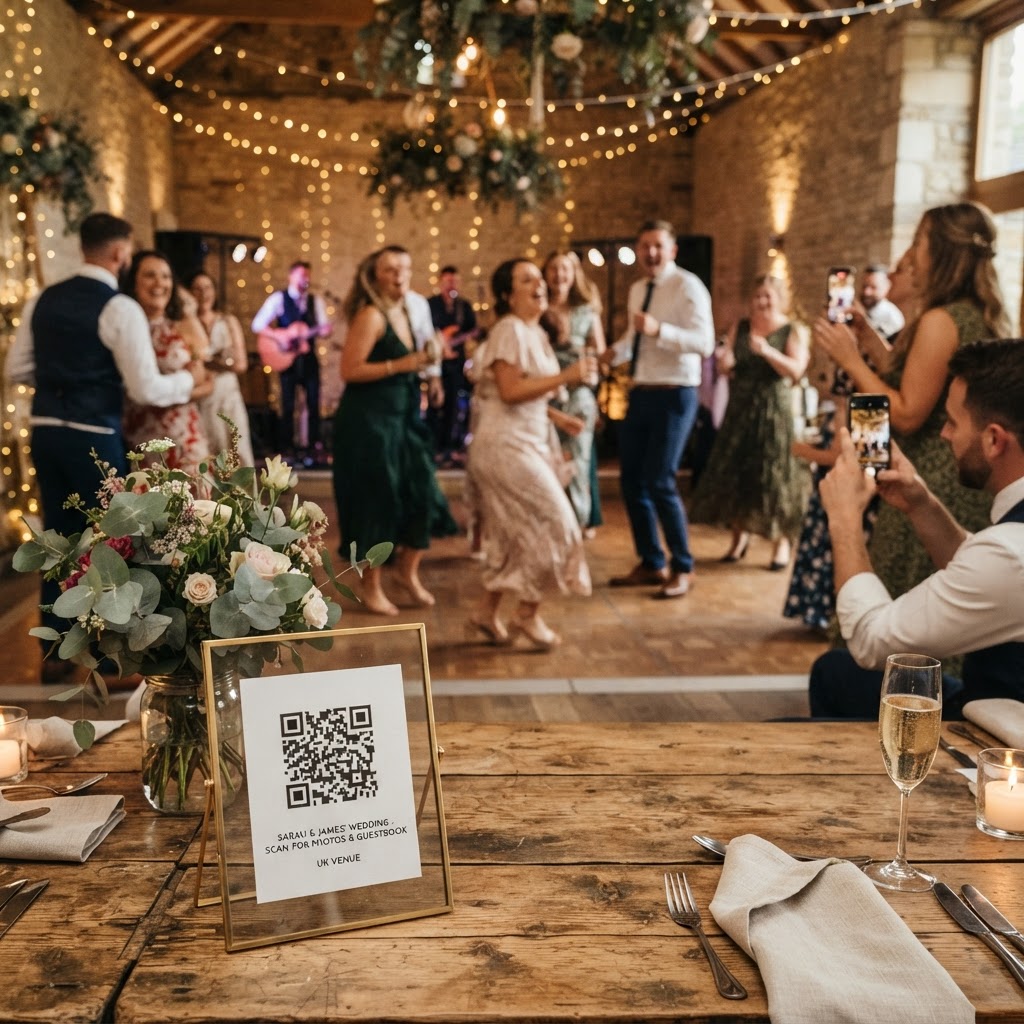
Wedding guest photo sharing is the process of using digital tools to consolidate images and videos captured by attendees into a single, private collection.
How do I get guests to share their wedding photos?
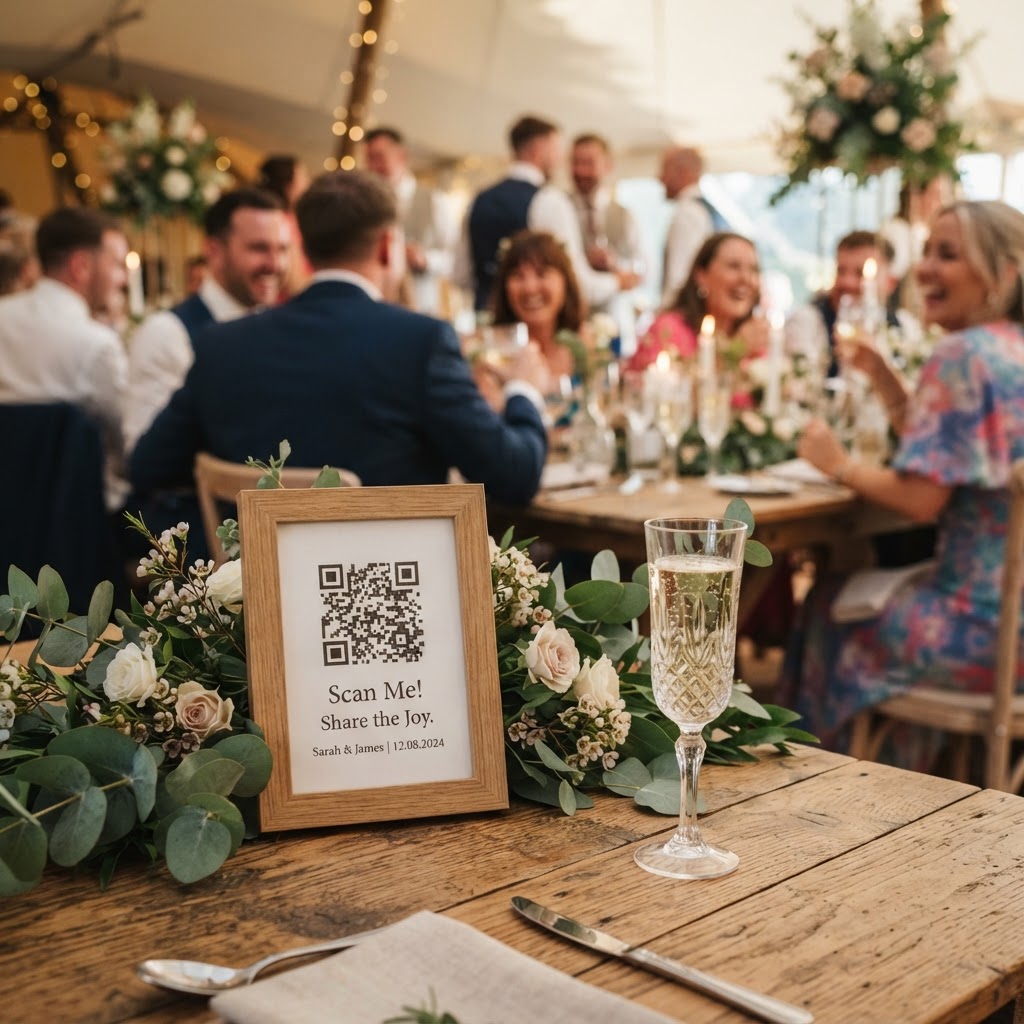
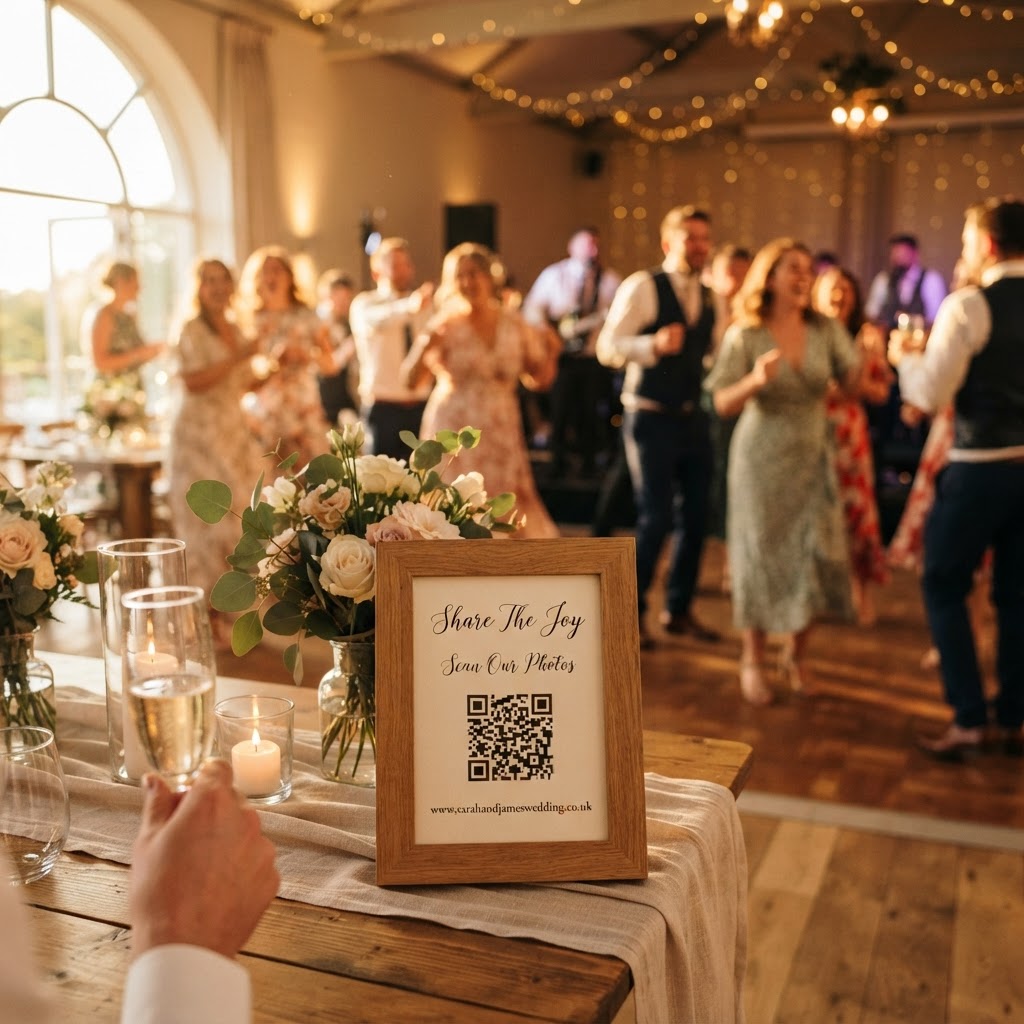
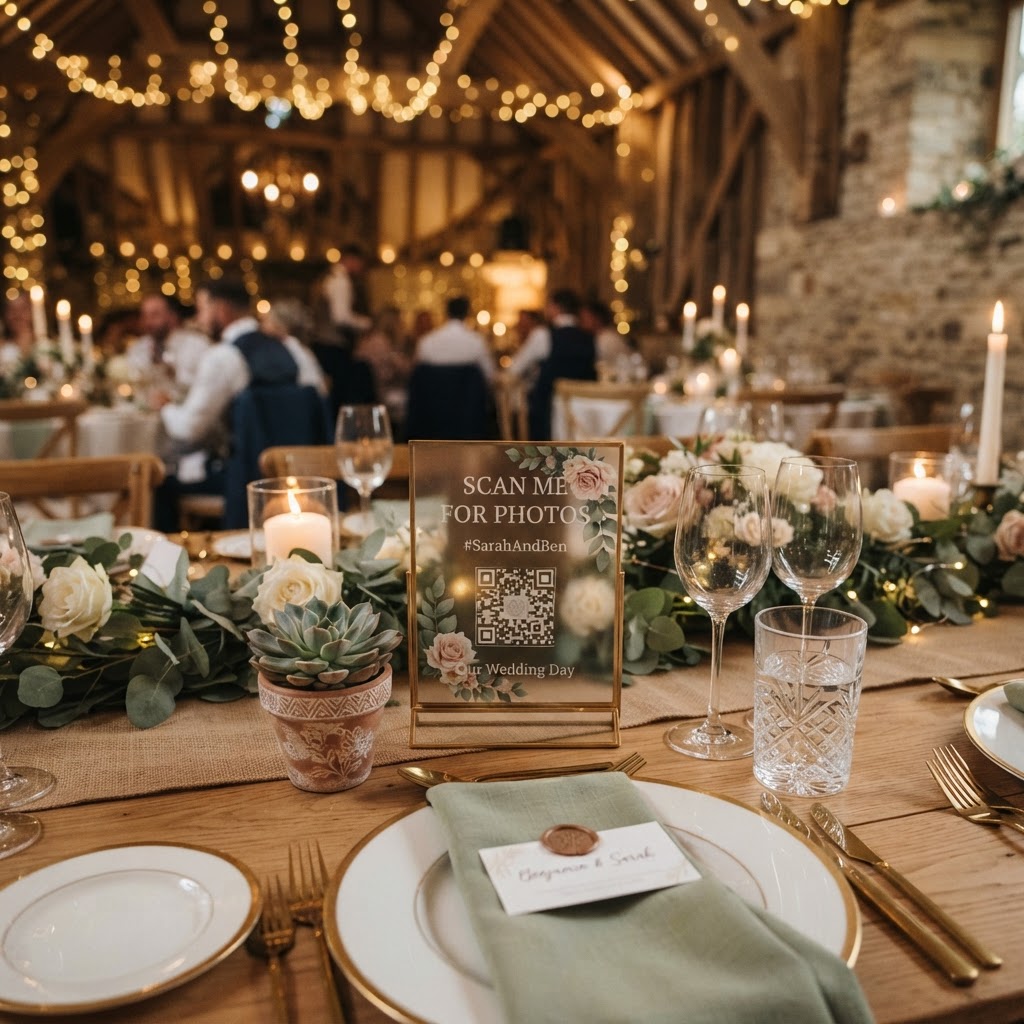
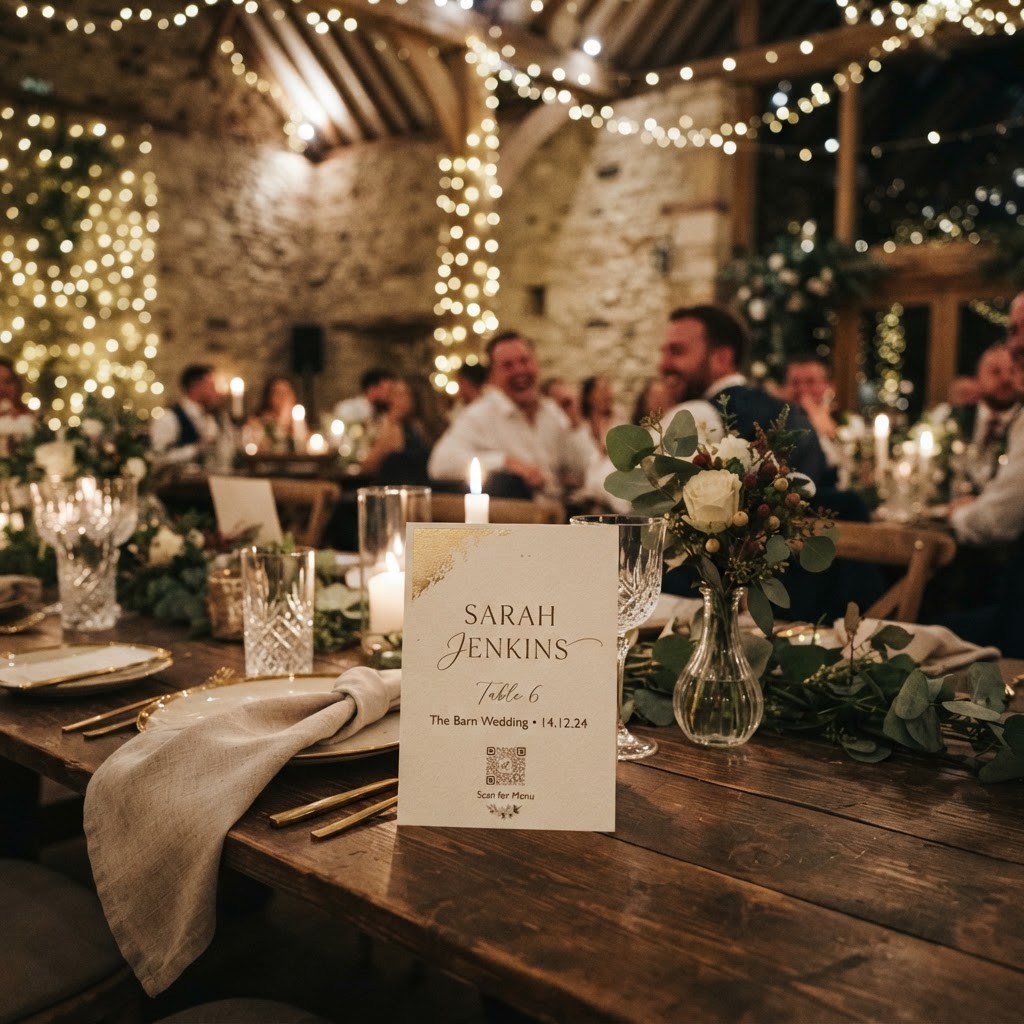
The most effective way to collect guest photos is to remove every technical barrier that prevents people from participating during the reception. Guests are often hesitant to download dedicated apps or register for new accounts just to share a few images. By using a browser-based QR code system, you ensure that anyone with a smartphone can contribute immediately. You should place small, elegant cards on each table or in the cocktail area that feature a clear, scannable QR code. When a guest scans this code, it opens their phone browser directly to an upload page where they can select photos and videos from their gallery. This method requires no software installation, making it accessible even for relatives who are not tech-savvy. You must ensure your signage is concise, using phrases like scan to share your view, to keep instructions clear and inviting for everyone.
What are the best ways to promote guest participation?
You can increase your photo collection rate by giving your guests specific goals through a series of photo challenges. A simple list of prompts encourages people to move beyond standard selfies and capture the unique details of the event. You might ask guests to photograph the best dancer on the dance floor, a secret group hug, or a candid moment between two friends from different social circles. These prompts act as a social lubricant, helping guests feel like active contributors to your wedding story rather than just passive observers. Additionally, ensure the upload process remains active for the full seven days after your wedding. This window gives people plenty of time to revisit their camera rolls, edit their favourite shots, and upload them once they have returned home from your event. Remind guests during your speeches or through small table inserts that they have until the end of this period to upload their contributions.
Should I display a live slideshow during the reception?
A live slideshow is the single most effective way to encourage more uploads because it provides immediate visual gratification for your guests. When a guest sees their photo appear on a large screen or monitor within seconds of uploading, they feel a sense of excitement and accomplishment. This creates a positive feedback loop where participants are motivated to keep snapping and sharing more content throughout the night. You should check with your venue coordinator about existing projection equipment or monitor availability before the wedding date. If the venue lacks screens, consider renting a simple monitor or projector setup to place near the dance floor or the bar. Displaying these images in real-time transforms a collection of digital files into an interactive event experience, turning your reception into a shared visual narrative that everyone can appreciate in the moment.
How do I manage the privacy of my wedding gallery?
You need to ensure that your digital gallery remains a private space where guests feel comfortable sharing personal images and video guestbook messages. Many social media platforms are too public, which can make people wary of sharing candid or sensitive moments. Choosing a platform that offers a secure, closed loop for your uploads keeps your content away from unwanted eyes and potential data mining. It is important to remember that these services are intended for short-term collection rather than a permanent family archive. Most private galleries are designed to be deleted after 90 days, which helps maintain privacy and prevents the buildup of long-term digital liabilities. You should plan to download your favourite images and videos to your personal computer or a cloud storage service well before this 90-day deadline passes. This proactive approach ensures you keep the collection as a lasting memory while respecting the boundaries of the digital platform you used for the event.
What does a simple photo sharing service cost?
Many couples find that a flat-fee service is the most cost-effective way to manage their wedding media without dealing with recurring subscriptions. For a one-time payment of approximately thirty-nine pounds, you can secure a professional gallery service for your entire event. This transparent pricing model means you do not have to worry about monthly fees, hidden charges, or unexpected price hikes after your honeymoon. You should always look for a service that includes features like video guestbook capabilities and green screen photobooth modes within that single price. These additions provide significant entertainment value at no extra cost, allowing your guests to record heartfelt messages or get creative with custom backgrounds. Investing this small amount upfront saves you the time and stress of manually chasing family members for their photos via email or WhatsApp in the weeks following your celebration.
What technical checks should I make before the wedding?
You must verify the venue's connectivity and setup to avoid any issues with your digital photo sharing system. While browser-based systems are simple, they still rely on the availability of mobile data or reliable Wi-Fi for your guests. If your wedding venue is in a remote location with poor signal strength, you may need to speak with the venue staff about providing guest Wi-Fi access for the duration of the reception. You should also confirm the exact placement of your signage and any display monitors during your venue walkthrough. Ensure that your QR code signage is visible on tables but not so large that it detracts from your table centrepieces. Test the entire scanning and upload process on your own phone at the specific spot where the signage will sit. Confirm that the page loads quickly and that video uploads are supported without error. Making these small, practical checks during the planning phase ensures that everything works smoothly when your guests arrive on the big day. By prioritising simplicity and clear communication, you ensure that every angle of your celebration is captured, creating a complete story of your wedding day. Moment49 provides the tools to consolidate these memories into a single, private gallery for you to enjoy.