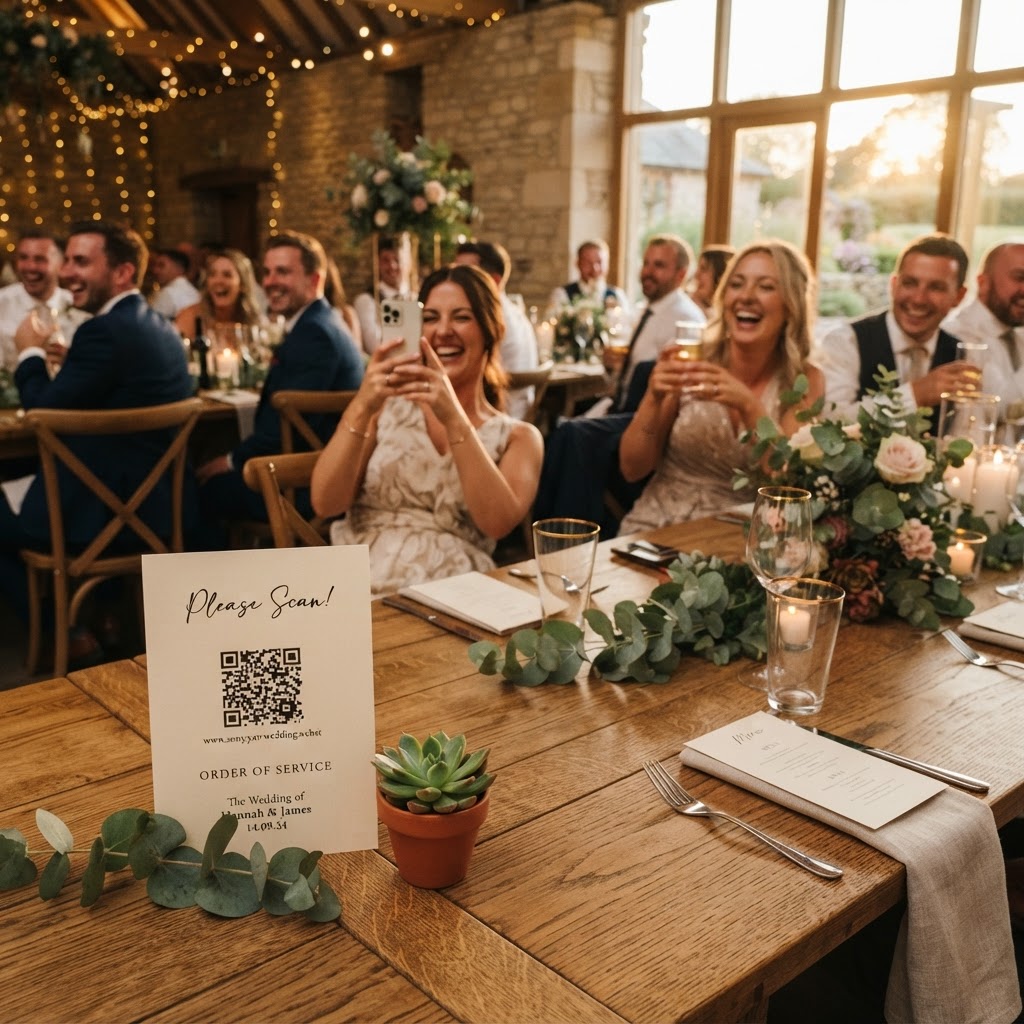
Wedding guest photography is the process of crowdsourcing candid photos and videos from your attendees to create a collective visual record of your wedding day.
How do I get wedding guests to share their photos?
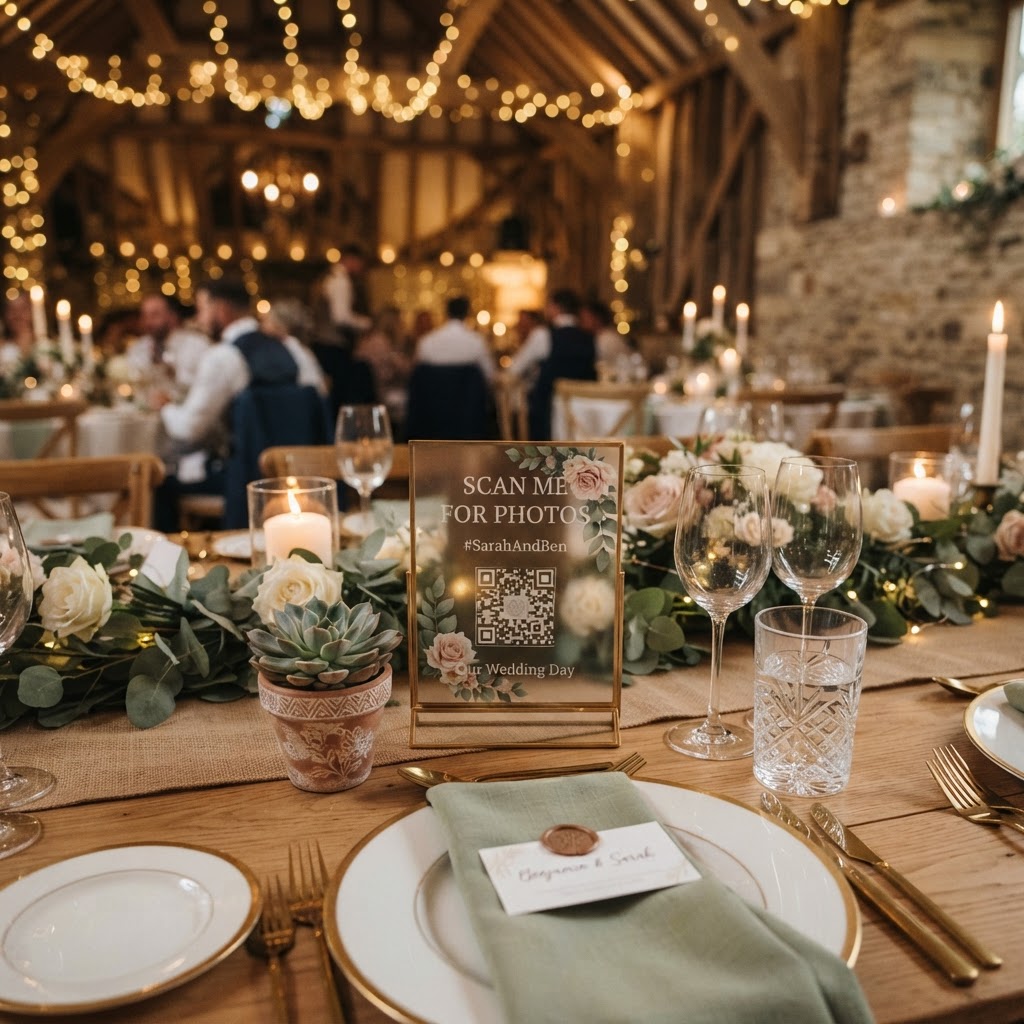
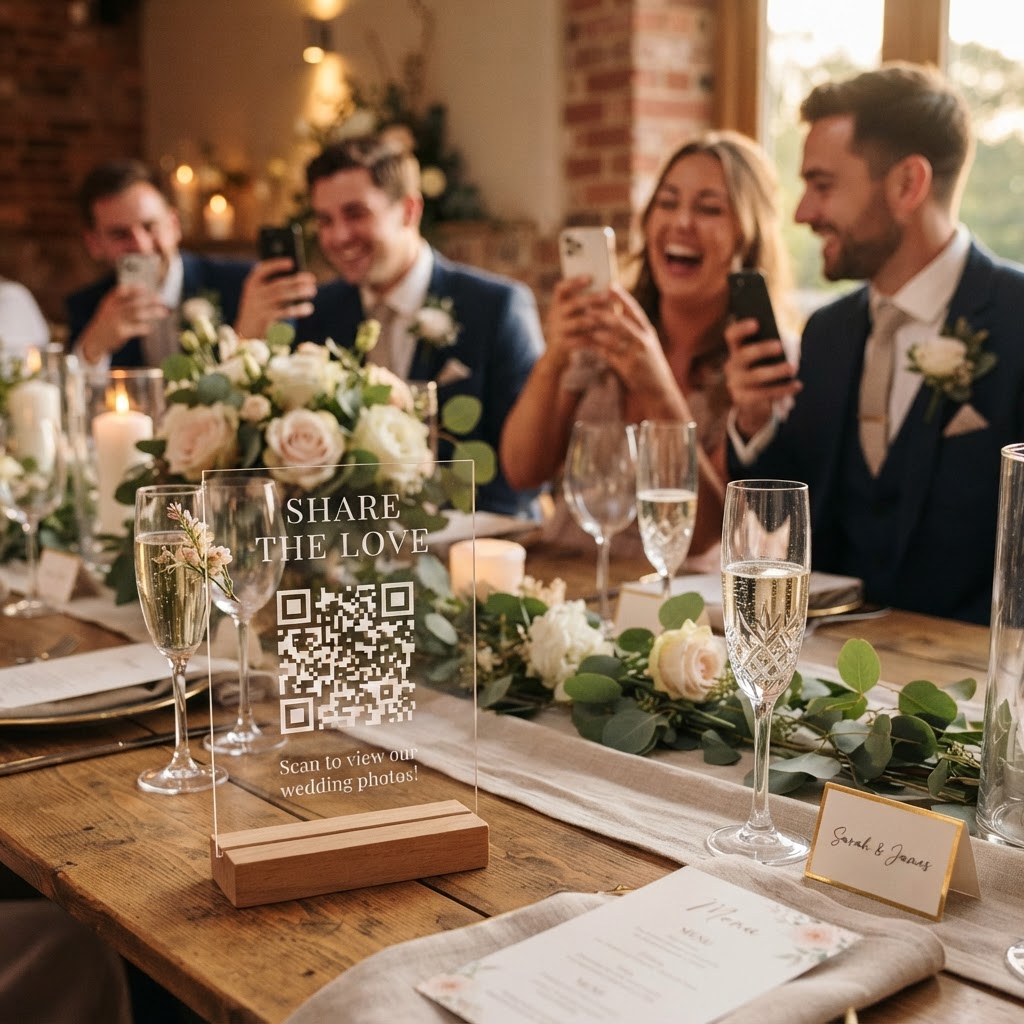
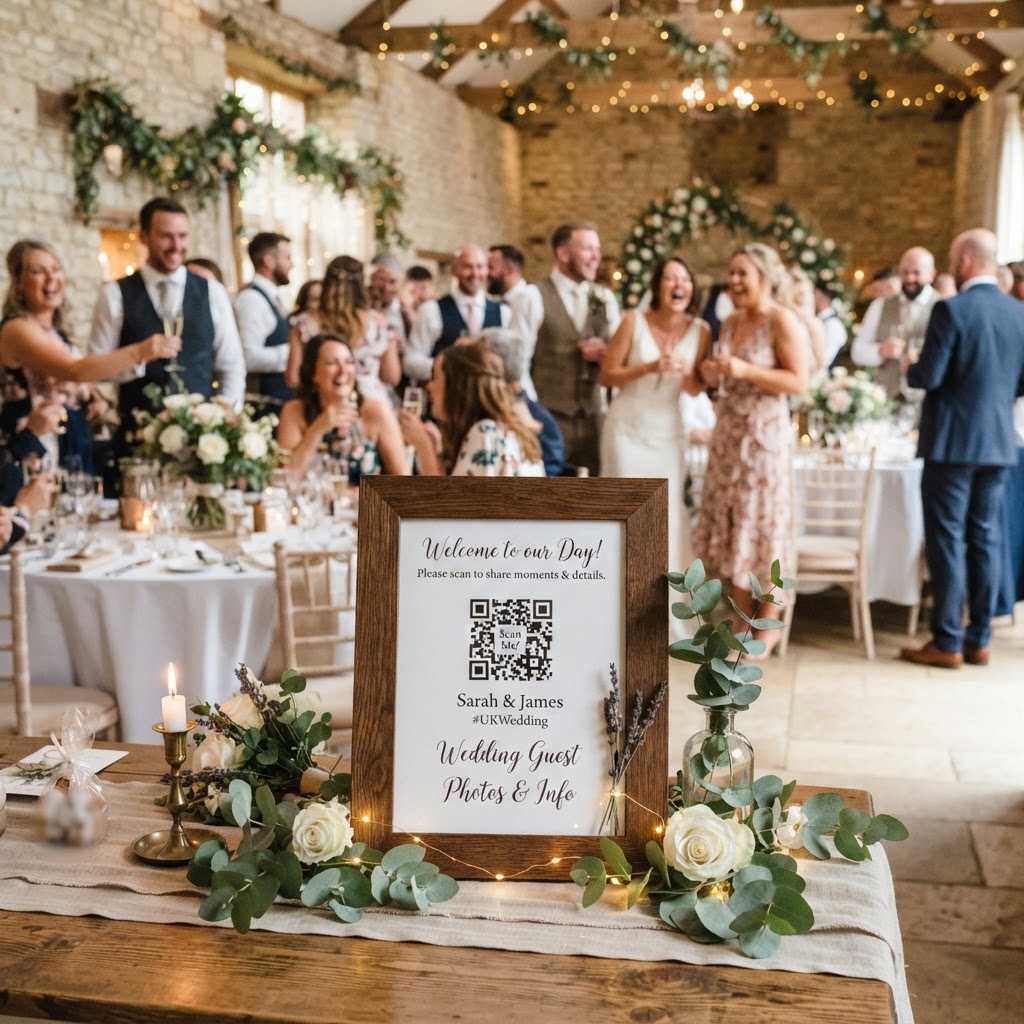
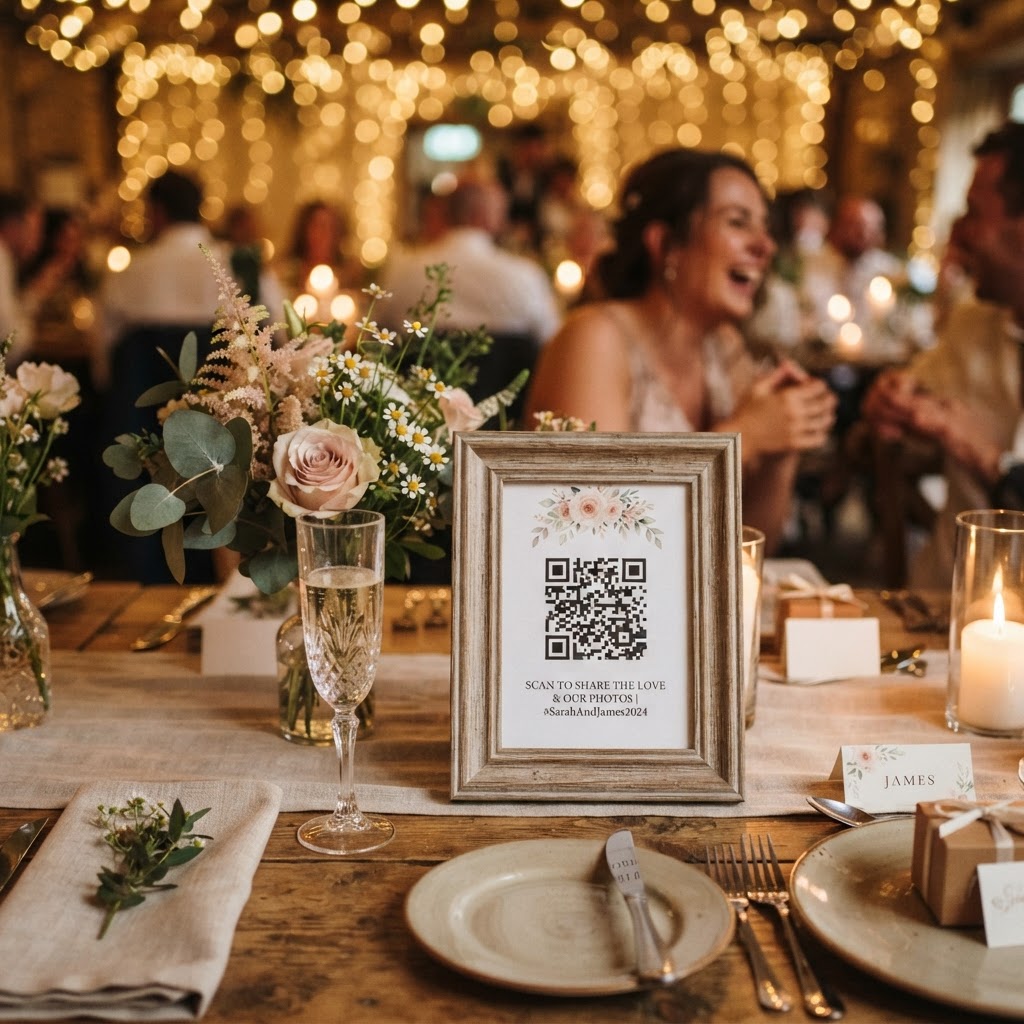
You get guests to share photos by removing all technical barriers, specifically avoiding any requirement for them to download an app or create an account. When a wedding guest is enjoying the reception, they have no interest in navigating app stores or remembering new passwords. The most reliable method is to use a web-based system where guests simply scan a QR code with their phone camera. This action opens a browser window, allowing them to upload images directly from their device within seconds. Placing these codes in high-traffic areas ensures guests know exactly where to send their content. You might place a card at every table setting, attach a small tag to the wedding favours, or display a larger frame at the bar or entrance. By making the process instant, you capitalise on the excitement of the moment rather than letting those memories fade into individual camera rolls.
Can I show guest photos on a screen during the wedding?
You can display guest photos on a screen during the wedding by linking your chosen gallery system to a live slideshow feature that updates in real time. This adds a layer of interactive entertainment for your guests as they watch their own uploads appear on the big screen. It encourages a positive feedback loop, where guests see the fun others are having and feel inspired to contribute their own snapshots. To set this up, you will need a device such as a laptop or tablet connected to a projector or television at your venue. Test the connection during your final venue walk-through to ensure the screen resolution is clear and the Wi-Fi or mobile data signal is stable enough for consistent streaming. This live display helps bridge the gap between different tables, bringing everyone together as they see the entire room's perspective on the festivities. It transforms the collection process from a background task into an active part of the celebration.
What are the best ways to use a digital wedding video guestbook?
The best way to use a digital video guestbook is to designate a specific area for recording that encourages creative or heartfelt messages from your guests. While traditional paper guestbooks are classic, they often get lost in the shuffle and are rarely revisited. A digital video collection captures the actual sounds of your wedding, from the laughter during the speeches to the enthusiasm on the dance floor. You can set up a green screen photobooth mode at a dedicated station, providing props or fun backdrops to make the experience engaging for guests. Advise your guests to keep videos short, perhaps under thirty seconds, to ensure they remain focused and high-quality. These videos provide an authentic look at the day that goes far beyond what a professional photographer captures in static images. Ensure your gallery system supports video formats so that everything is stored in one unified location.
Structuring your photo scavenger hunt
Gamification is a powerful tool to ensure the photos you collect are varied and creative. Instead of waiting for random shots, print small, stylised cards for your tables that provide specific prompts. You might ask guests to photograph a toast, a group of friends they just met, or a specific detail like the wedding cake. This creates a balanced narrative of your event rather than having hundreds of photos of the same three people. Keep the prompts simple and fun to ensure participation across all age groups. When you guide your guests to look for specific details, you are more likely to capture the subtle moments that define the spirit of your day.
How does a private gallery keep my wedding photos secure?
A private gallery keeps your wedding photos secure by providing a closed environment that is not connected to public social media feeds. Many couples prefer to keep their wedding images private rather than having them circulate on Instagram or TikTok immediately. A dedicated system allows you to host all uploads in one place where only you and your guests can access them. This security means you maintain control over who sees your photos, preventing embarrassing or unedited shots from spreading across the internet. When choosing your platform, confirm that it offers a temporary storage window that fits your post-wedding needs. For instance, many services keep uploads open for seven days following your event, with the full gallery being permanently deleted after ninety days. This is a practical approach for those who want a digital archive without the long-term burden of maintaining cloud storage or public online profiles. Knowing that the gallery has a defined lifespan helps you focus on downloading and saving the memories that matter most to you before they are cleared from the system.
Communicating the process to guests
Success depends on clear communication before the event begins. Mention your digital photo collection strategy on your wedding website so that guests know to expect it. You should also include a brief note in your wedding invitations or on the order of service cards. Use friendly, direct language that tells them what to do. For example, include a sentence stating that their photos will help build a live slideshow for everyone to enjoy. If your guests understand that their photos will be shared on a screen, they are much more likely to participate with enthusiasm. Keep your instructions brief, focusing on the ease of the scan-and-upload process. When you remove the friction and clearly explain the benefit of participating, you will find that even the less tech-savvy guests are happy to contribute to your visual history. Moment49 offers an ideal way to facilitate this through an app-free browser experience that costs only one flat fee for your entire event.