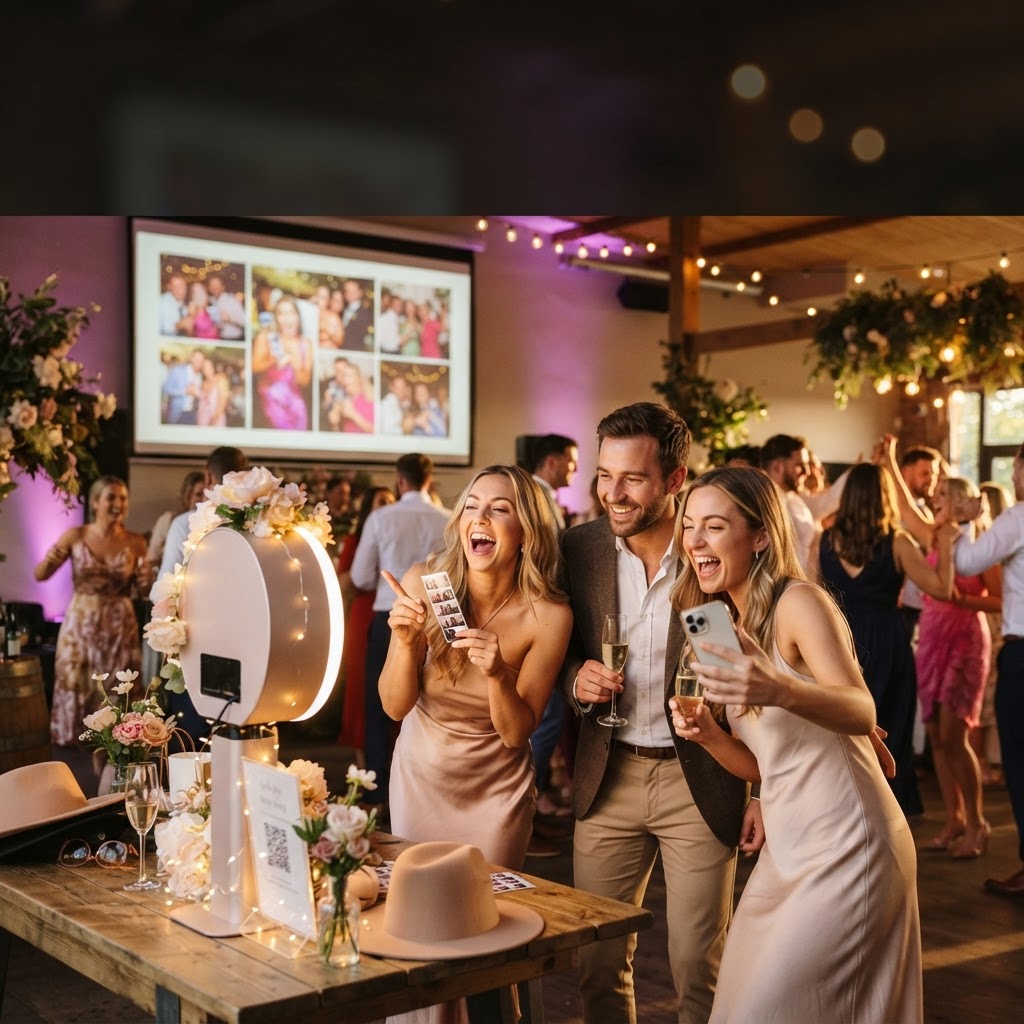
Party Ideas Like Photo Booth: Interactive Stations That Work
Party ideas like photo booth that capture candid moments: QR-code guest photo sharing, live slideshows, and print stations compared by cost, space, and setup.
Key takeaways
- Any photo booth alternative must be self-serve, show results instantly, and give guests a way to keep or share the output.
- QR-code guest photo tools like Moment49 (£39 one-time per event) need no floor space, power, or attendant, making them ideal for small venues and outdoor events.
- Weddings suit quiet capture stations with a live slideshow and digital guestbook, while birthdays reward fast-loop stations like crafts or instant-print corners.
- Under £50, digital-only QR sharing beats free shared albums because guests upload on the spot instead of sending photos afterwards.
- Place stations where guests already queue, print the QR code at A4 size or larger, and skip an attendant for scan-and-upload tools.
The best party ideas like photo booth swap the hired booth for guest-activated stations: a QR-code photo sharing tool, a DIY instant print table, a video message corner, or a live slideshow screen. Each captures candid moments your camera roll would otherwise miss, and the right pick depends on your budget, space, and whether guests should walk away with prints or digital shares.
What makes a photo booth work at a party, and what should an alternative replicate?
A photo booth succeeds because it does three things without anyone running it: guests start it themselves, they see the result instantly, and the pictures end up somewhere they can keep. Any alternative station has to copy all three.
Self-serve activation
Nobody should need instructions, an app download, or an account. A QR code taped to the table that opens a camera in the browser is the lowest-friction version of this.
Instant output guests can see
The fun is communal. A live slideshow of candid moments as they upload gives guests a reason to keep checking back, which is what a printed strip used to do.
Shareability beyond the event
Guests want their photos; you want the full camera roll. A private gallery, like Moment49's photobooth alternative, keeps everything in one place for a one-time per-event price rather than scattered across a WhatsApp group or a Google Photos shared album guests must join to use.
Which party ideas like photo booth work best for weddings versus birthday parties?
The format of the event decides the station. A wedding reception wants something that captures the whole day quietly and hands you a keepsake afterwards. A birthday or corporate party wants something loud, quick, and disposable: a laugh in the moment, then everyone moves on.
Wedding ideas like photo booth: guestbook and live slideshow stations
The long paragraph here: what matters at a wedding is that the station runs itself for hours and that nothing candid is lost. A QR-code guest camera does exactly that: guests scan, upload from their camera roll, and download nothing, sign up for nothing. The photos and video messages land in one private gallery, play as a live slideshow during the reception, and stay with the couple afterwards as a digital guestbook. That output format is the whole point: a wedding produces hundreds of guest photos the couple never sees, and a station that only prints strips loses the videos, the voice notes, and the blurry dance-floor shots. Moment49 works this way, with a one-time per-event price (£39) rather than a hire fee, and you can see how it presents itself to couples at Moment49's wedding landing page. The trade-off is honest: it captures rather than entertains, so pair it with one physical activity.
Birthday and party options: games, crafts, and instant-print corners
Shorter events reward stations with a fast loop. A craft table, a garden game, or an instant-print corner gives guests something to do for five minutes and a strip to take home. Throughput matters more than archive: nobody at a tenth birthday party wants to upload anything later. If you do want the photos collected too, the same QR-code scan-and-upload setup works, but expect guests to treat it as a bonus rather than the main event.
How much space, power, and setup time does each interactive station need?
Small indoor venues
A traditional enclosed booth is the greediest option: expect to clear roughly 2x2 metres plus a queue, and you'll need a floor socket within cable reach. A mirror or print station needs similar wall space but no booth structure. A QR-code guest camera like Moment49 needs no floor space at all, because it runs on the phones already in your guests' pockets; there is nothing to plug in, and setup is a printed sign or card with your code on it. One-time pricing is listed on Moment49's pricing page.
Outdoor and destination events
Outdoors, the constraint is weather and light rather than square footage. A hired booth needs a flat, sheltered spot and usually a generator or long cable run, and prints fade in wind. Shared-album tools avoid all of that, though capacity is finite: Google's shared albums hold 20,000 items each, per Google Photos help documentation. For a one-day wedding, a single album is usually enough headroom.
What do guest-activated entertainment stations cost at different budget tiers?
Under £50: digital-only options
This tier is QR-code guest photo sharing. Guests scan a code, upload photos and videos from their camera roll, and watch a live slideshow — no app download, no account. Moment49 charges a one-time per-event price of £39, so a couple planning their reception knows the total before they book. Google Photos shared albums and WhatsApp group chats cost nothing but rely on guests remembering to send photos afterwards, which is exactly how hundreds of candid moments get lost.
£50-£300: hybrid setups
Here you combine a digital guestbook with a small hardware spend: a tablet on a stand running the QR-code upload screen, a backdrop, and a ring light. The digital side still handles collection and the live slideshow, while the physical corner gives guests a reason to stop. A step-by-step walkthrough of the setup lives in Moment49's how-to guide.
£300+: hired booths and props
Hired booths bring an attendant, prints, and prop boxes, and pricing at this tier varies by region, hours, and print packages, so treat any figure as illustrative until you quote locally. You pay for throughput and prints; the photos still end up on the operator's system rather than in one gallery you own.
How do you choose between print outputs and digital sharing for your event?
Printed strips win when guests want a physical keepsake on the night: they suit older relatives, double as favours, and get pinned to fridges. But a printer means a table, power, paper, and someone restocking it, and every print slows the queue at the station.
Digital sharing wins on volume. Guests take hundreds of phone photos, and a QR code they scan and upload to, with no app download, means everything lands in one gallery you actually see afterwards. The WhatsApp group chat alternative buries those photos: media auto-downloads onto everyone's phones and rolls off group chats over time, so the couple rarely gets the originals.
You can combine both: run a QR-code gallery like Moment49's digital guestbook for the full camera roll, then print a handful of favourites afterwards for a fraction of a booth printer's cost.
Which alternatives work for small indoor venues or outdoor events?
Tight floor plans favour stations with no footprint at all: a QR code on each table means guests scan and upload from wherever they're standing, with no app download and no account. That makes a QR-code guest camera the safest pick for small rooms and marquees alike, since your phone does the work a booth's camera would.
Outdoors, hardware stations struggle with wind, rain, and fading daylight, while phone cameras handle it because guests hold them. Low evening light is the one weakness: indoor stations with built-in lighting cope better than a dark garden.
For a live slideshow or digital guestbook you can display on any screen, Moment49 (£39 one-time per event) works in either setting, since the only equipment is a projector or TV you were hiring anyway.
How do you place and staff an interactive station so guests actually use it?
Put the station where guests already queue: beside the bar, near the guestbook table, or on the way from the ceremony to the drinks reception. Foot traffic does the work a booth attendant otherwise would. Avoid dead corners and anywhere guests only pass once.
Signage and instructions
One sign, one instruction. "Scan the QR code, no app needed" beats a paragraph of text. Print the code at A4 size or larger, mount it at eye level, and repeat it on table cards. If your tool shows a live slideshow, put a screen near the sign; guests upload faster when they can see their photos appear.
Do you need an attendant?
For QR-code tools, usually no. Guests scan and upload themselves, and Moment49 keeps uploads open for 7 days after the event, so stragglers can add photos from the camera roll afterwards, all included in the £39 one-time per-event price. Reserve an attendant for props tables or printed-output stations instead.
How do QR-code guest photo tools compare on setup, throughput, and output?
The three criteria that matter: how fast the station is ready, how many guests can upload at once, and what you actually get afterwards. Here is how the options compare on those criteria.
| Option | Setup effort | Guest throughput | Output |
|---|---|---|---|
| Moment49 | Print a QR sign, guests scan and upload, no app download | Every guest with a phone, all night | Live slideshow during the event, downloadable gallery, one-time £39 per event |
| Wedibox | QR scan and upload, no account needed | Whole guest list | Shared gallery with video messages and audio |
| GuestPix | QR scan, browser-based | Whole guest list | Shared gallery |
| Kululu | QR scan, browser-based | Whole guest list | Live screen with uploads shown |
| Google Photos shared album | Create album, share link | Whole guest list | Photo dump in a shared album |
| WhatsApp group chat | Make a group, hope everyone joins | Limited by who is in the chat | Chat photo dump, easy to lose |
Running Moment49 through the same criteria
Setup is a printed QR code on a table sign, so there is nothing to power, position, or staff. Throughput is limited only by how many phones walk in the door, and guests need no app and no account. Output is the strongest part: a live slideshow during the reception plus a private gallery to download afterwards, for a one-time £39 per event. The honest trade-off against a physical booth is that Moment49 captures what guests choose to photograph rather than posed shots in a frame, so you get candid moments but no prints.
FAQ
How do guests upload photos at a wedding without downloading an app?
They scan a QR code printed on a table sign, which opens the camera in their phone's browser. From there they pick photos or videos from their camera roll and upload. No account, no installation, nothing to remember afterwards. The browser does all the work, which is why scan-and-upload tools see far fewer drop-offs than anything requiring a download.
Is a QR code photo sharing service worth it for a small wedding?
Usually yes, because the cost is low and the payoff is a complete gallery you would otherwise never see. A one-time per-event price around £39 covers setup, the live slideshow, and downloads, which is a fraction of a hired booth. For small guest lists, throughput is never a problem: every phone in the room can upload at once, all night.
Can I set up a photo booth alternative myself without hiring anyone?
Yes. Print a QR code at A4 size, mount it at eye level or put it on table cards, and you are done. There is nothing to plug in, position, or staff, because guests use their own phones. If you want a live slideshow, connect any TV or projector you were hiring anyway. Budget under an hour for printing and signage.
What is the cheapest way to collect guest photos at a party?
A free shared album or group chat costs nothing but relies on guests sending photos afterwards, which is where most candid shots get lost. A one-time paid QR-code tool, around £39 per event, collects everything during the party itself because guests upload on the spot. For zero spend, ask a guest to create the album before the event starts.
How long do guests have to upload photos after the event?
With Moment49, uploads stay open for 7 days after the event, so stragglers can add photos from their camera roll the next morning without any extra cost. That window matters: many guests photograph the speeches but only get around to sharing the dance floor shots later. Check the window before booking any tool, since free shared albums have no deadline at all.