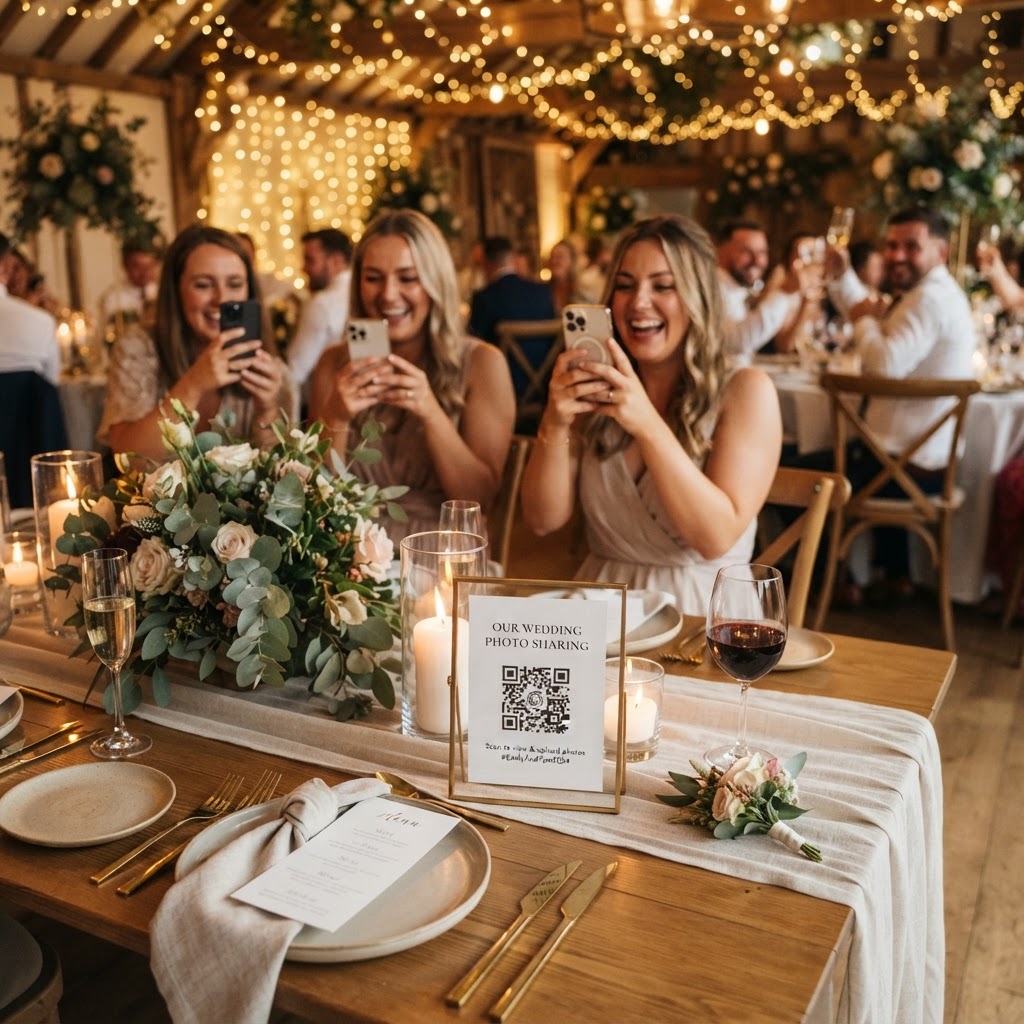
Guest-captured wedding media is the collection of photos and videos taken by attendees throughout your celebration to supplement professional photography.
How can I collect guest photos without an app?
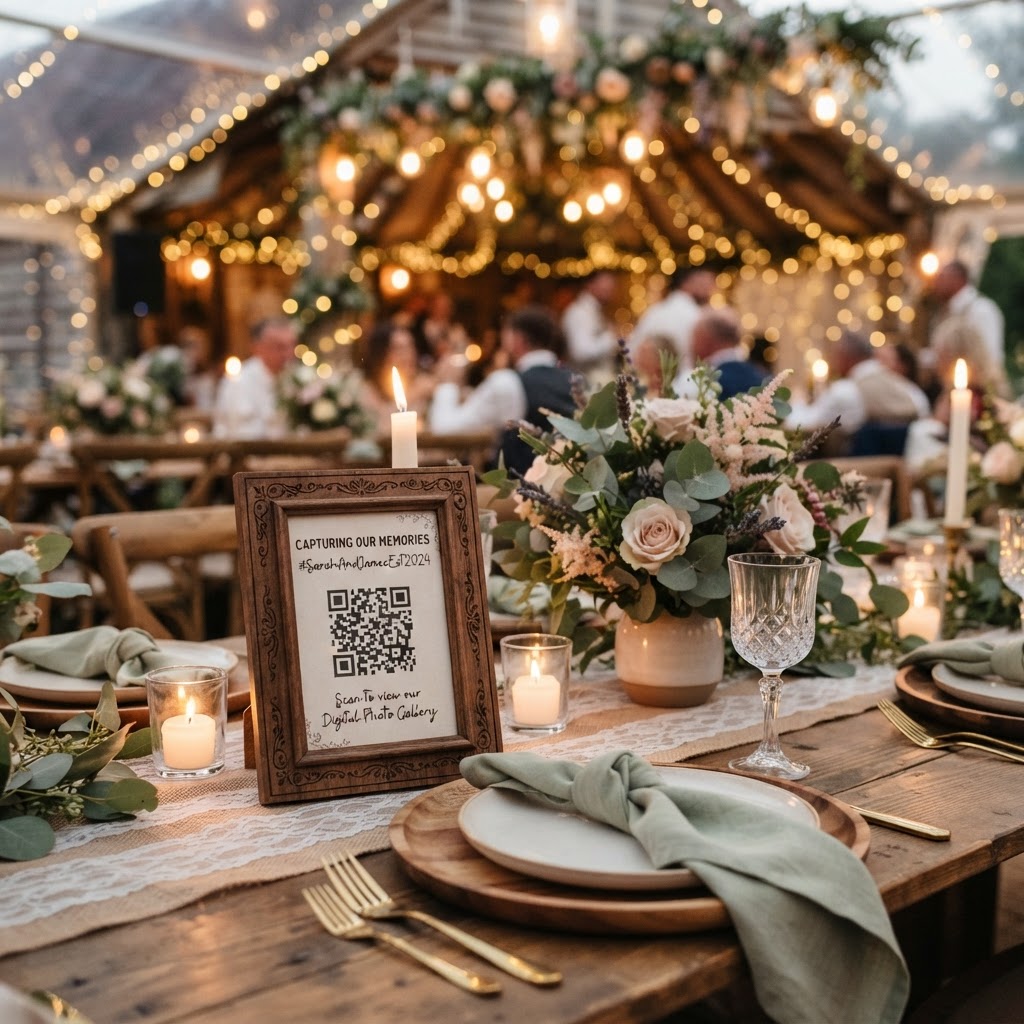
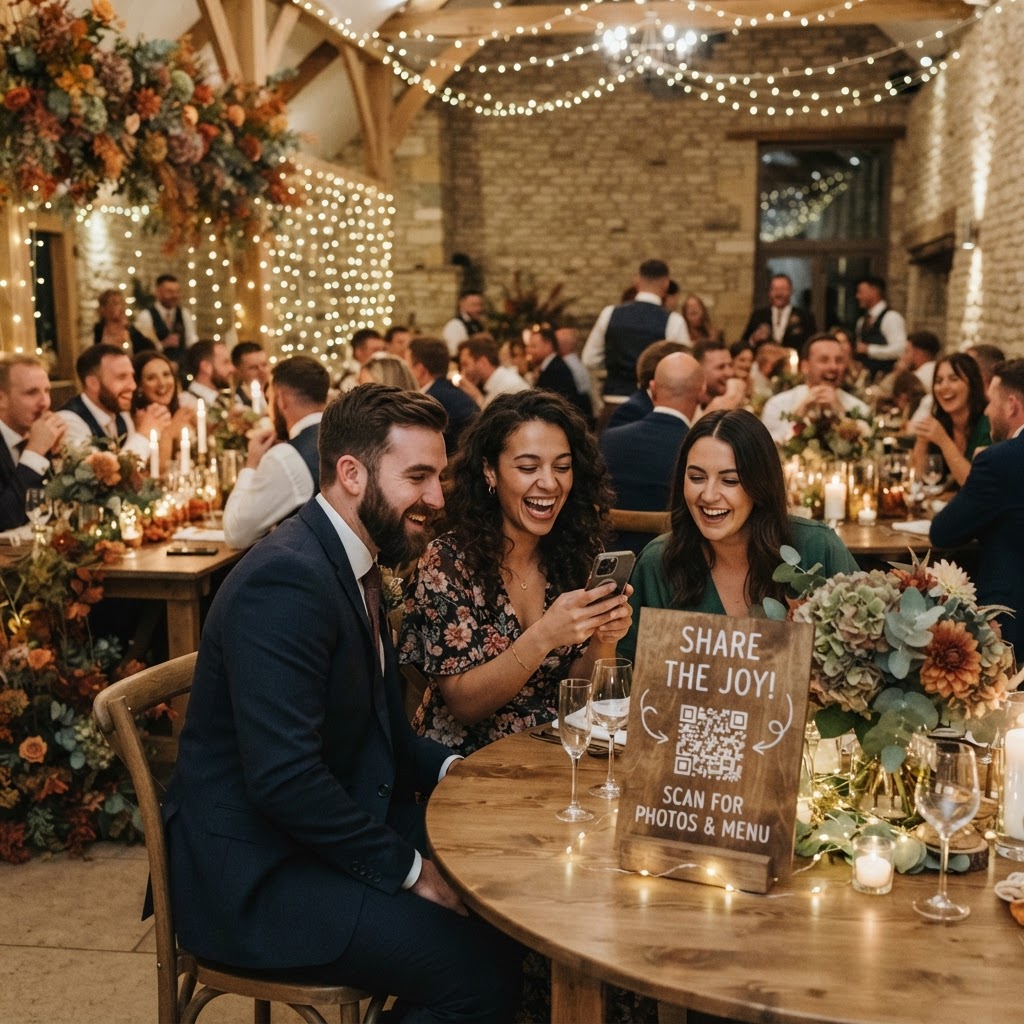
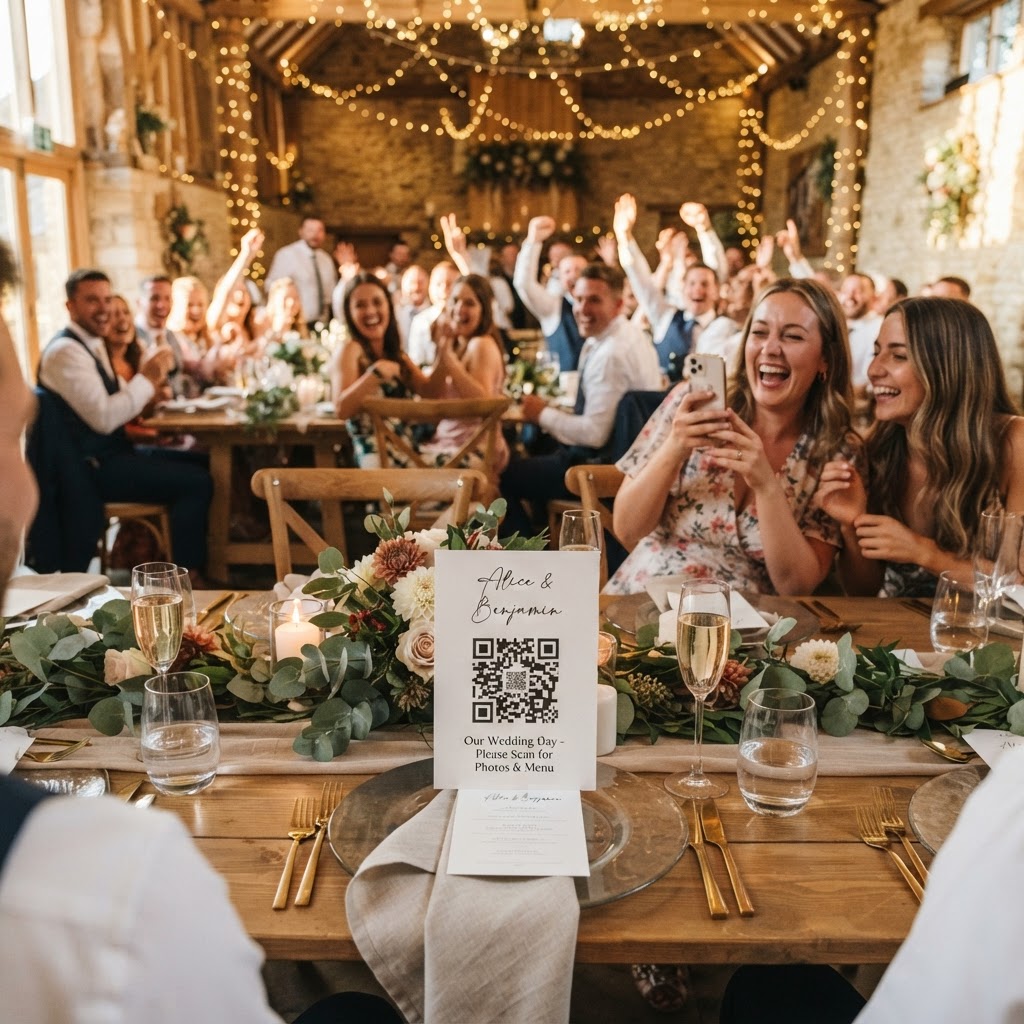
You can facilitate easy sharing by using a web-based QR code system that allows guests to upload files directly through their smartphone browser. Requiring guests to download an application or sign up for a new account is the primary reason why digital photo collections fail. Most people are unwilling to dedicate storage space on their phones for a temporary task at an event. By using a browser-based portal, you remove these technical hurdles entirely. You simply place QR codes on tables, near the bar, or at the entrance. Guests scan the code with their camera app and immediately see an upload button. This approach works for every attendee regardless of their technical proficiency. It creates a frictionless experience that encourages participation throughout the day. The goal is to make the process as simple as taking a photograph for social media while keeping the output private for the couple.
What are the benefits of a live wedding slideshow?
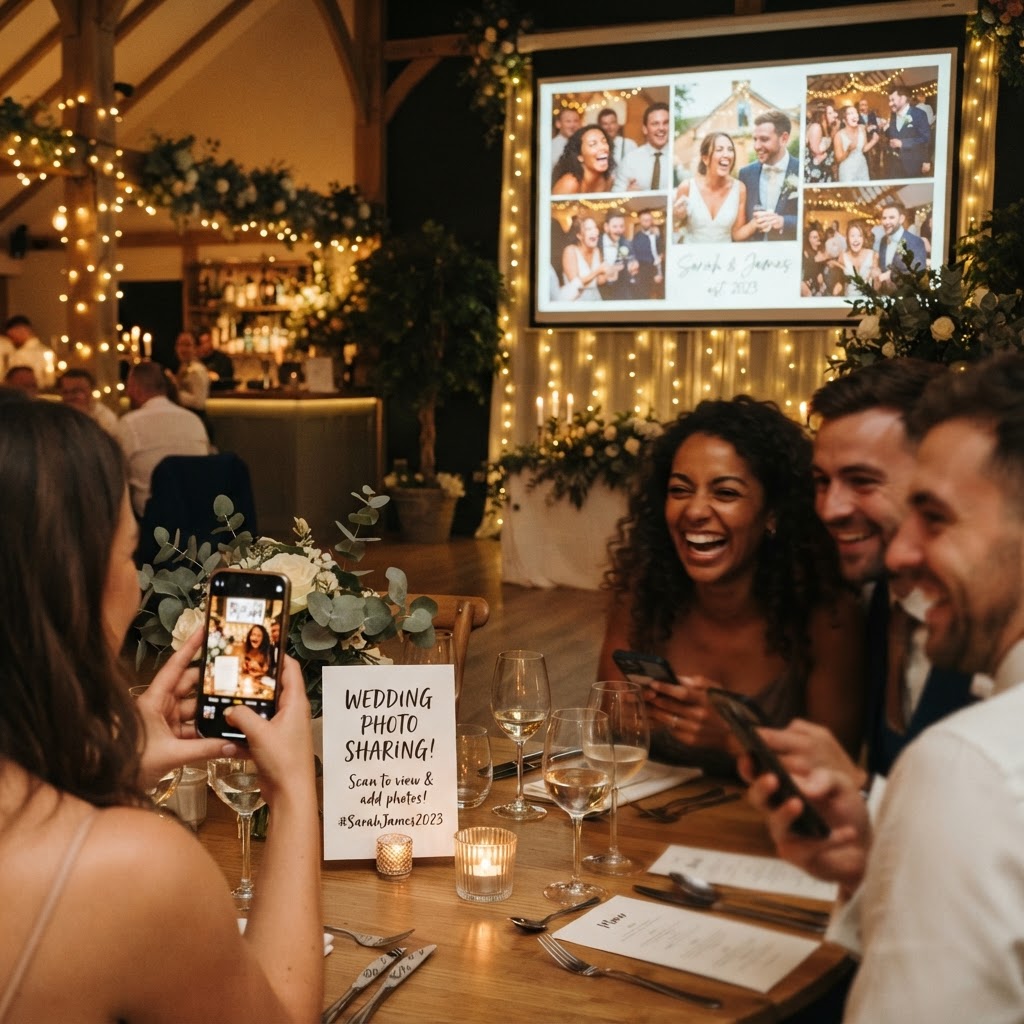
A live slideshow displays guest-uploaded photos on a screen or projector as they are captured during your reception. This immediate visual feedback serves as a powerful motivator for guests to keep capturing moments. When someone sees their own snapshot appear alongside others, they feel a sense of contribution to the day. It turns the act of taking photos into a collaborative activity rather than a solitary one. You can set this up using a laptop connected to your venue's television or projection system. As the evening progresses, the slideshow creates a dynamic atmosphere that keeps energy high. It also serves as a conversation starter for guests seated at the same table who may not know each other well. Watching the events unfold from different perspectives adds a layer of depth to your reception that static decorations cannot provide. Ensure your venue has reliable internet access to keep the feed running smoothly during the event.
How do I encourage guests to capture better footage?
Providing a structured photo challenge list is the most effective way to ensure you receive a diverse range of high-quality memories. If you leave it to chance, most guest photos will focus on the cake or the first dance. You can place a printed card at each table with specific prompts to guide your friends and family. Suggestions might include capturing the person laughing the loudest, a group selfie with someone they just met, or a photo of the centrepieces. This gamification strategy encourages guests to look for detail and interaction rather than just capturing the obvious milestones. It transforms their phones into tools for storytelling. You can even include a prompt for a video message to build a digital guestbook. Videos often contain more emotion and personality than static images ever could. These recordings allow you to hear the voices and laughter of your loved ones years after the wedding. They provide a unique perspective on the toasts, the dancing, and the quiet moments between guests.
What should I know about storage and privacy?
Privacy is a significant concern for many couples who prefer to keep their wedding imagery within their inner circle. Using a dedicated private gallery prevents your personal moments from being shared on public social media platforms without your consent. Most private sharing services operate on a temporary basis to manage server costs and security. You should expect that guest uploads will remain active for about seven days following the event. This window gives everyone ample time to upload their files once they are back at home. Once that period ends, the collection period closes. The entire gallery is usually deleted after 90 days, which makes these services unsuitable for permanent long-term archiving. You must download all your favourite files to your own computer or cloud drive well before this deadline. Treat this collection as a supplementary album rather than your primary professional archive. By maintaining this private hub, you keep control over the curation process. You can review the footage at your own pace without the pressure of managing public privacy settings or dealing with unwanted tags. It is a secure way to consolidate the digital footprints created by your guests.
Are there extra features like video messages or green screens?
Modern browser-based platforms often offer creative modes like green screen effects to add a sense of fun to your celebration. A green screen photobooth mode allows guests to insert themselves into digital backgrounds for silly, memorable photos. This functionality is accessible through the same QR code that handles standard photo uploads. It replaces the need for a physical, bulky photobooth setup that can take up valuable space in your venue. You can set up a simple corner with a plain backdrop to facilitate this feature if you choose. Additionally, the video message feature provides a modern alternative to the traditional written guestbook. Guests can record short, heartfelt notes that you can watch later. This replaces the awkward pressure of trying to write something meaningful while a queue forms behind them. The digital format is more candid, genuine, and often more personal. These multimedia contributions act as a digital time capsule of your wedding day. Every event typically involves a single flat fee of £39, which covers the entire duration of the service without hidden subscription costs. This transparent pricing model allows you to plan your budget with certainty when using tools like Moment49.