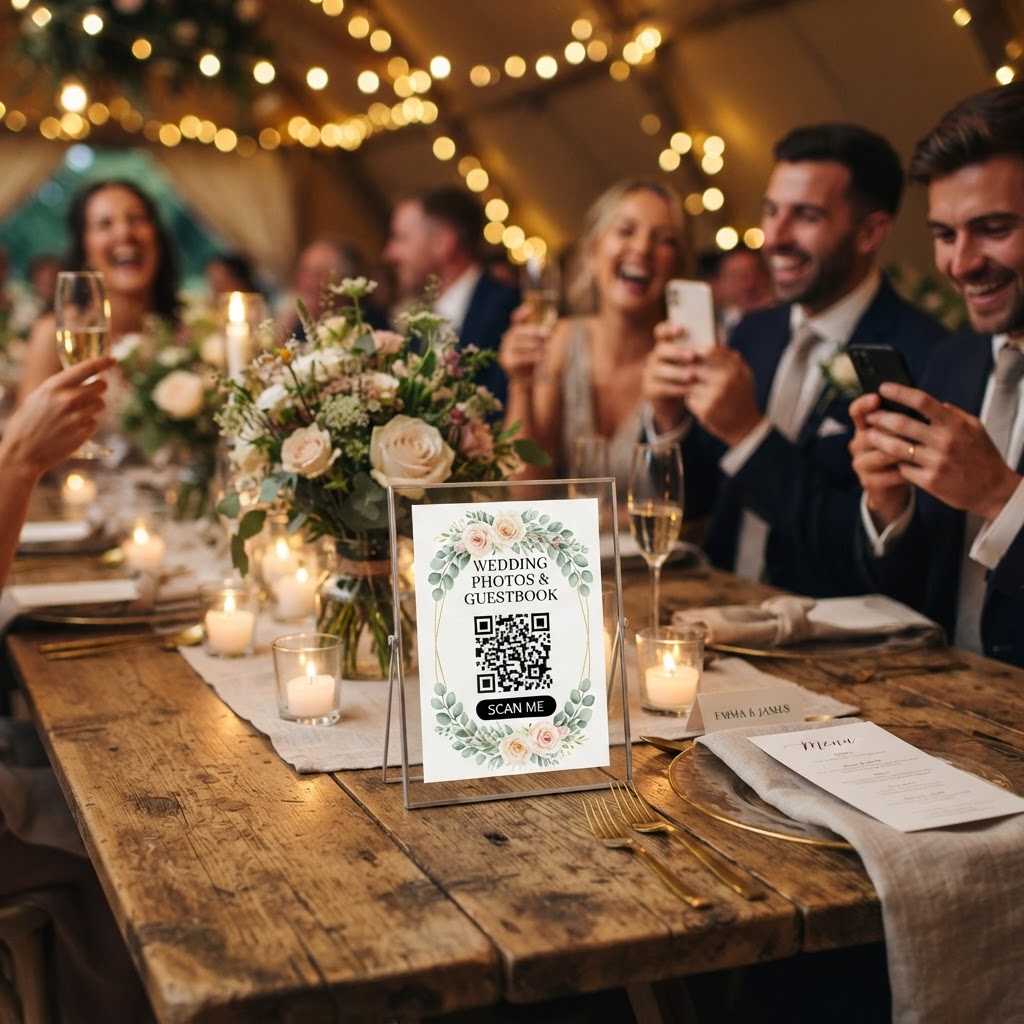
Wedding photo sharing is the process of using digital tools to gather photos and videos captured by guests during a wedding ceremony and reception.
How do guests upload wedding photos without an app?
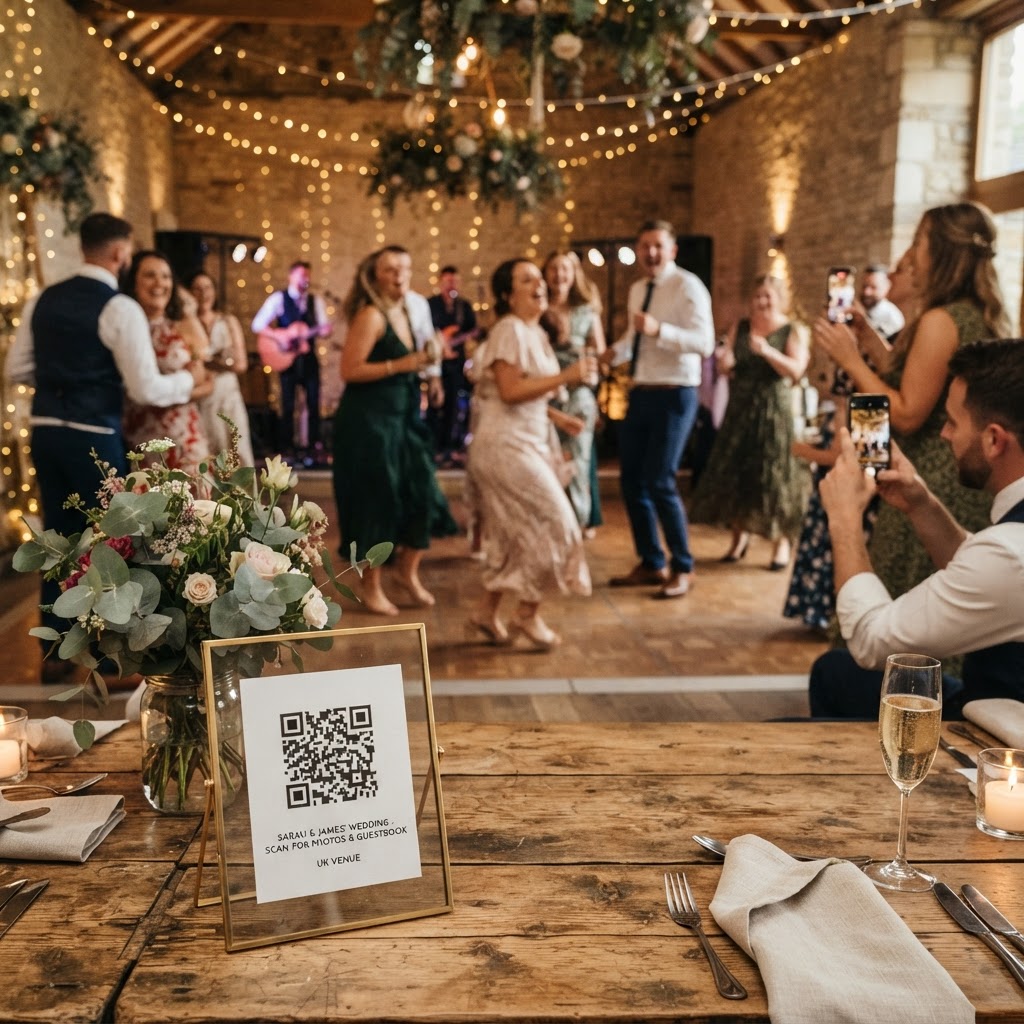
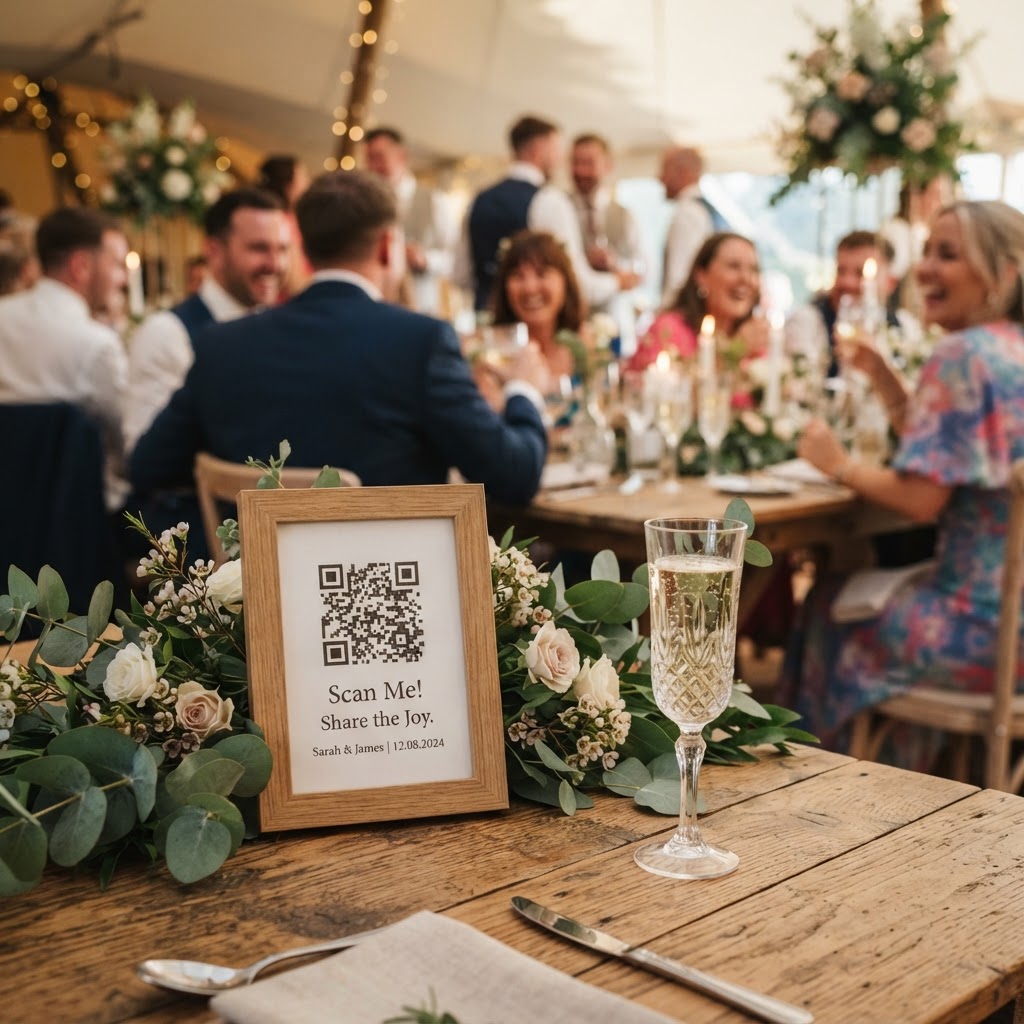
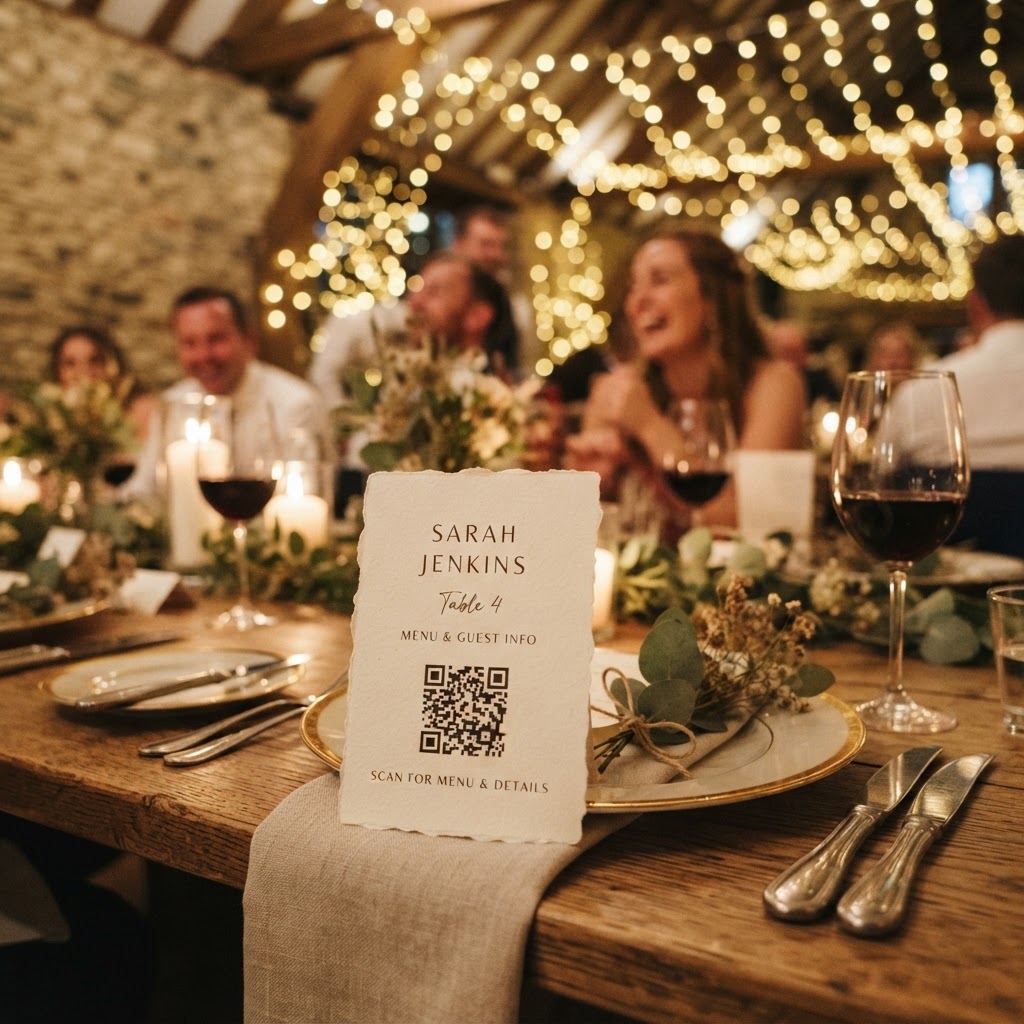
Guests upload wedding photos without an app by scanning a unique QR code with their phone camera to open a web browser upload portal. This method removes the technical barriers that traditionally stop people from contributing their media. When you ask guests to download an application or create a new user account, you introduce friction that causes people to lose interest quickly. Most guests are already juggling drinks, food, and socialising during a wedding, so they have very little patience for complicated digital workflows. By providing a direct link via a QR code, you allow guests to tap, select their files, and upload in under ten seconds. This approach works on any standard smartphone browser, meaning your older relatives and tech-savvy friends can contribute with the exact same ease. You should place these QR codes in multiple locations to remind guests throughout the day. Consider adding small signage to the welcome table, the bar area, and near the dance floor. You can also print the code on the back of your physical wedding programmes or menu cards to ensure every guest sees the instructions at least once. Because the system runs entirely through the mobile browser, no one needs to sign in, provide an email address, or clutter their phone with temporary storage.
Which wedding moments should I ask guests to capture?
You should ask guests to capture the candid moments that occur away from the lens of your professional photographer, such as arrivals, table interactions, and dance floor energy. Professional photographers are vital for your formal portraits, but they cannot be in every corner of your venue simultaneously. Your guests see the day from a different perspective, often capturing the laughs, spills, and private conversations that make the event feel human. To get the best results, you must guide your guests with specific instructions. A vague request to share photos often leads to a collection of blurry, unorganised images. Instead, create a digital scavenger hunt with simple, printed prompts at each place setting. Ask them to capture a photo of the most eccentric outfit at the table, a close-up of the floral centrepieces, or a group selfie with people they have not seen in years. These prompts encourage guests to look at the details you spent months planning. You can also encourage video messages, which provide a much deeper level of sentiment than a standard written signature in a paper book. Ask your guests to record a fifteen-second greeting during the cocktail hour, as this is when energy levels are high and people are eager to offer their best wishes.
How do I display guest photos during the reception?
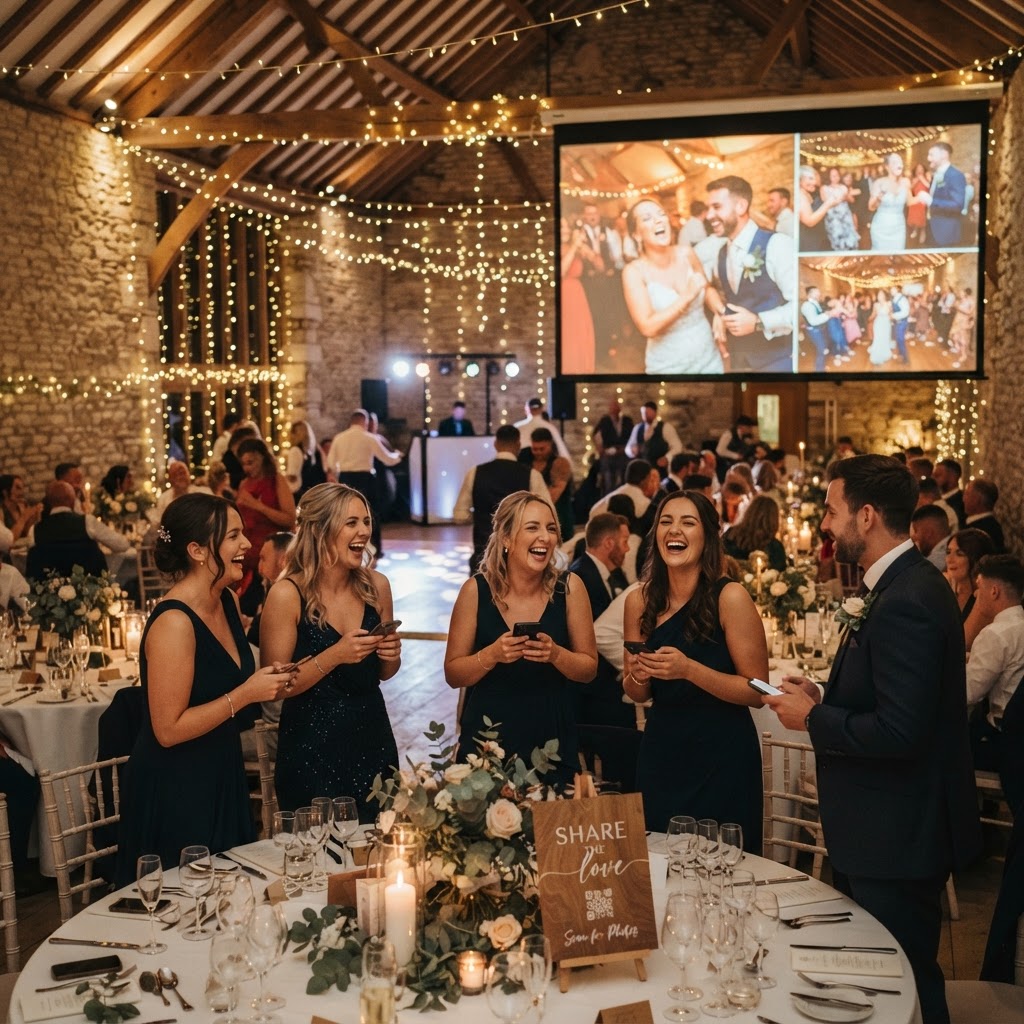
You display guest photos during the reception by configuring a live slideshow that automatically updates on a screen or projector whenever a new photo is uploaded. This creates an immediate feedback loop that keeps your guests engaged and encourages more participation. When a guest sees their own contribution pop up on the big screen, they feel a sense of contribution and ownership over the event's atmosphere. This feature works particularly well during the transitional periods of your day, such as when you and your partner are off taking sunset portraits or during the wait between courses. You do not need to manage the curation in real-time. Simply link your upload portal to a screen and let the software handle the layout and display. This also provides built-in entertainment for your guests, especially those who may not know everyone else in the room. A shared visual experience brings people together and allows them to see the day through the eyes of their fellow attendees. Ensure the screen is positioned in a central, visible spot, like near the buffet or the bar, to maximise reach.
What are the limitations of modern guest photo systems?
Modern guest photo systems operate on a short-term basis, typically closing for uploads seven days after your wedding and deleting all data after ninety days. This is a crucial detail to manage because you must download and back up your final gallery before the deletion window passes. These tools are designed to facilitate the collection and sharing of raw memories rather than serving as a permanent, multi-year cloud archive. You should treat the content as a temporary, collaborative scrapbook. Once you have received your final professional wedding photos, spend an afternoon downloading the guest-contributed files and organising them into a folder on your personal computer or a long-term cloud storage service. This prevents the loss of these candid files once the service cycle reaches its end. Remember that the value of these uploads is their immediacy and their lack of polish. Do not expect studio-quality lighting or perfectly framed compositions. Embrace the shaky video clips, the slightly dark indoor shots, and the humorous dance floor blunders. These images represent the actual experience of your wedding from the guest's viewpoint.
How much does it cost to implement a digital collection system?
You should budget exactly thirty-nine pounds for a comprehensive digital collection system that handles your uploads, live slideshow, and guestbook videos. Avoid services that charge recurring monthly subscription fees or hidden costs based on the number of guests you invite. Look for a flat-fee model that includes all features, such as green screen photobooth modes or unlimited storage capacity for the duration of your event. By paying once, you eliminate the stress of tracking costs throughout the planning phase. When setting up your account, confirm that the system will automatically handle the expiration of your gallery according to the specified timeline. You are paying for the functionality of the interface and the reliability of the live slideshow display. This investment allows you to focus on the event itself, knowing that the digital logistics are fully managed by the software platform. Once the payment is settled, you can generate your QR codes, test the upload process on your own phone, and print your materials without worrying about further financial commitments. Moment49 provides this complete suite of sharing features for a single payment, allowing you to capture every angle of your celebration without any ongoing subscription.