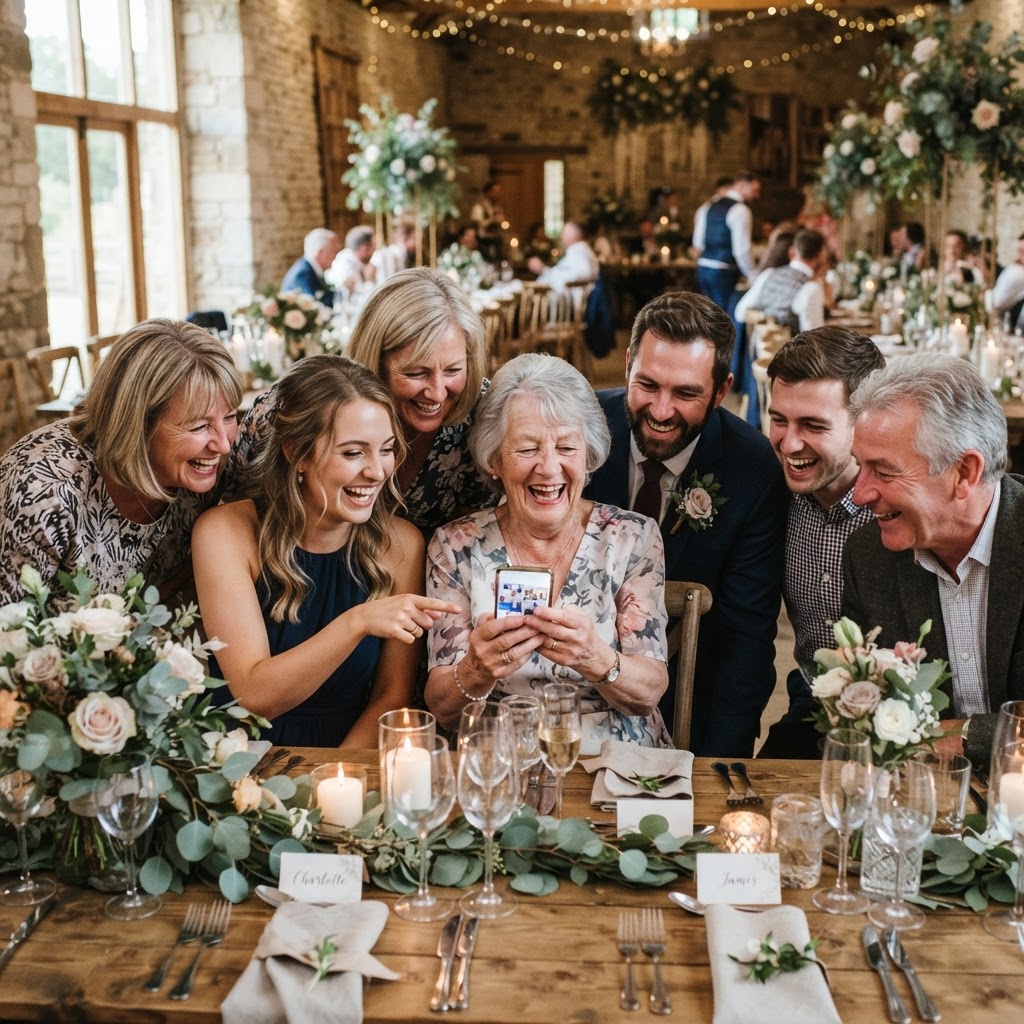
Wedding guest photo sharing is the practice of collecting candid images and videos from your attendees using a centralised digital platform.
Planning a wedding is a delicate balancing act of personal style, logistical precision, and hospitality. In the modern era, technology has found its way into our celebrations, from digital RSVP portals to live-streaming ceremonies for relatives who live across the globe. There is a common pitfall when we introduce tech that requires app downloads, complicated account creation, or lengthy tutorials. We inadvertently create a barrier for some of our guests who may not feel comfortable with digital interfaces. Whether it is a grandparent who struggles with smartphone menus or a busy friend who does not want another app cluttering their device, accessibility must be at the heart of your digital choices. By selecting systems that function directly within a standard mobile web browser, you remove the friction that often prevents guests from participating in your digital guestbook.
How do I get wedding guests to upload their photos without an app?
You can encourage guests to upload their photos without an app by using a browser-based sharing platform that utilises QR codes placed strategically around your venue. When you ask your guests to spend five minutes downloading software, creating a username, and verifying an email address, you will see your participation rates plummet. People are at your wedding to celebrate, eat, drink, and dance, not to troubleshoot software or manage account settings. A useful benchmark is the 30-second rule, which suggests that if a guest cannot figure out how to contribute to your collection within 30 seconds of seeing your signage, they will likely give up. The path from curiosity to contribution must be instantaneous for everyone involved.
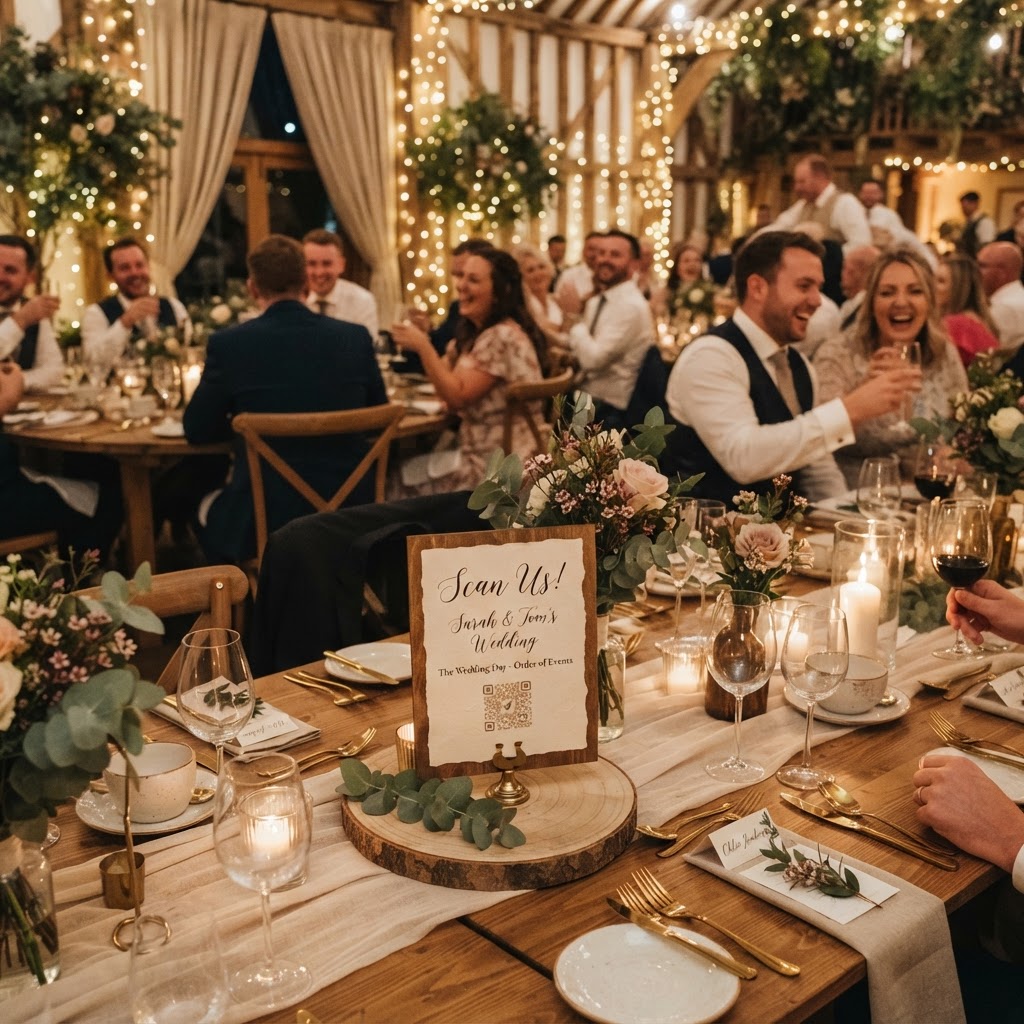
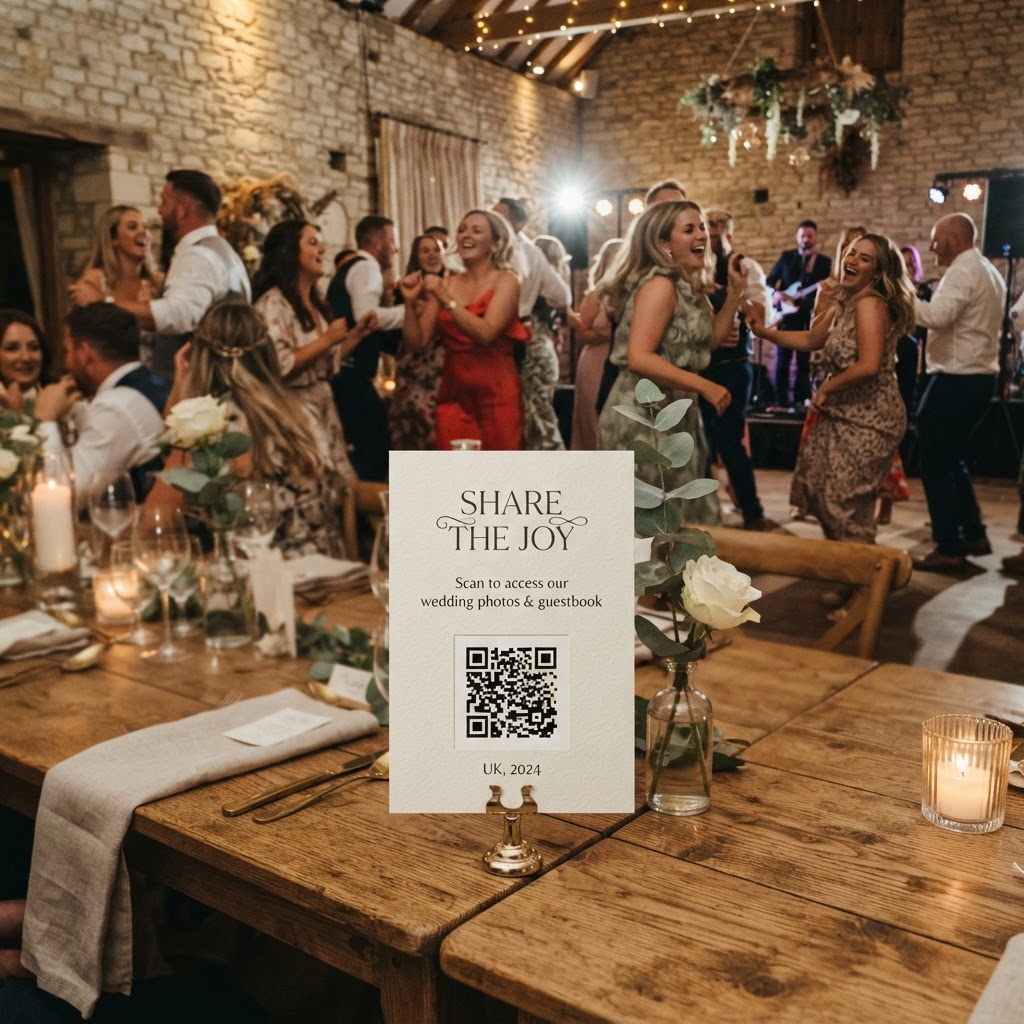
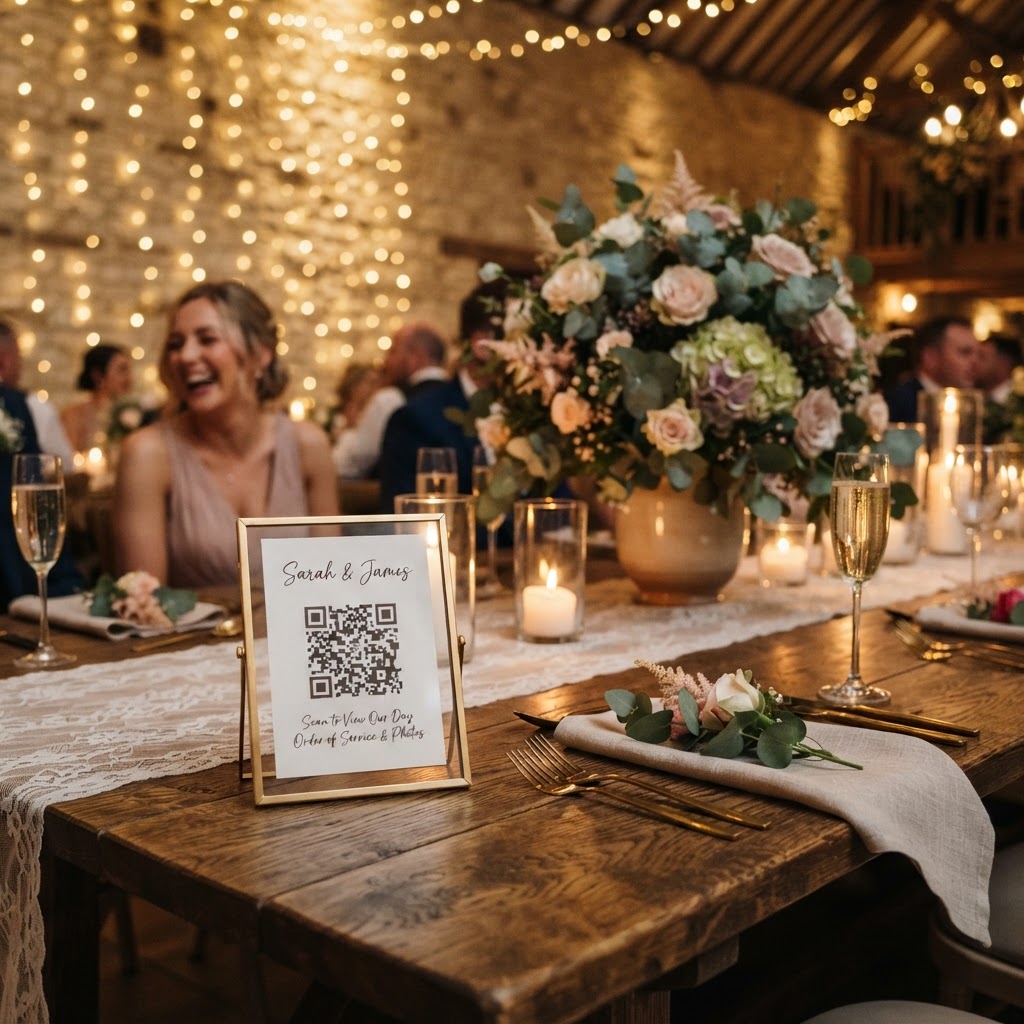
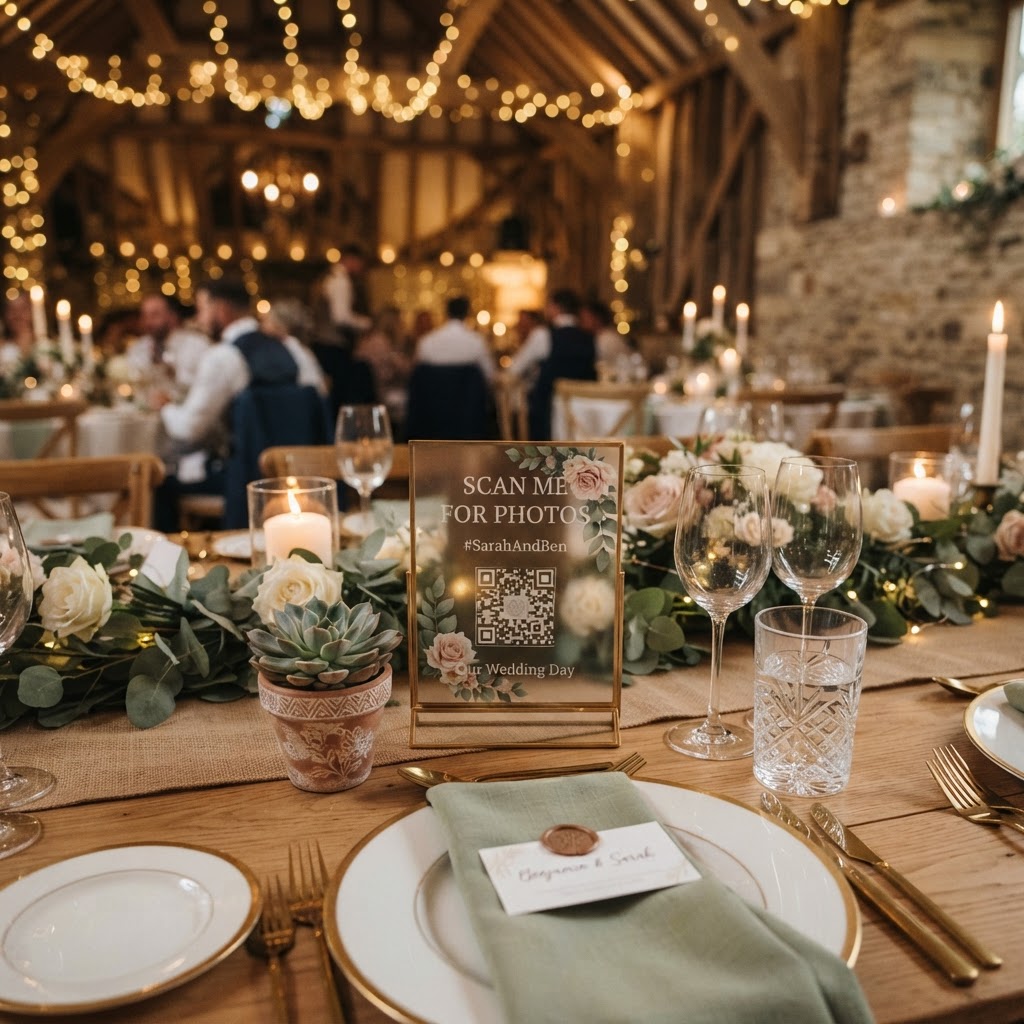
By utilising browser-based platforms, you treat technology like a piece of paper, which is simply there and ready to be used. Placing an elegant QR code on table centrepieces or near the entrance allows guests to scan and contribute immediately. This approach eliminates the need for instructions, passwords, or technical support, ensuring that older relatives can upload their candid shots just as easily as younger, tech-savvy cousins. Because these uploads occur in a mobile browser, the process feels familiar and requires no commitment beyond a quick scan and a file selection.
How do I set up a live wedding photo slideshow?
You set up a live wedding photo slideshow by connecting a laptop or tablet to a venue projector or large display that streams incoming images from your guest sharing portal in real-time. This is one of the most effective ways to encourage participation across all age groups because it demonstrates the value of the technology immediately. When a guest sees their photo pop up on the big screen, it validates their effort and brings them into the collective story of the day. This creates a powerful feedback loop, as seeing the screen prompts other guests to join in. It turns the act of sharing photos into an engaging event activity rather than a chore performed in isolation. To make this work, ensure your venue has a reliable Wi-Fi connection or a strong 4G or 5G signal at the display location. Always test your device connection to the projector before the guests arrive to ensure the aspect ratio and resolution are correct for your display.
Choosing the right features for your guest gallery
Beyond standard photography, consider the value of capturing video messages from your guests throughout the day. While photographs are essential, there is something deeply emotional about capturing a spoken wish or a funny memory from the reception. Encouraging your guests to leave a quick video clip adds a layer of depth that a still image cannot convey. Setting up a system where this is as simple as pressing a record button in their phone browser ensures that you gather heartfelt moments from people of all generations. These video guestbook messages become one of your most treasured keepsakes, often revealing stories or sentiments you might have missed during the bustle of the day.
Remember that these platforms are designed for the immediate celebration rather than long-term storage. Most professional browser-based sharing tools, such as the one offered by Moment49, keep guest uploads open for seven days after the event and delete the gallery after 90 days. This means you must download your files to a permanent hard drive or cloud storage well before the 90-day window expires. Treat these digital tools as an active event-day companion rather than a permanent archive for your family history.
Practical tips for inclusive wedding signage
Your signage must be clear, legible, and placed where people congregate, such as at the bar, the guestbook table, or in the centre of each dining table. Keep the fonts simple and avoid overly flowery scripts that might be hard to read for guests with visual impairments. Provide clear instructions by adding a small phrase like "Scan here to add your photos and videos" under the QR code. You should also consider combining these digital tools with traditional elements, as a physical guestbook for written signatures paired with a digital portal for visual memories satisfies every guest's preference.
When choosing a service, focus on a single, transparent payment model. Some services hide costs behind subscriptions, but a one-time payment of £39 covers your needs for the duration of the event without ongoing charges or hidden fees. Ensure the platform supports various modes, such as a green screen photobooth if you want to add an extra layer of interactive fun. By focusing on simplicity and removing the barriers of accounts and downloads, you ensure that technology serves your wedding rather than complicating it. When you make the process frictionless, you invite every guest to be a co-author of your wedding story, capturing more memories and laughter through the simple act of scanning a code.