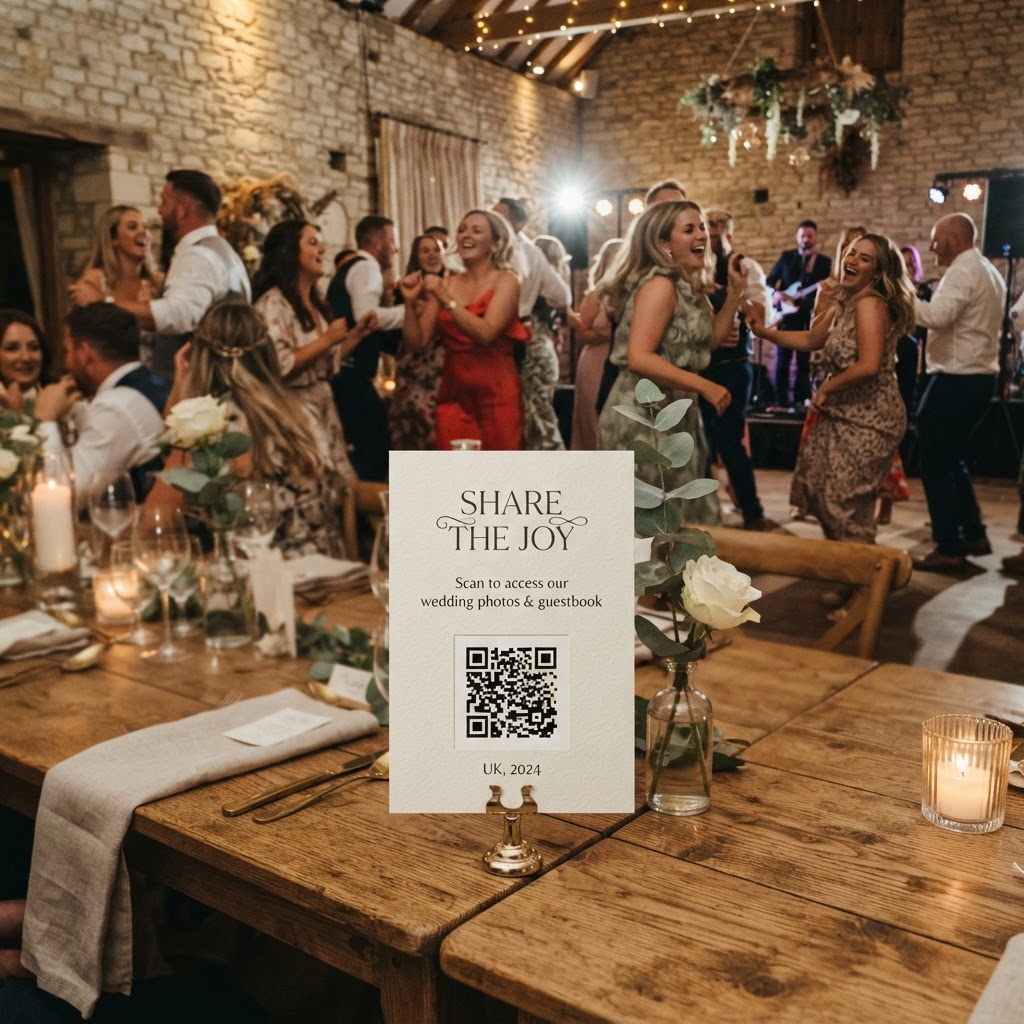
How do guests share wedding photos without an app?
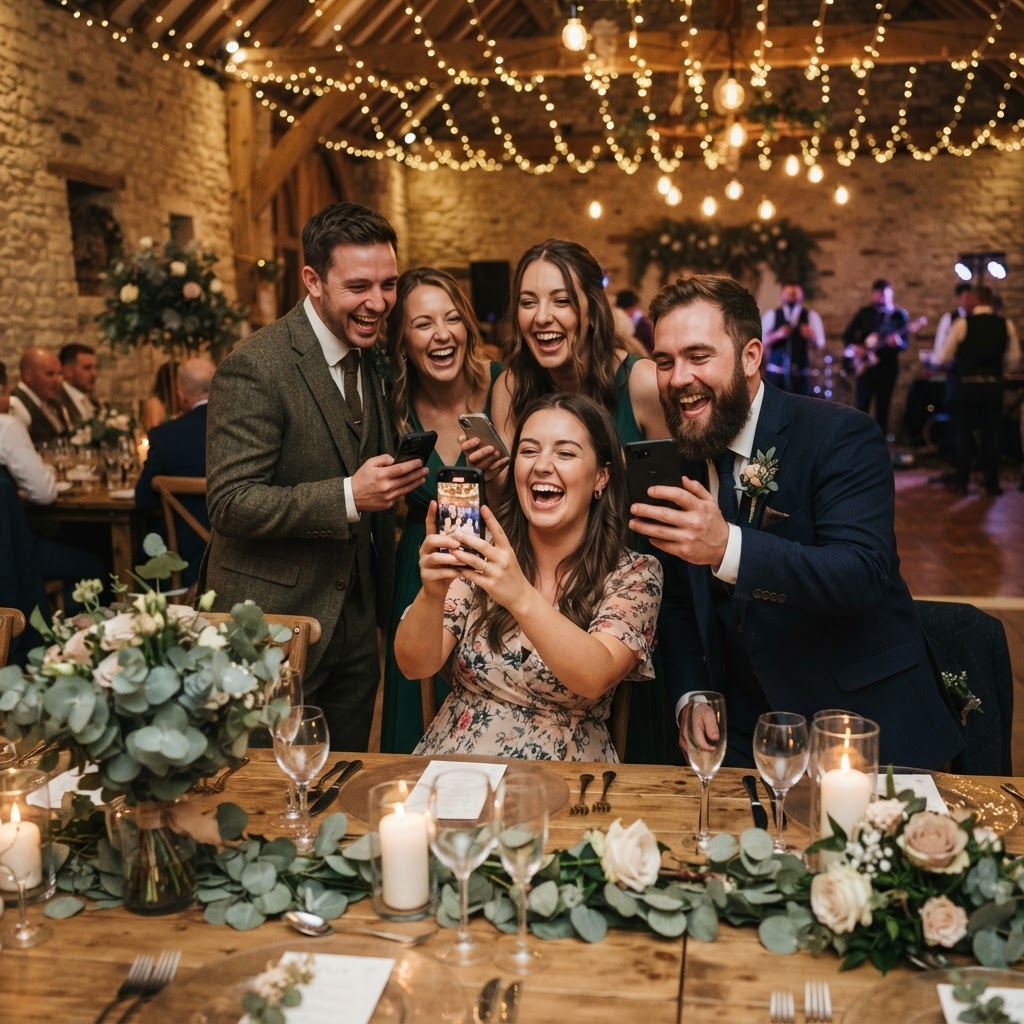
Wedding photo sharing is a digital collection process where guests upload their images and videos directly to a private gallery through their phone web browser. This method removes the need for guests to download specific software or create accounts before they participate. By using a QR code placed on wedding tables or near the entrance, you provide an instant bridge between the guest mobile camera and your permanent collection. The system works by directing the phone browser to a secure upload portal, ensuring that the process feels like visiting a standard website rather than installing complex new technology. This frictionless approach is essential for high participation rates, as any step requiring a password or an app store visit will naturally result in fewer contributions from your guests.
What are the best ways to place QR codes at a wedding?
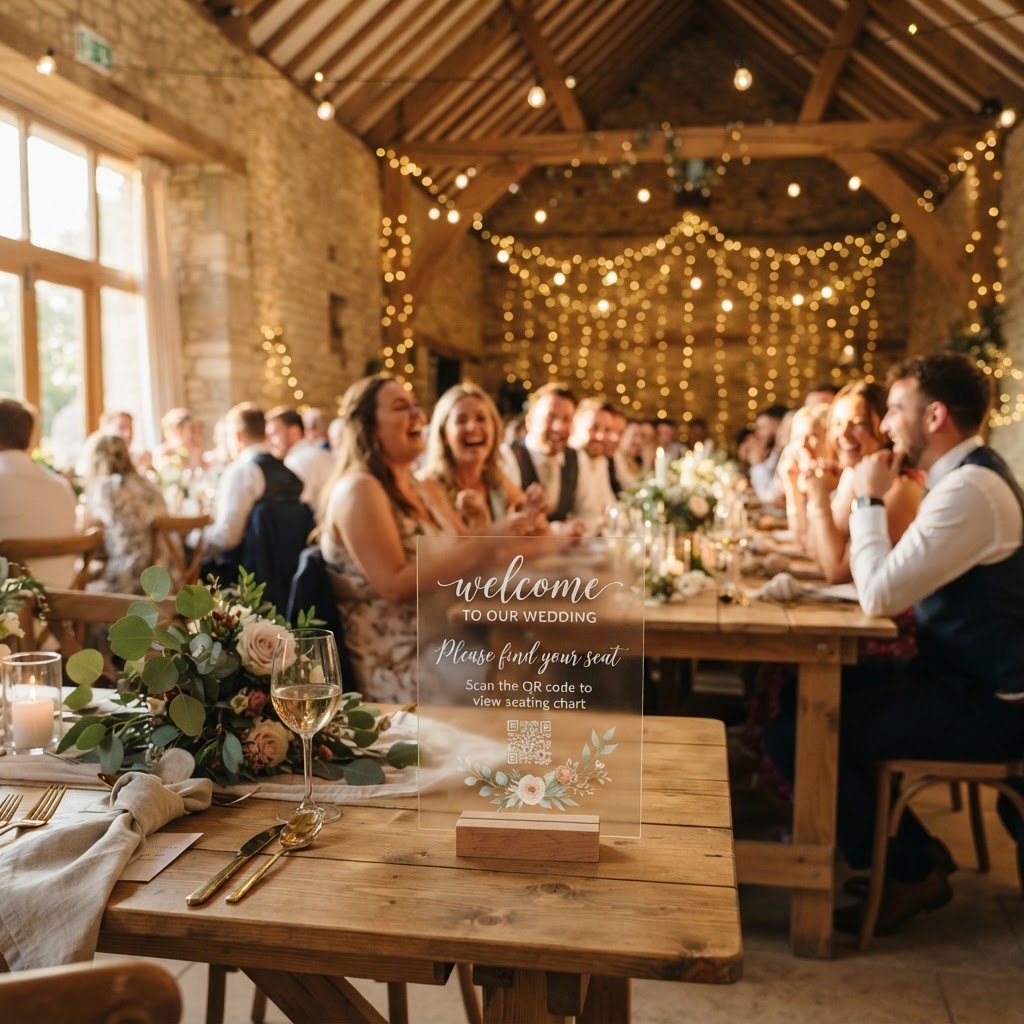
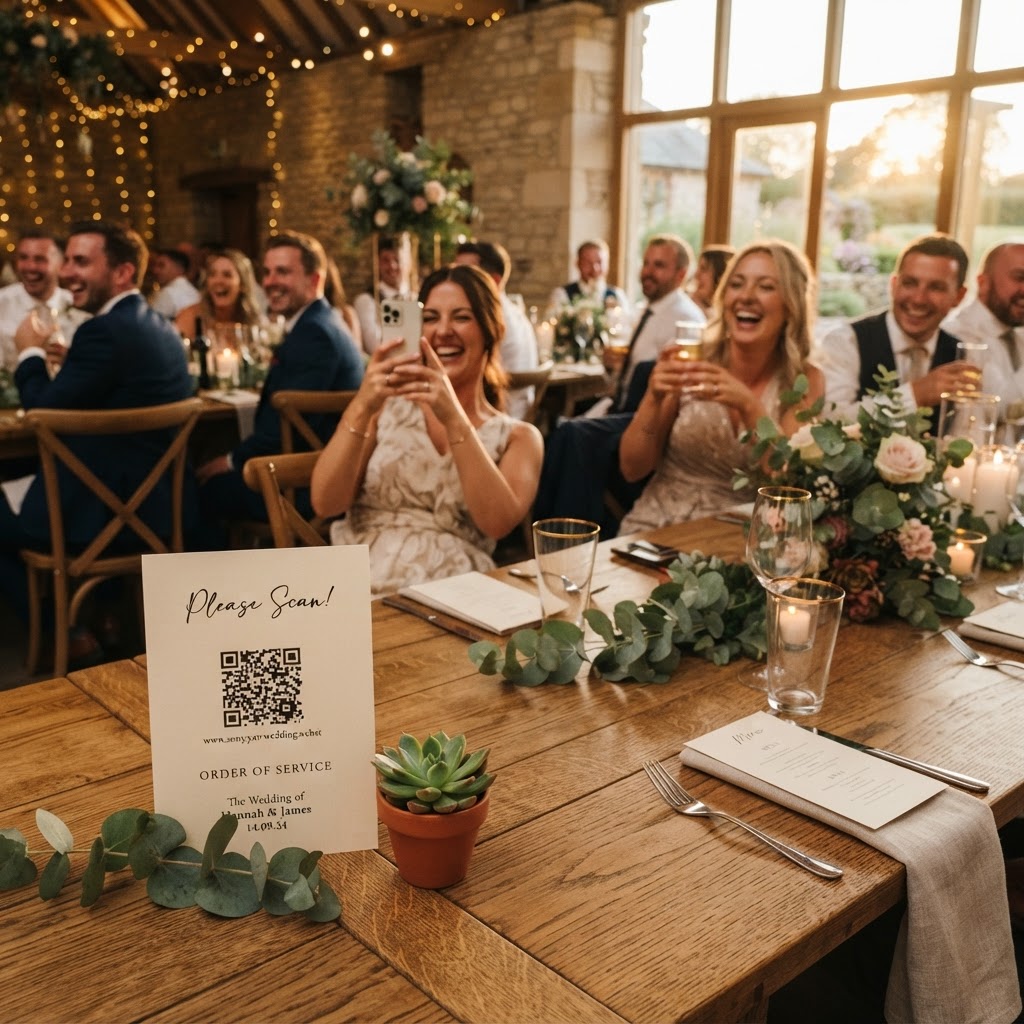
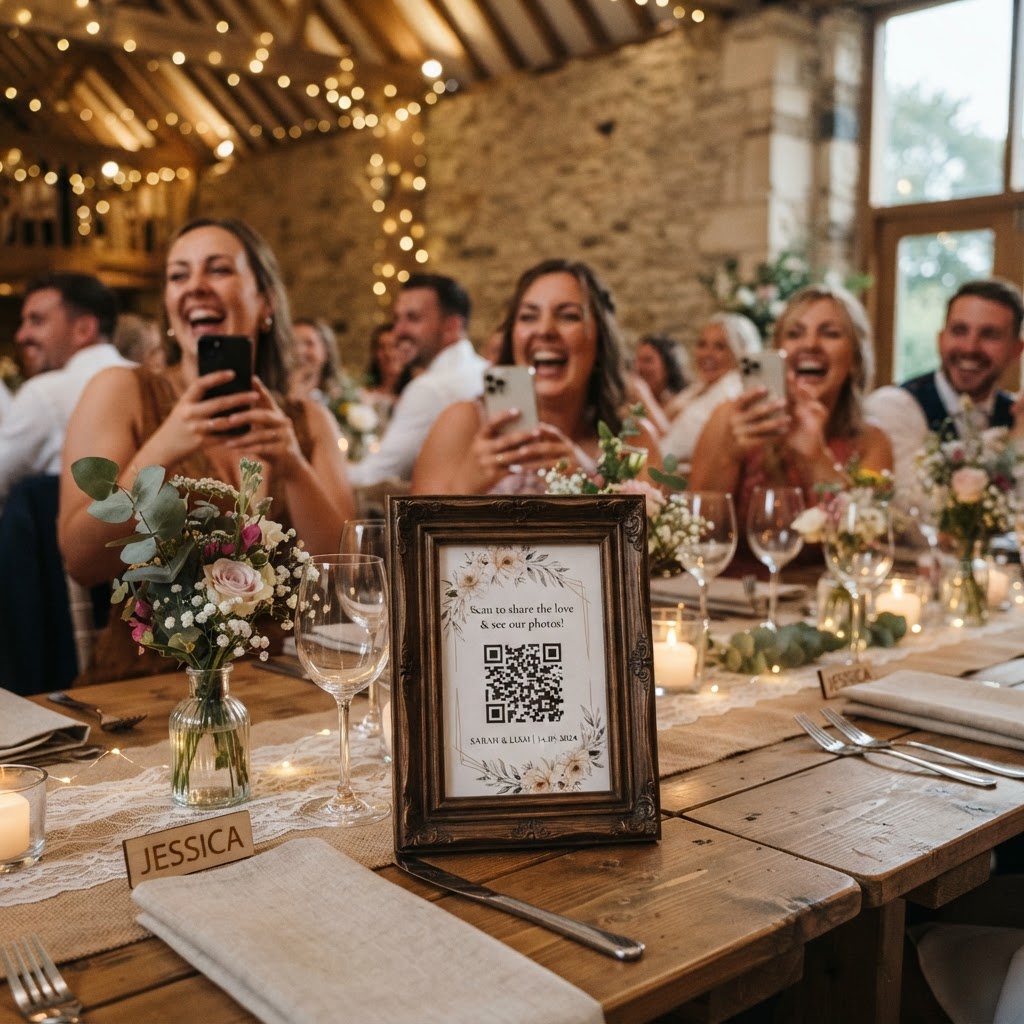
You should place your QR codes in high-traffic areas where guests spend time waiting or relaxing to encourage consistent participation throughout the event. Small acrylic stands or printed cards work best when placed directly on dining tables, as guests have plenty of time to explore the interface while waiting for service. Placing a secondary sign near the bar or the dance floor ensures that guests capturing spontaneous moments during the evening celebrations have a quick way to scan and upload their content. Consider incorporating the QR code into your wedding stationery, such as the menu cards or order of service, so that the information is available before the reception even begins. Make sure the code is large enough to scan from a distance of about thirty centimetres and ensure there is clear lighting near the location. Avoid placing the codes in dark corners or high-glare spots that might interfere with a phone camera ability to focus and process the image.
How do I set up a live slideshow during the reception?
A live slideshow is a dynamic feature that displays guest uploads on a screen in real-time, effectively turning the room into a shared visual experience. To set this up, you need a projector or a large screen connected to a laptop that remains logged into your gallery account throughout the wedding reception. As guests scan their codes and upload photos, the images appear on the screen, which acts as an immediate reward for their contribution. This feature works particularly well during the gap between the wedding breakfast and the evening party, as it keeps guests entertained and engaged. Seeing their own photos or those of other tables displayed publicly often creates a ripple effect of excitement and encourages others to pick up their phones and contribute their own content. The technical setup usually only requires a stable internet connection at the venue and a browser window left open on a dedicated device.
Can guests leave video messages for the couple?
Guests can record video messages directly through their mobile browser, serving as a modern and more personal alternative to a physical guestbook. Because these videos capture audio as well as visuals, they provide a much richer souvenir than a written note that remains unread on a shelf. To encourage high-quality clips, you might suggest specific prompts for your guests, such as asking them to recount a favourite memory of the couple or share their best advice for married life. Ensure the area where you expect these videos to be recorded is relatively quiet to guarantee the audio quality remains high. These video guestbooks are stored alongside your photos in the digital gallery, allowing you to re-watch the heartfelt or humorous messages during your first quiet days of married life.
How do I encourage guests to take better photos?
You can turn your guests into active storytellers by using specific photo challenges that shift the focus from generic snapshots to meaningful interactions. Print a list of five to seven prompts on your table cards to give guests a clear goal when they have their phones out. Good examples include asking guests to capture the funniest dance floor move, finding the person with the most interesting hat, or taking a selfie with someone they just met at the table. This simple gamification removes the pressure of being a photographer while ensuring you end up with a diverse collection of moments beyond just the staged photos. You can also incorporate a green screen photobooth mode if your software allows it, which provides a bit of theatrical fun during the quieter parts of the night without requiring an expensive hired operator.
How does digital file management work after the day?
Managing the digital files requires understanding the life cycle of your gallery, specifically the short-term window for uploads and the long-term storage reality. Once your wedding concludes, the guest upload functionality remains open for exactly seven days, which gives friends and family enough time to share their files after they have returned home. After this period, the collection phase stops, and you enter the review and download stage where you can consolidate the images. It is important to remember that these services typically host the gallery for a duration of ninety days before the system deletes the data to maintain privacy and storage efficiency. You must download all your files to a personal hard drive or a permanent cloud storage account before that ninety-day window expires. This approach is not a permanent long-term archive, so make sure you treat the digital gallery as a temporary workspace rather than a forever storage solution. By planning to download your files as soon as you are back from your honeymoon, you ensure that you retain your memories permanently before the service cleanses the server. Using a platform like Moment49 provides a straightforward, one-off payment of £39 for this service, which covers the entire event without hidden monthly subscriptions or ongoing commitments.
How do I manage privacy in a shared gallery?
Privacy is maintained by ensuring that the gallery link is only shared with your invited guests, usually via the same QR code used for uploads. You should avoid posting the link on public social media channels, as this could lead to unwanted spam or unauthorized access from people who were not at the event. Because the system is designed specifically for private event collection, you retain control over the content and can remove any images that do not meet your standards before you perform your final download. This balance between ease of access for guests and security for the couple is what makes modern browser-based sharing so effective for a wedding day environment.
```,