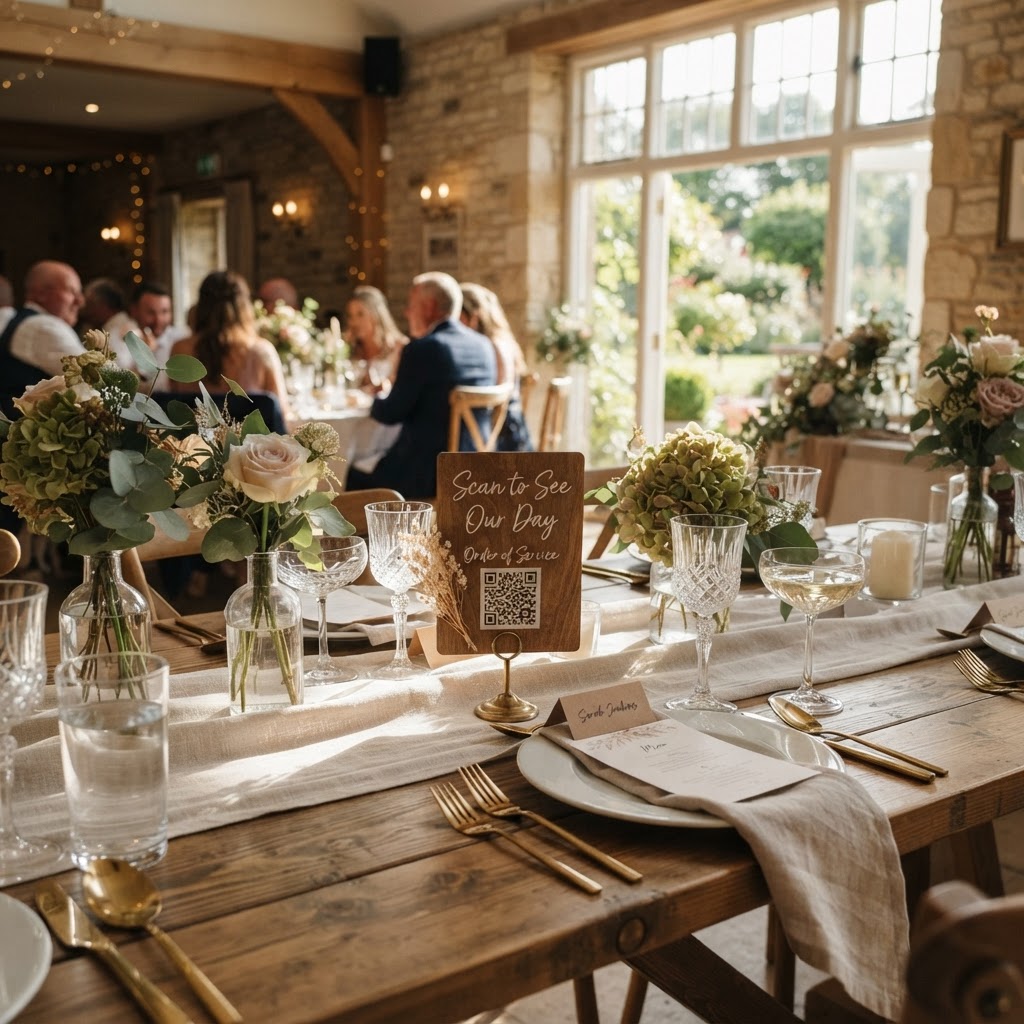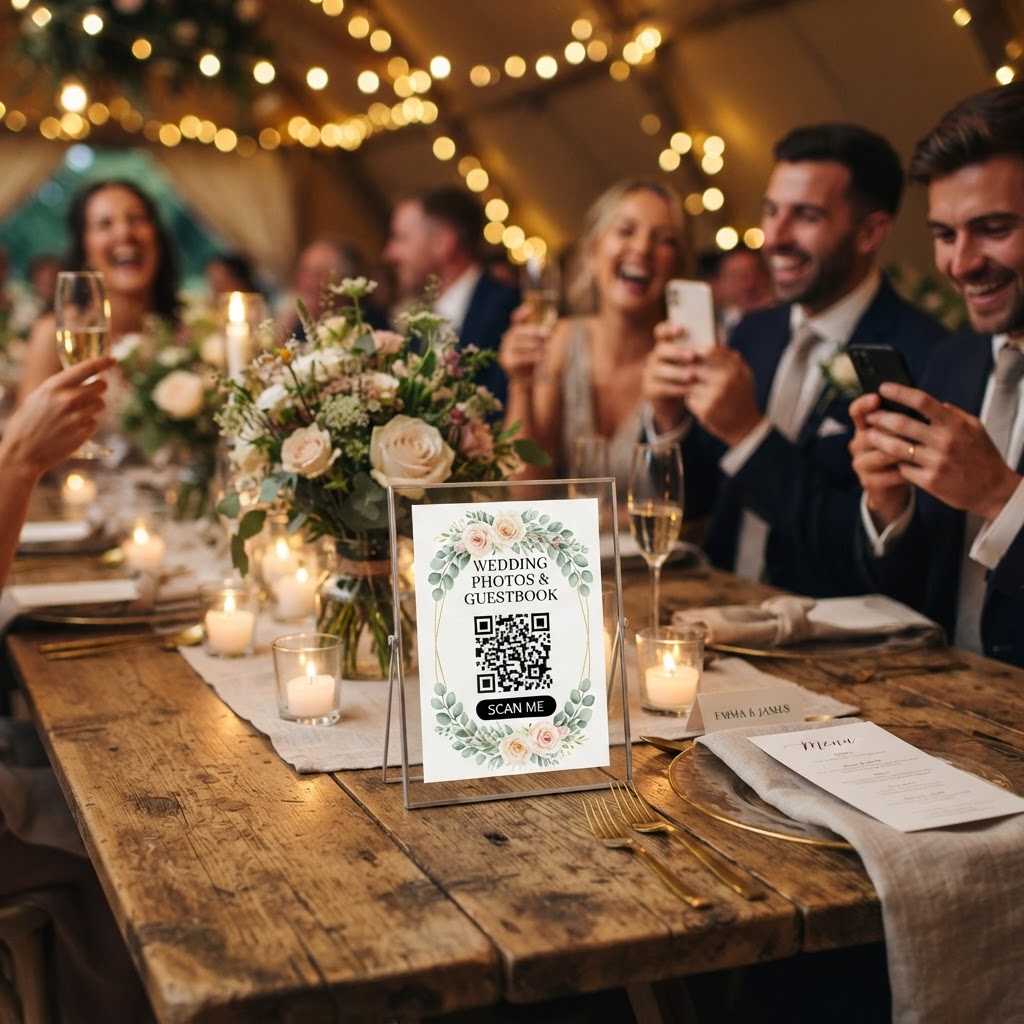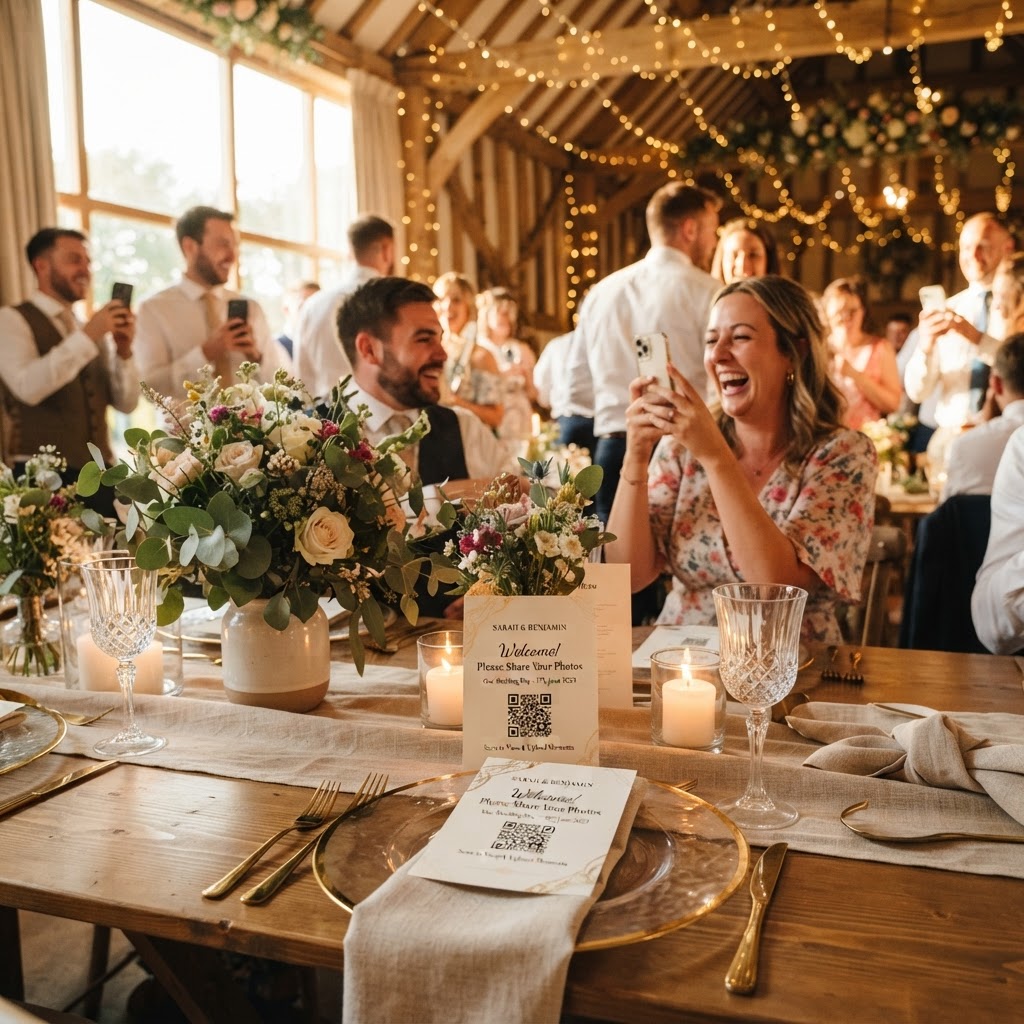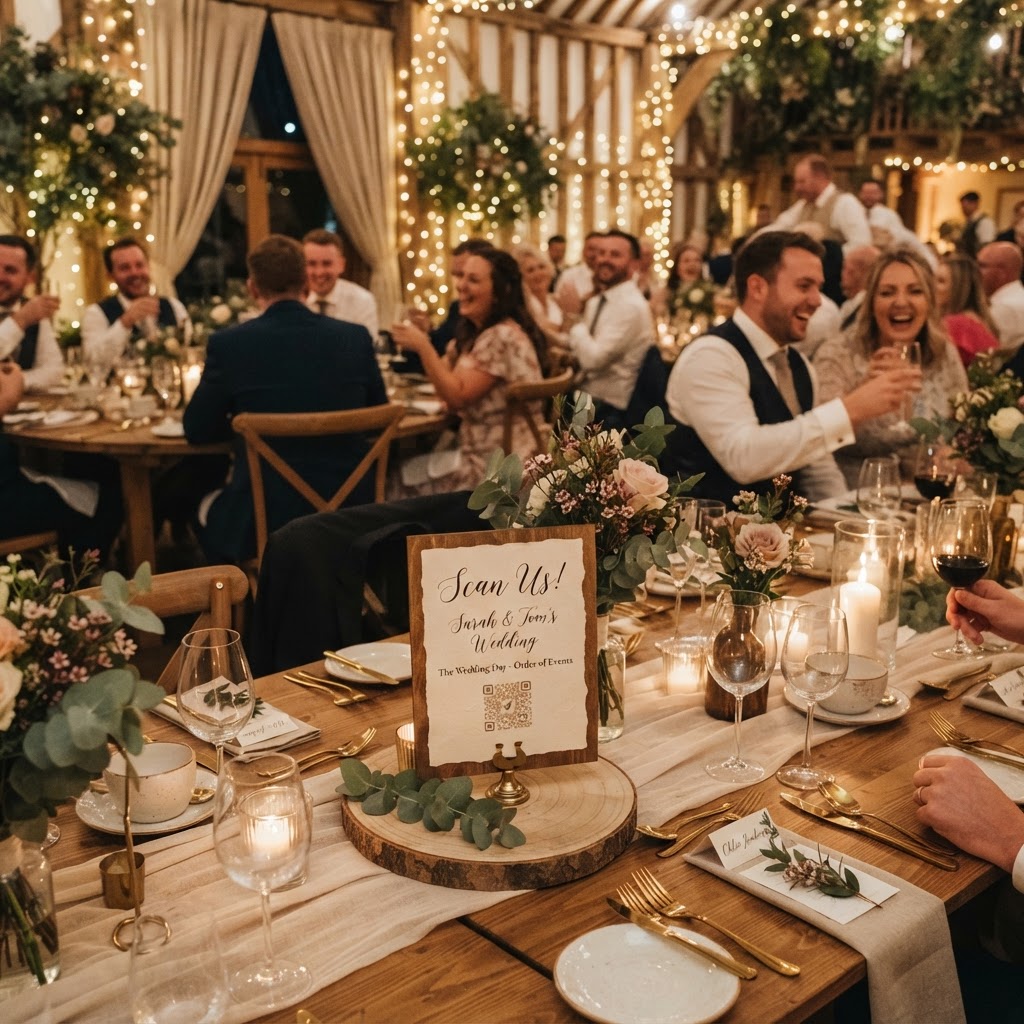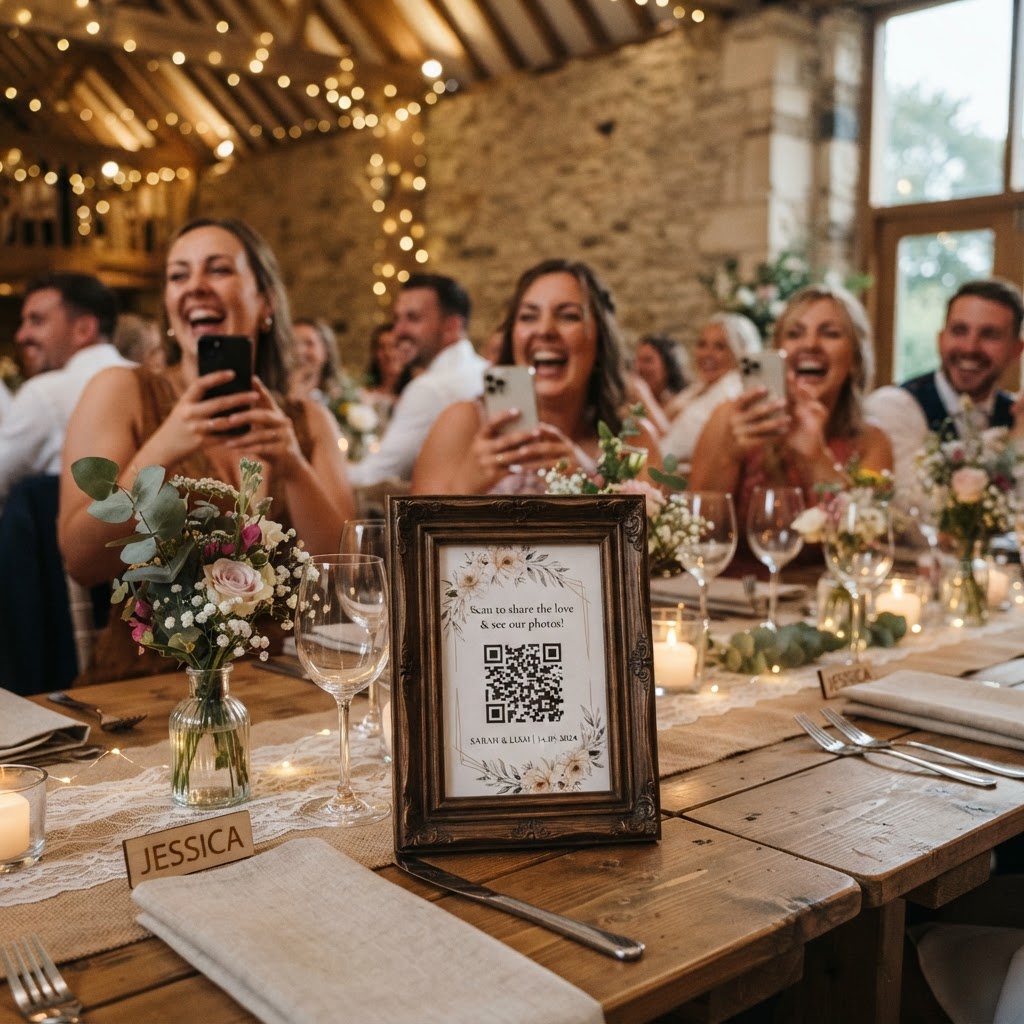
Guest photo sharing is the practice of using a centralised digital platform to collect candid images and video clips captured by attendees during your wedding celebration. You already have a professional photographer to cover the formal portraits, the walk down the aisle, and the key moments of your ceremony. However, those professionals cannot be everywhere at once. Your guests are positioned at various tables, on the dance floor, and in the quiet corners of your venue, capturing unique perspectives that would otherwise go unnoticed. Collecting these files into one place ensures that you see the event through the eyes of your friends and family members. It turns your wedding into a collective storytelling project where everyone participates in documenting the day.
How can I get guests to share photos without them needing an app?
The most effective way to collect guest photos without requiring downloads is by using a QR code system accessed through a standard mobile web browser. Many couples have tried creating shared cloud folders or using social media hashtags, but these methods often fail because they create significant friction for the guest. If a visitor arrives at your reception and is asked to download a new application or sign up for a password-protected account, their participation rate will likely drop by more than half. They want to be present in the moment with you, not managing software updates or fighting with forgotten login details. Place a physical QR code on each table setting or at the entrance to your venue. When a guest scans the code with their phone camera, it opens a secure browser interface. They can upload photos and videos directly from their existing camera roll in just a few seconds. This approach removes every barrier, meaning that even your least tech-savvy relatives can participate without asking you for assistance during your reception.
What are the best ways to keep guests engaged with photo sharing?
Using a live slideshow feature is the most reliable way to maintain excitement and encourage guests to keep uploading throughout the day. When you project the incoming photos onto a screen in your reception space, you turn the photography process into a communal activity. Guests love seeing their own images pop up on the big screen alongside shots from other tables. It breaks the ice between different friendship groups and family members who may not know each other well yet. This real-time feedback loop provides instant gratification, prompting people to reach for their phones and look for new, creative angles to capture. If you are using a venue with an existing projector or television, simply connect your laptop to the system to display the live feed. Check with your venue coordinator early to ensure they have the necessary HDMI cables or Wi-Fi access to support this. If you want to take the entertainment value higher, some platforms offer a green screen photobooth mode. This allows guests to pose against virtual backgrounds, creating a fun, interactive experience that adds a professional touch to your digital gallery.
How do I encourage better quality videos and photos?
Providing specific, light-hearted photo challenges on your table cards will result in much more interesting content than generic requests for pictures. People often feel shy about taking photos because they are unsure what the couple actually wants to see. Give them a prompt to follow, and you will see a massive difference in the variety of your collection. Print small, elegant cards and place them next to your QR codes. Include prompts like capturing the funniest dancer on the floor, finding the person who travelled the furthest, taking a selfie with someone they just met, or spotting the most traditional detail in the room. This transforms your guests from passive observers into active participants in the narrative of your wedding. Do not forget to ask for video content. A video guestbook is a powerful way to hear from your friends when they are feeling celebratory and relaxed. It captures their genuine voices, laughter, and well-wishes in a way that a stationary, leather-bound paper guestbook never could. Place a sign suggesting they leave a quick video message, perhaps sharing a favourite memory or a piece of advice for the future.
What happens to my photos after the wedding day?
Understanding the storage lifecycle of your chosen platform is essential for ensuring you do not lose your wedding memories unexpectedly. Most digital sharing services that do not use permanent cloud accounts operate on a finite timeline to keep their systems fast and secure. For example, guests are usually able to upload their media for up to seven days following the event. This window gives people enough time to get home and sort through their phones, but it ensures the collection process does not drag on indefinitely. Once the upload window closes, the system typically maintains the gallery for a set period, such as 90 days. During this timeframe, you should log in to your private gallery and download all the high-resolution files to your own computer or hard drive. Treat this as a strictly temporary holding space rather than a permanent archive. By handling the download process yourself, you retain complete control over your files and keep them secure from any long-term privacy concerns associated with third-party hosting. Because the cost for this service is usually a one-off payment of around £39 rather than a recurring monthly subscription, you avoid hidden charges while gaining a professional-grade way to manage your event photos. Moment49 offers this simple, no-account system to help couples curate their collection without the stress of complex software or ongoing digital storage fees.