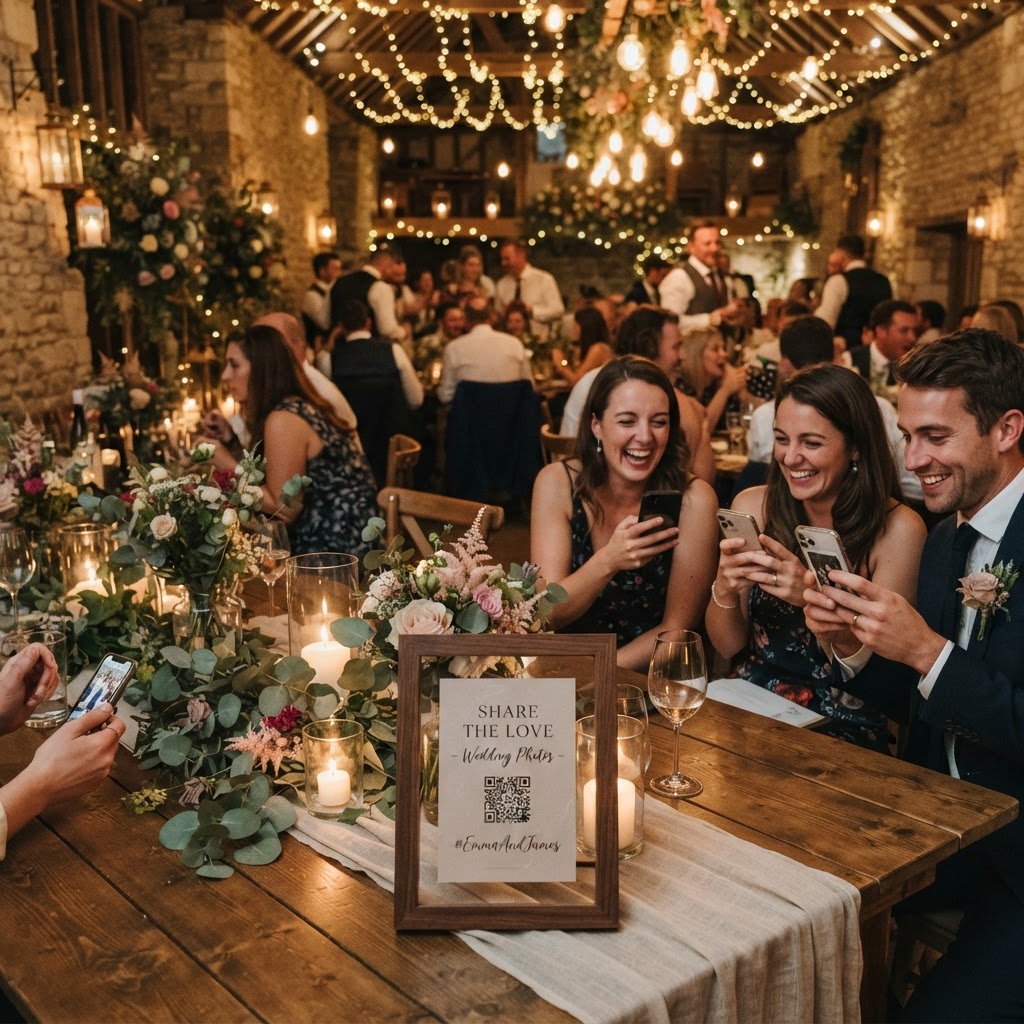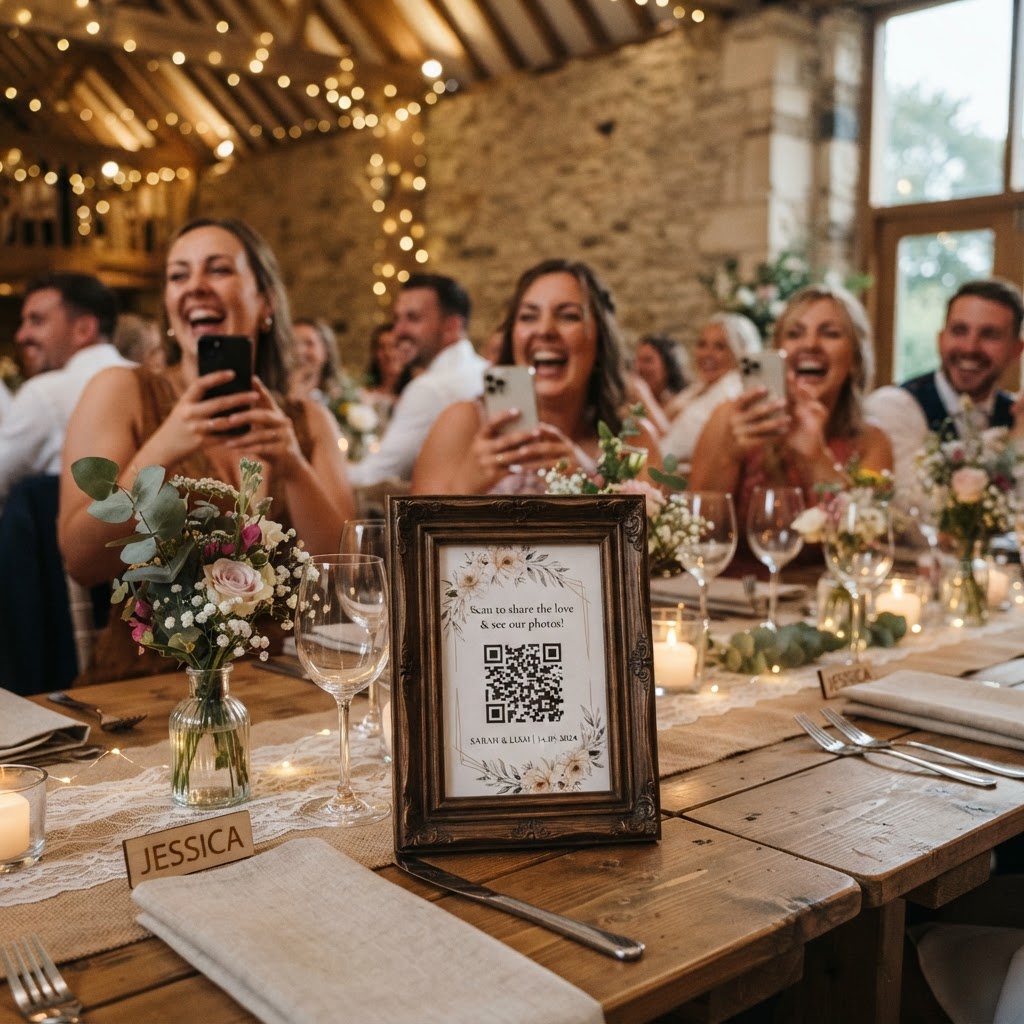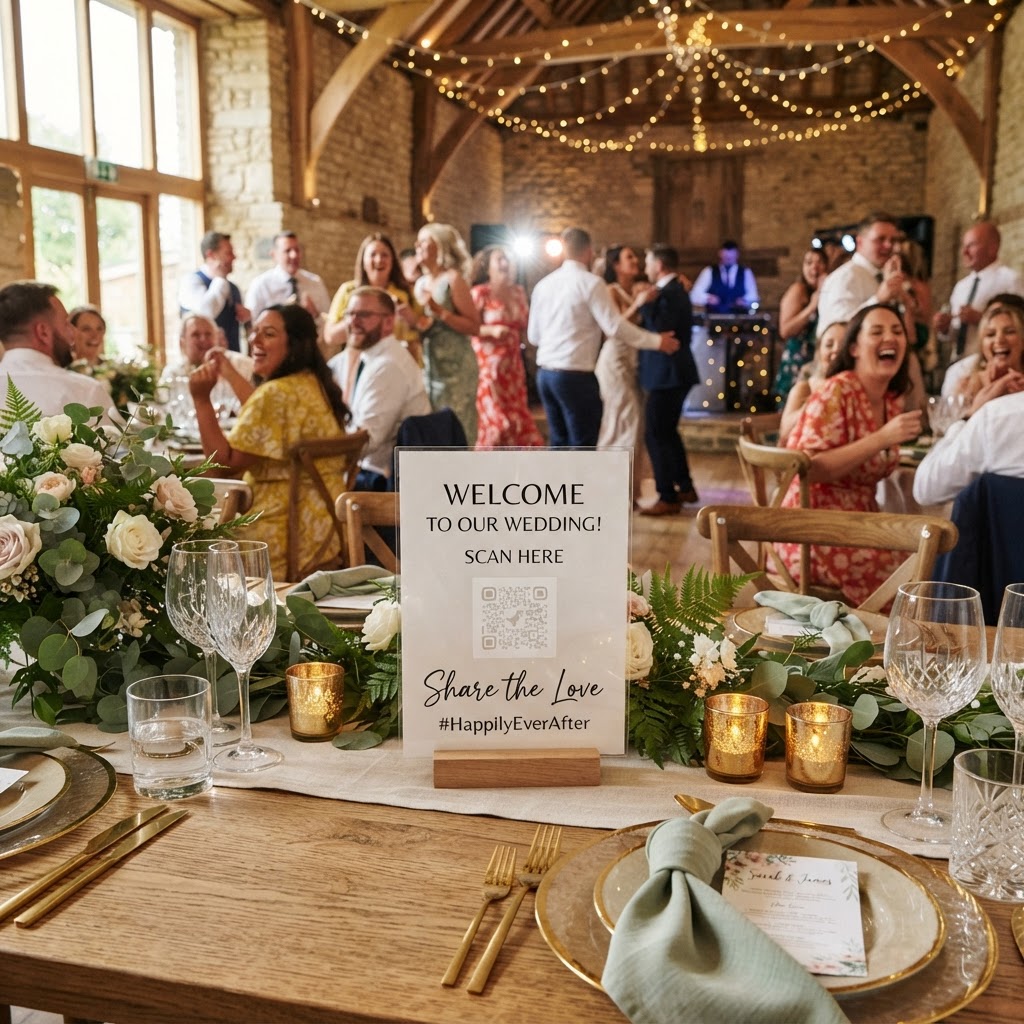
Wedding photo sharing is the process of collecting candid images and videos captured by your guests throughout your wedding day.
How do I get guests to upload their wedding photos?
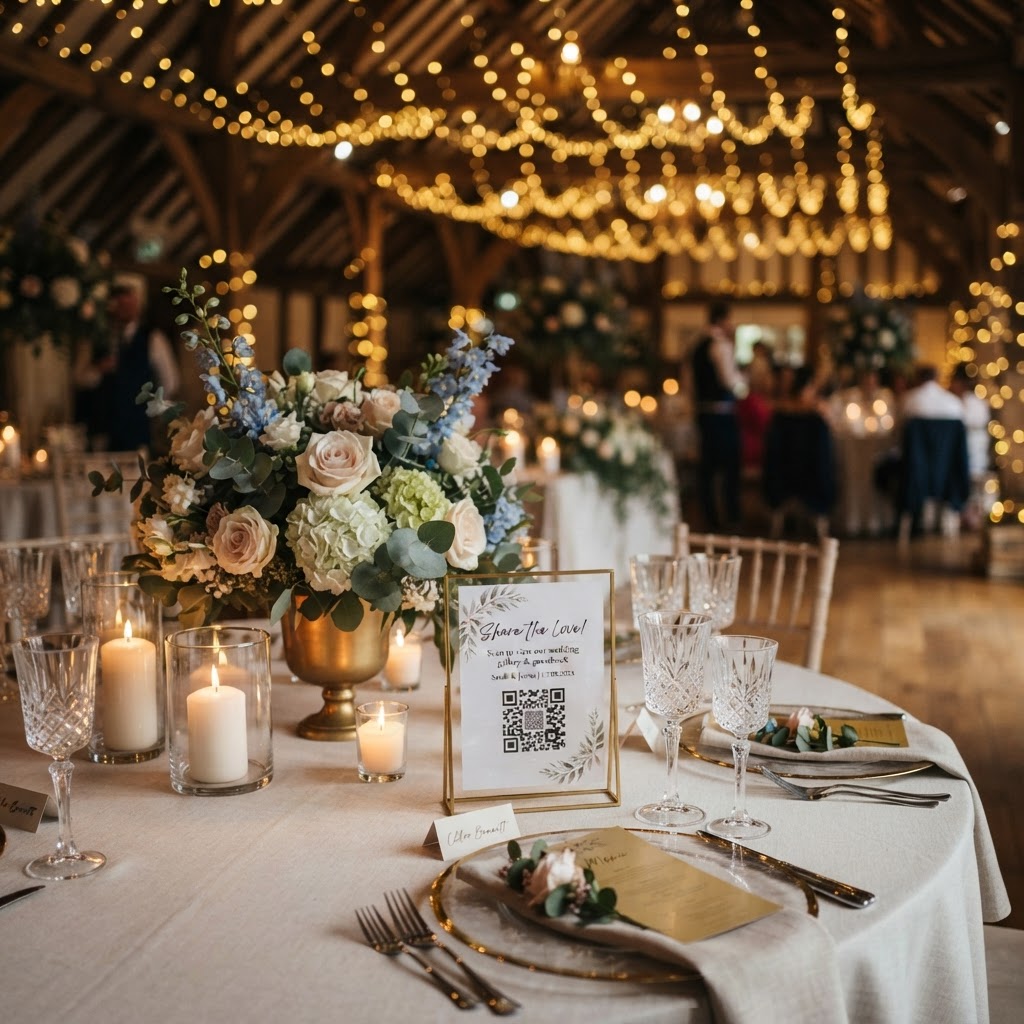
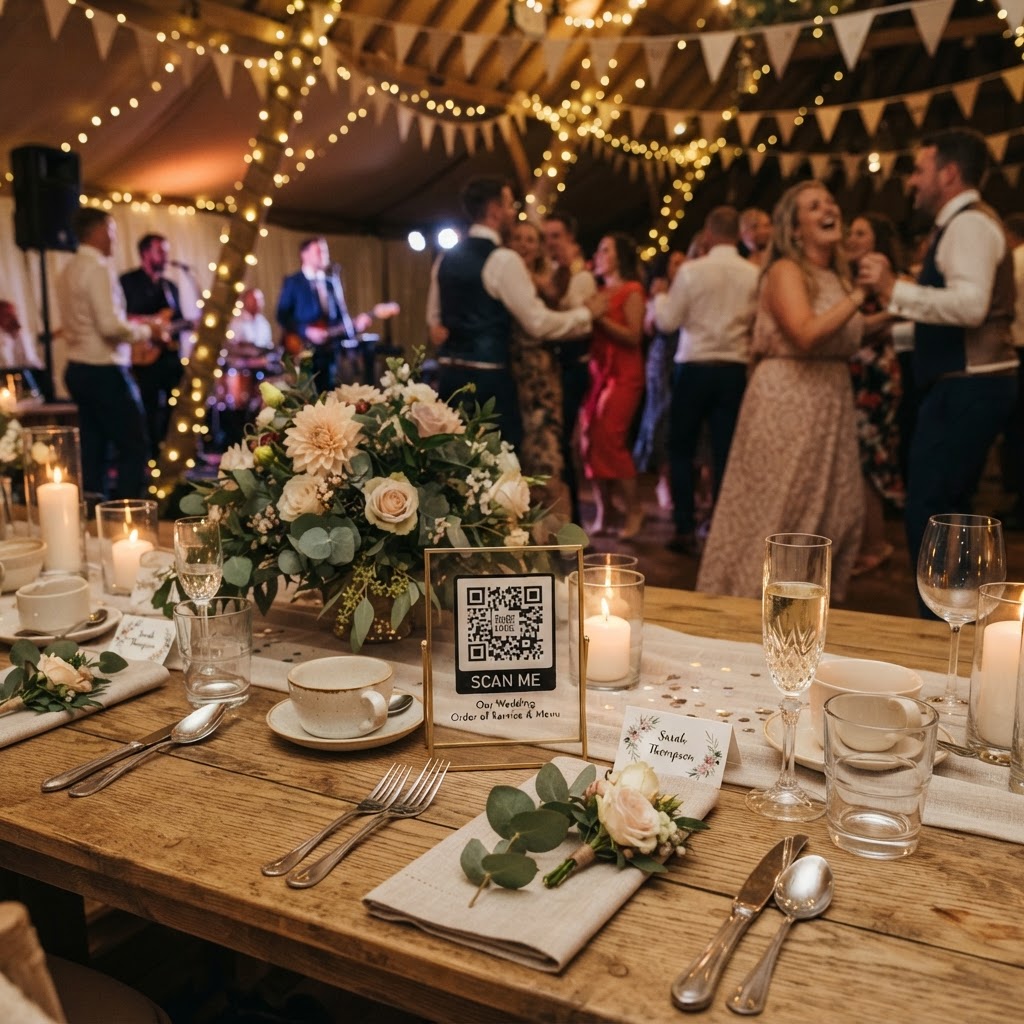
You ensure guests upload their photos by removing every possible barrier to entry. If guests must download an app, create a profile, or remember a password, they will likely abandon the process entirely before the party starts. The most successful approach is a browser-based system. Your guests simply use their phone camera to scan a QR code placed on their table or at the bar. This action opens a private upload portal directly in their web browser. Because the system runs on the mobile phone already in their pocket, the friction is virtually zero. You should print your QR codes on small, discreet cards placed in the centre of each table or frame them at the entrance. Clear instructions are vital. A simple sentence like Scan to share your photos or Upload a video message for the couple helps guests understand what to do immediately. When the process takes less than five seconds, participation rates increase significantly across all age groups.
What features should I look for in a photo sharing service?
You should prioritise services that offer live interaction and video capabilities. A live slideshow is a powerful tool for maintaining energy during the reception. As guests upload their photos, these images appear on a screen in real time. This creates an immediate feedback loop. Guests see their contributions displayed, which encourages them to take and upload more content throughout the night. It also acts as an icebreaker for people sitting at the same table who may have never met. Beyond photos, look for a platform that supports video messages. A digital video guestbook allows friends and family to record short clips from their phones. These videos capture the tone of voice, the laughter, and the energy of the speeches in a way that static text cannot replicate. Additionally, check for creative modes like green screen photobooth options, which allow guests to add a bit of professional flair to their images without the physical footprint of a rented booth.
How do I organise a wedding photo challenge?
You organise a wedding photo challenge by providing a specific list of prompts that encourage guests to look for unique details. This shifts the focus from simple selfies to storytelling. Print your challenge list on a card alongside your QR code sign. Use prompts that are easy to spot but fun to capture. Examples include A candid of the couple laughing, The best dance move of the night, Someone enjoying a drink, or A detail from the floral arrangements. This gamification turns guests into active participants rather than passive observers. It also ensures you receive a variety of content that you might otherwise miss. If you are worried about engagement, offer a small, silly prize for the best photo of the night. You could announce the winner during the speeches to keep people invested in the activity.
How long are my wedding photos available to view?
You must understand that these digital systems are tools for immediate sharing rather than permanent archival solutions. Most systems allow guest uploads to remain open for seven days after the event date. This gives your guests enough time to sift through their camera rolls and upload their favourites once they have recovered from the celebration. However, these galleries are often temporary. You should plan to download your collection as soon as the upload period closes. Many services delete the digital gallery after ninety days to protect data privacy and manage storage. You must commit to saving these files to your own computer or cloud storage within this window. Do not treat a shared guest gallery as your primary backup. Treat it as a temporary collection point that you must export to your own personal archive for long-term safekeeping.
What does wedding photo technology cost?
You should look for transparent, flat-fee models that avoid hidden monthly subscriptions. Many providers now offer a one-time payment for the entire event, typically priced around £39. This covers the setup, the QR code access, the live slideshow integration, and the private gallery access for the duration of the event and the week following. Because these services are event-specific, you pay once and do not have to worry about recurring monthly bills or cancelling memberships after you return from your honeymoon. Check if the price includes the ability to bulk-download the images. Some services require additional fees for high-resolution exports, so verify this in advance. When you factor in the cost compared to a traditional photobooth rental, which can reach several hundred pounds, this approach is often the most cost-effective method for gathering authentic guest perspectives.
You keep control of your content by using services that provide a private, secure gallery. Avoid relying on public social media tags or hashtags, which are often cluttered with unrelated posts and restricted by platform algorithms. A dedicated portal allows you to own your digital assets. You can curate the best shots for your wedding album or personal printing projects without navigating through thousands of social media notifications. Managing your memories should feel like a relief, not an administrative burden. Using a straightforward platform like Moment49 ensures that your guests can contribute their perspectives instantly without needing technical expertise, leaving you with a full collection of candid moments to enjoy long after the final dance.