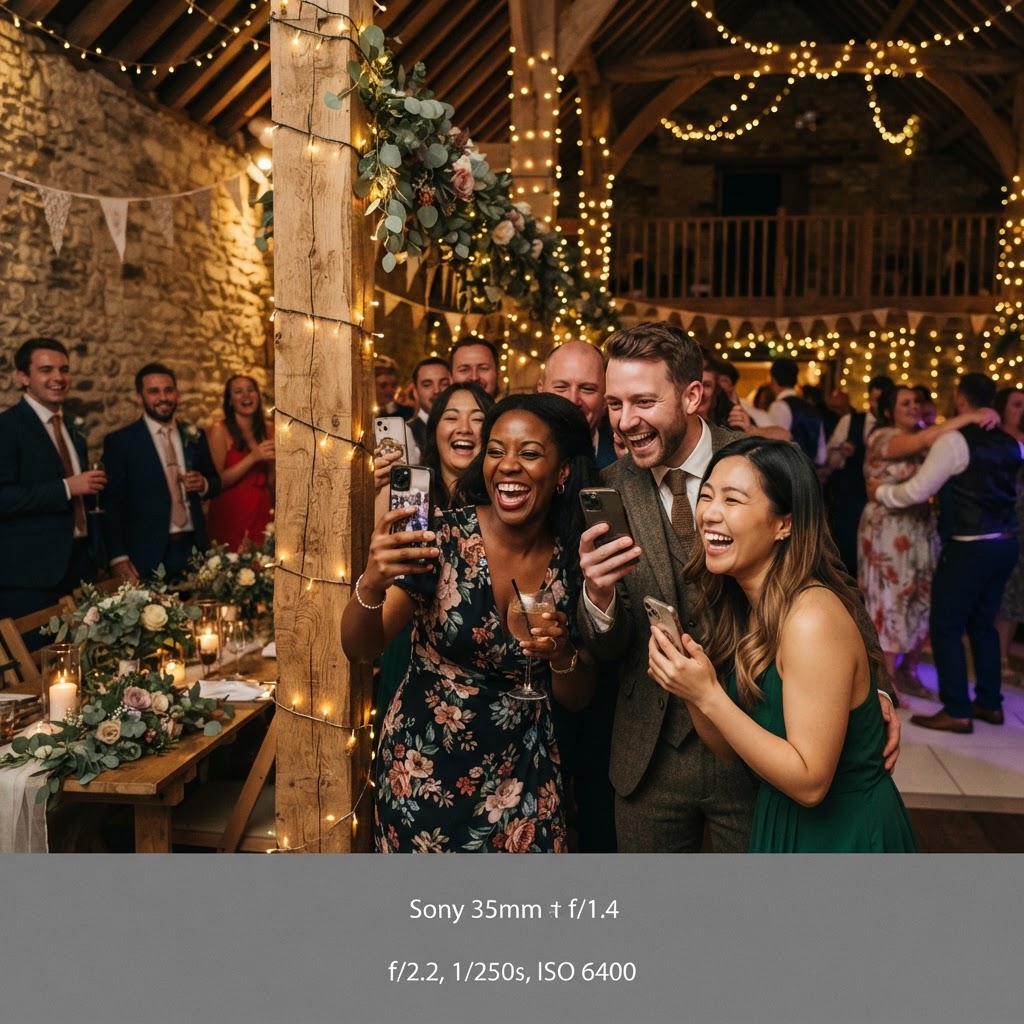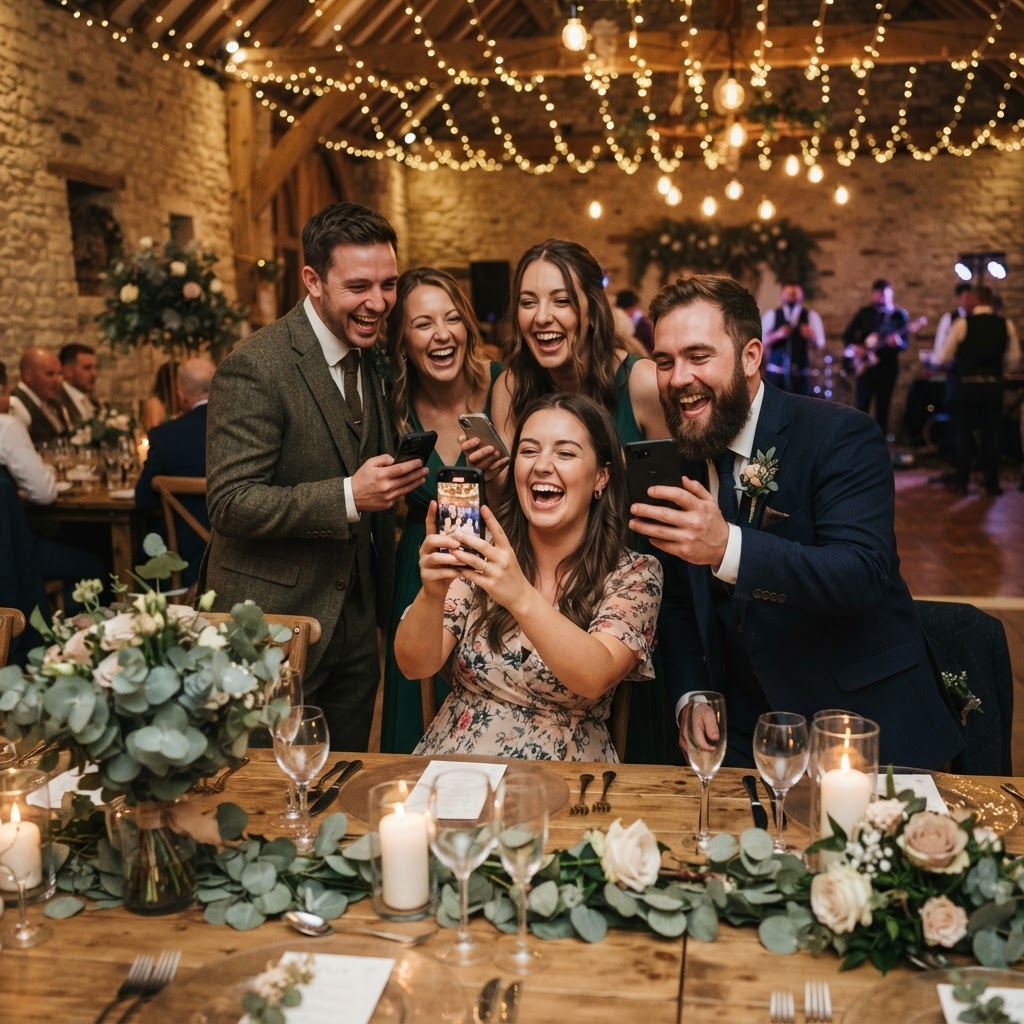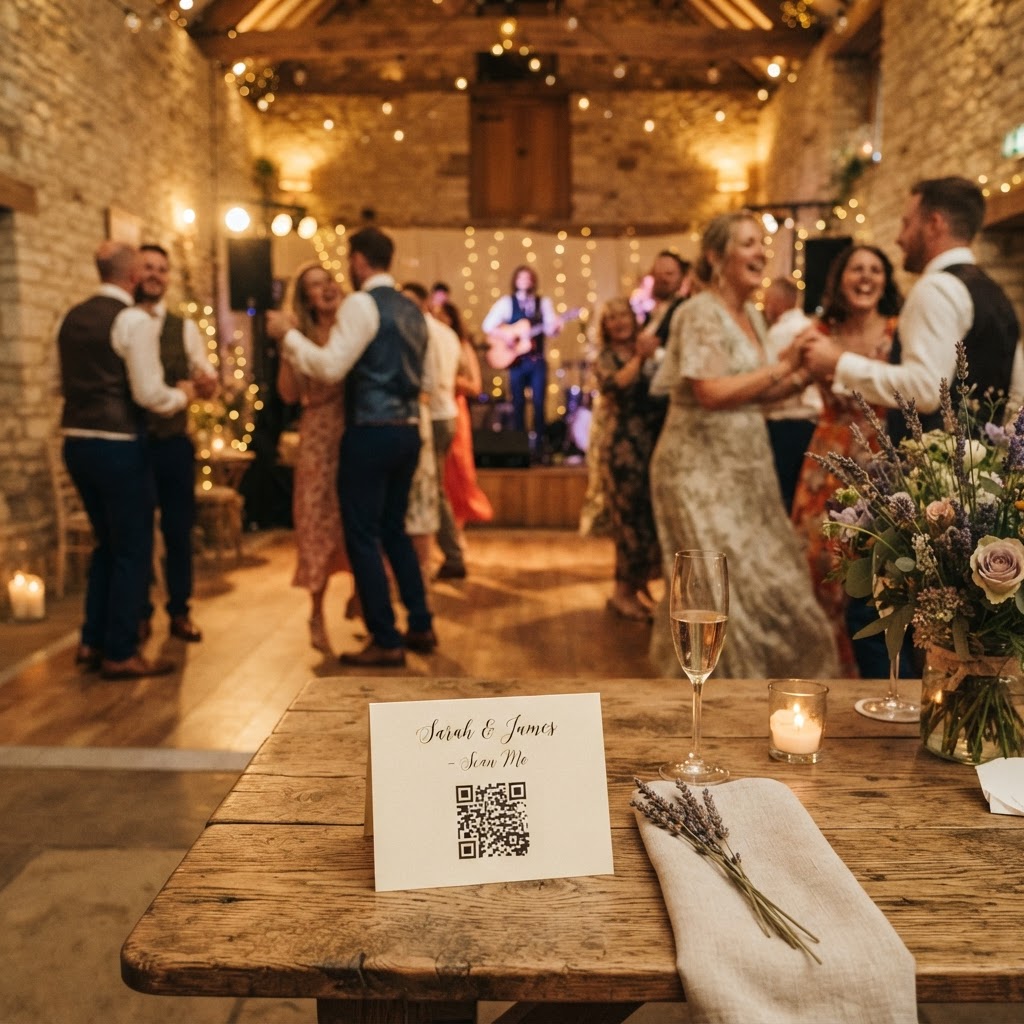
Wedding guest photo sharing is the process of collecting images and video clips captured by your attendees during your celebration.
How do guests upload wedding photos without an app?
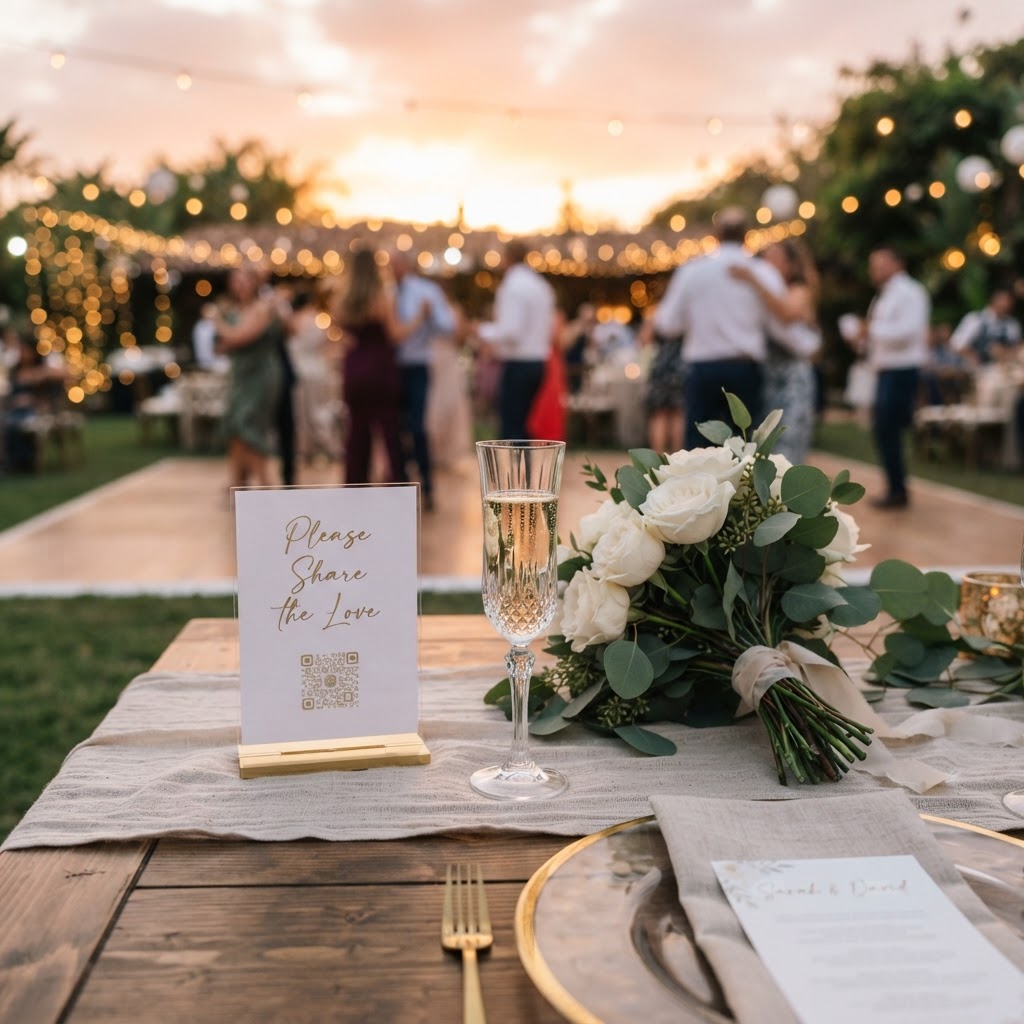
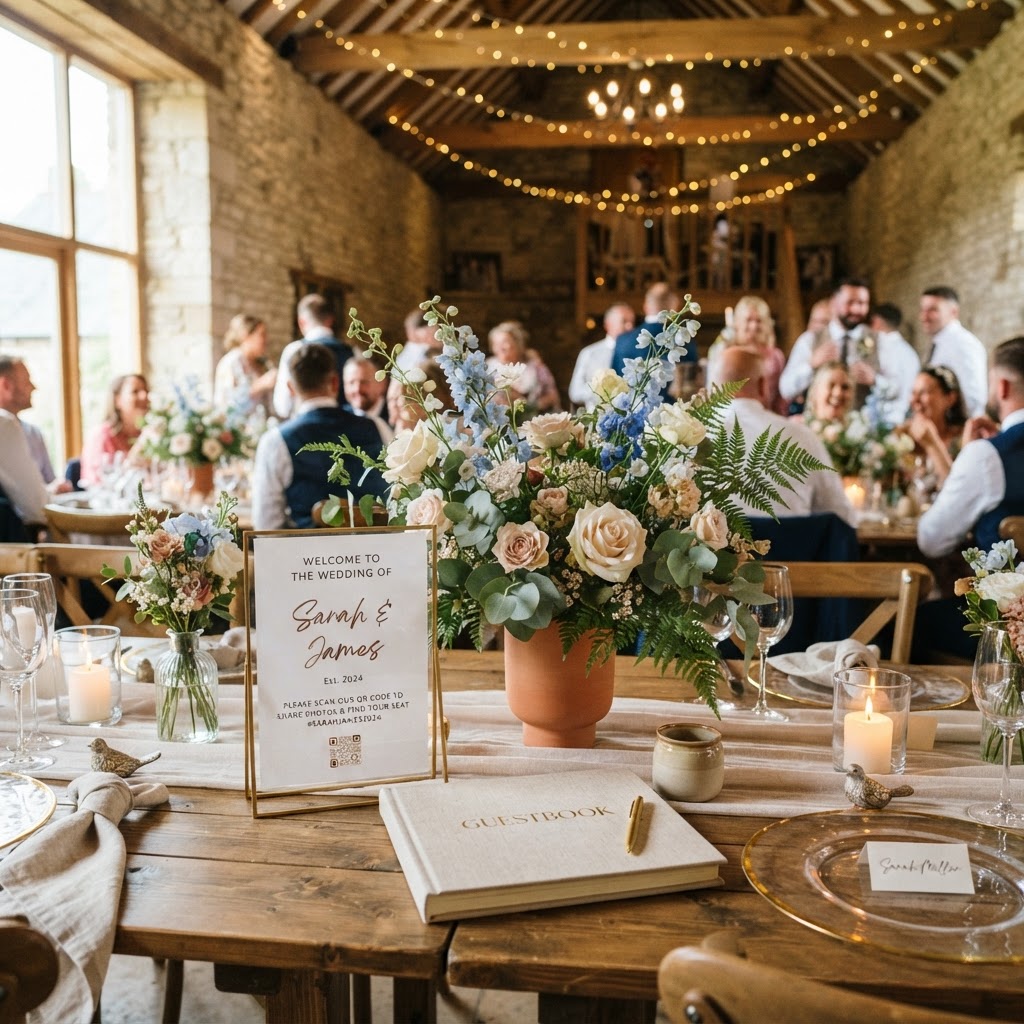
Guests upload wedding photos by scanning a physical QR code placed on their table or at the venue entrance using their standard smartphone camera. This action opens a secure web browser window where they can immediately select files from their phone library or record new content. Because the process occurs entirely within the browser, nobody needs to download a new application or create a user account. This simplicity is vital for high participation rates among guests of all ages, from younger cousins to older relatives. If a process requires a password or a signup form, your guests will likely abandon the task before they even begin. By removing these technical barriers, you allow guests to contribute their raw, authentic perspectives of your day effortlessly. The system works as a direct pipeline from their phone to your private gallery, making the act of sharing feel like a natural part of the event. It avoids the friction of chasing people for iCloud links or scouring endless WhatsApp groups after the honeymoon is over.
How to encourage guests to take photos throughout the day?
You can encourage guests to take more photos by gamifying the experience with specific visual prompts placed on each table. A scavenger hunt card is a highly effective way to nudge people into looking for unique moments rather than just taking the standard selfies. Create a simple printed card that includes a short list of things to find or capture, such as the best dance move on the floor, a heartfelt laugh, or the most colourful outfit in the room. When people have a specific target in mind, they become more observant and active participants in the day. Pair these prompts with a visual reminder on your table menus or at the bar that clearly states how to access the upload portal. Keep the language direct, such as Scan to share your view with the couple. When you make the collection process a visible part of the event decor, you bridge the gap between passive guests and active contributors. Remind them during your speech or through the master of ceremonies that their photos will be shared on the big screen, which adds an immediate reward to the effort of uploading.
What are the benefits of a live digital slideshow?
A live digital slideshow displays guest photos and videos on a projector or large television screen as they are uploaded in real-time. This dynamic display serves as a focal point that keeps the energy high, especially during transitions like the wedding breakfast or the evening party. When a guest sees their own contribution pop up on the screen, they often feel a sense of pride and excitement. This positive reinforcement encourages them to capture more moments and share them immediately. You can include video messages in this rotation, which provides a modern, spontaneous alternative to a traditional guestbook. Hearing a brief well-wish or seeing a fun clip from the dance floor played for the whole room creates a communal storytelling experience. The slideshow effectively turns the event into a collaborative effort where everyone contributes to the narrative of the night. It ensures that the moments you were too busy to see are highlighted and celebrated while the party is still happening.
How to manage the private gallery storage limits?
Managing your digital gallery requires an understanding of how long the data remains accessible for both you and your guests. In most high-efficiency sharing systems, guest uploads stay open for seven days after your wedding date. This period is long enough to cover the cleanup and the immediate post-wedding high, but it is not a permanent cloud storage solution. You must ensure that you download your favourite shots and videos to your own personal computer or hard drive during this window. These platforms typically delete the gallery 90 days after the event concludes to ensure data privacy and to keep the service costs low. By treating this service as a collection tool rather than an archive, you avoid the mistake of losing your media. Make it a task for your first week of married life to browse the collection, save the files you love, and curate your final album. Keeping these specific dates in mind allows you to enjoy the convenience of the service while maintaining complete control over your long-term memories.
Is a photo sharing service affordable for my budget?
A professional photo sharing service typically costs a flat, one-off fee, such as £39 for a single event, which avoids the burden of recurring subscriptions. This payment model provides you with access to the upload portal, the gallery management tools, and the ability to run your live slideshows without additional hidden fees. Because it is a single cost, it fits easily into a tight wedding budget without requiring long-term financial commitment. When you compare this to the expense of a dedicated physical photobooth, the value becomes even clearer. You gain the ability to offer features like green screen modes or video recording without needing to rent bulky equipment or manage hardware. The money saved on professional printing or expensive equipment rentals can be better allocated toward your catering, music, or photography services. The focus remains on hospitality, ensuring your guests have an easy way to interact with you and each other. Using a platform like Moment49 ensures that your digital guestbook and photo collection remain a simple, manageable part of your wedding planning process.