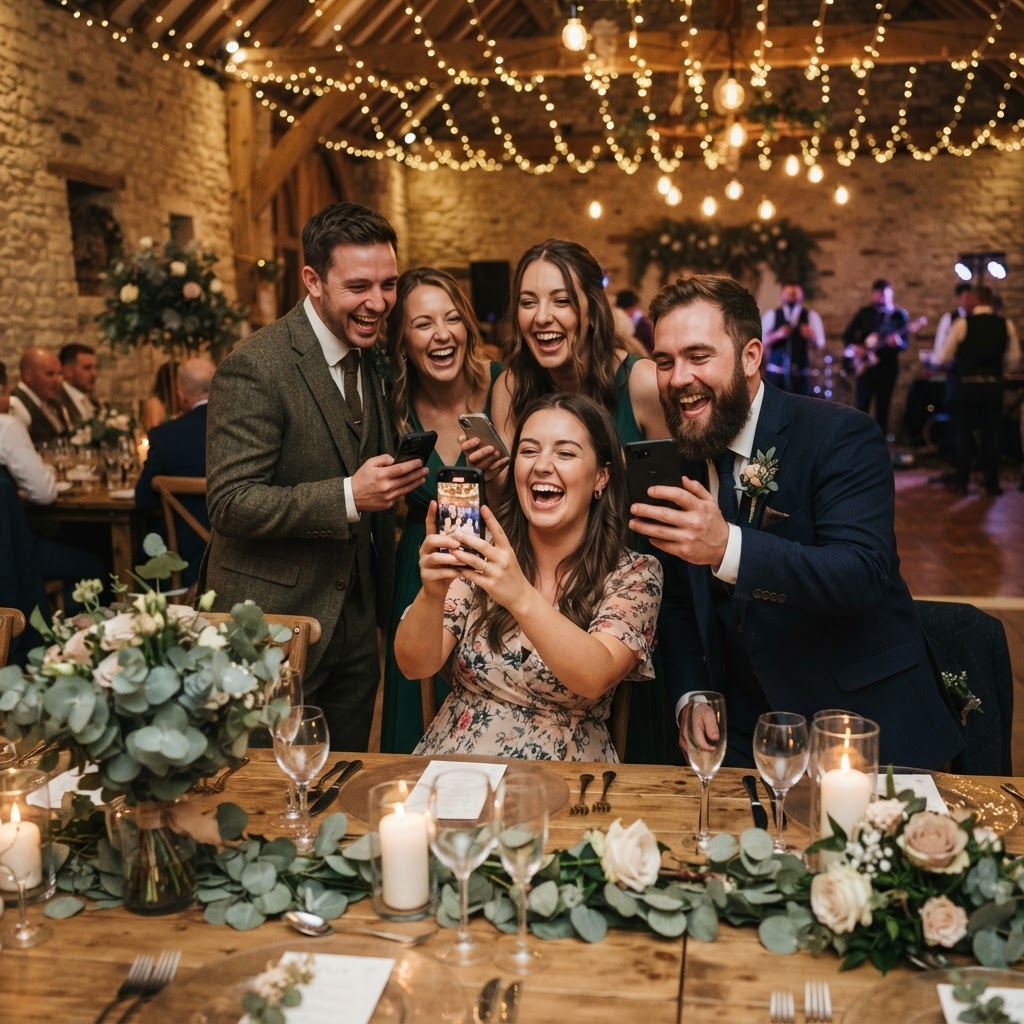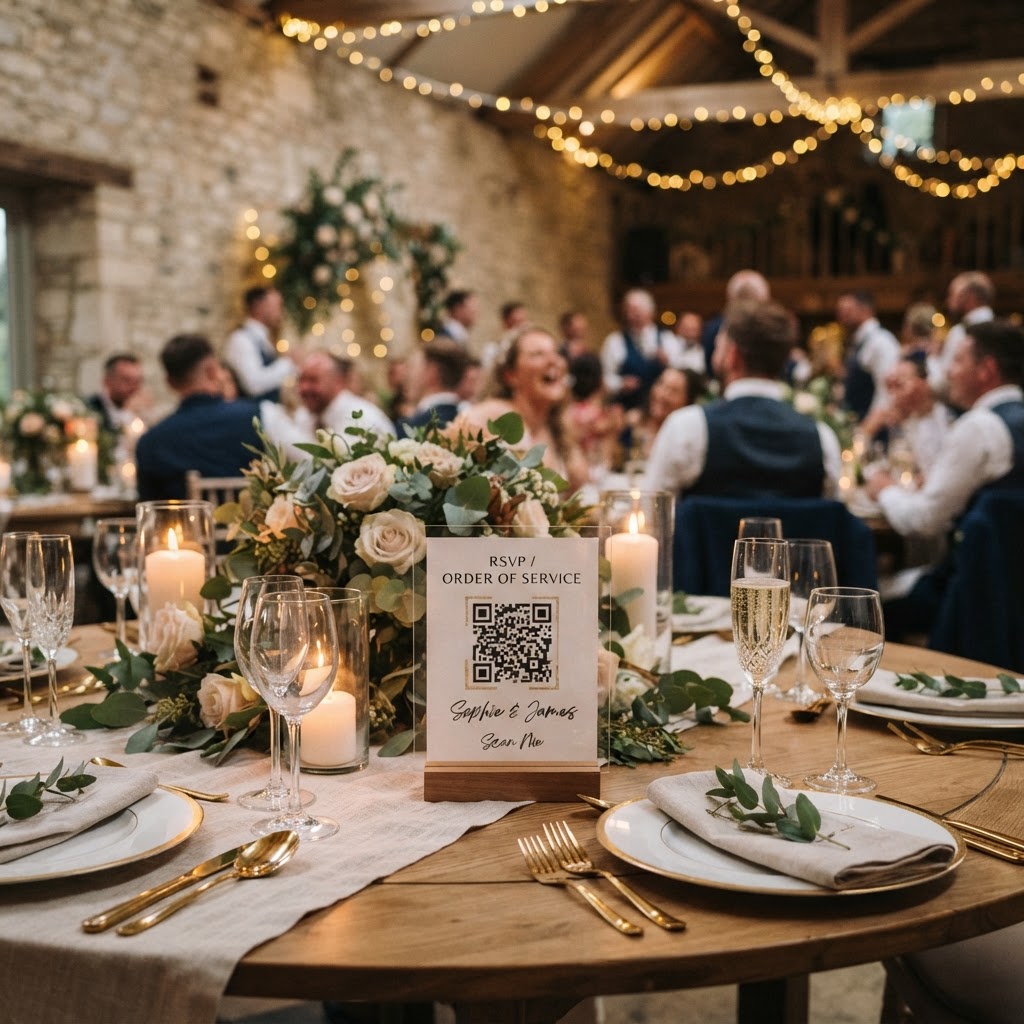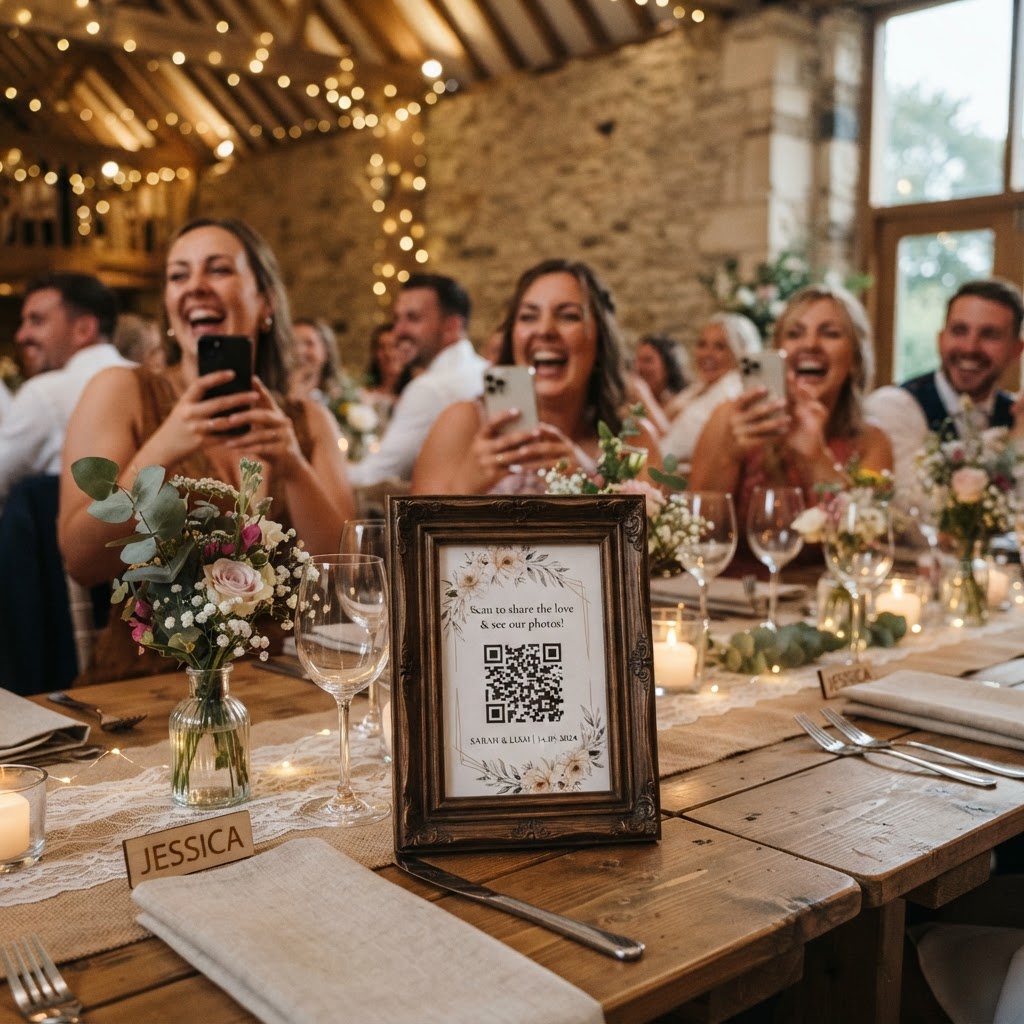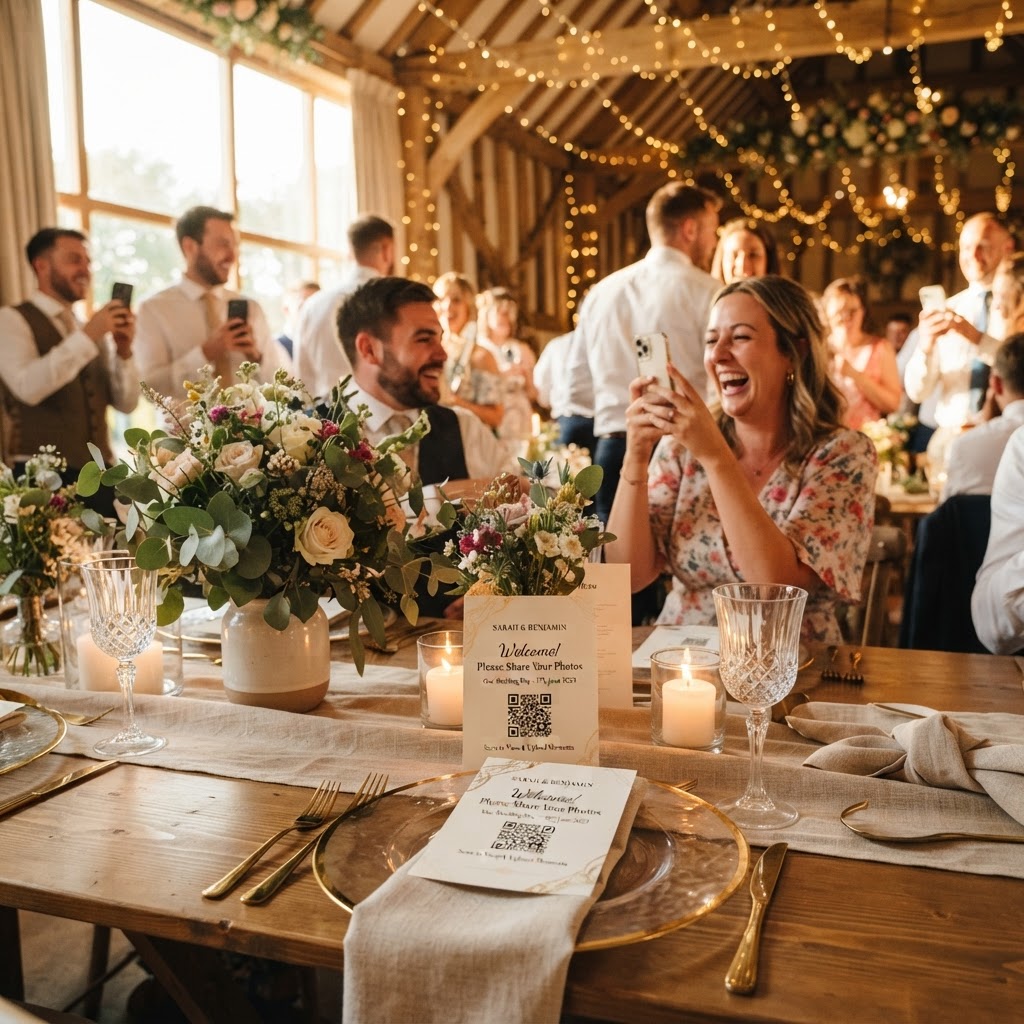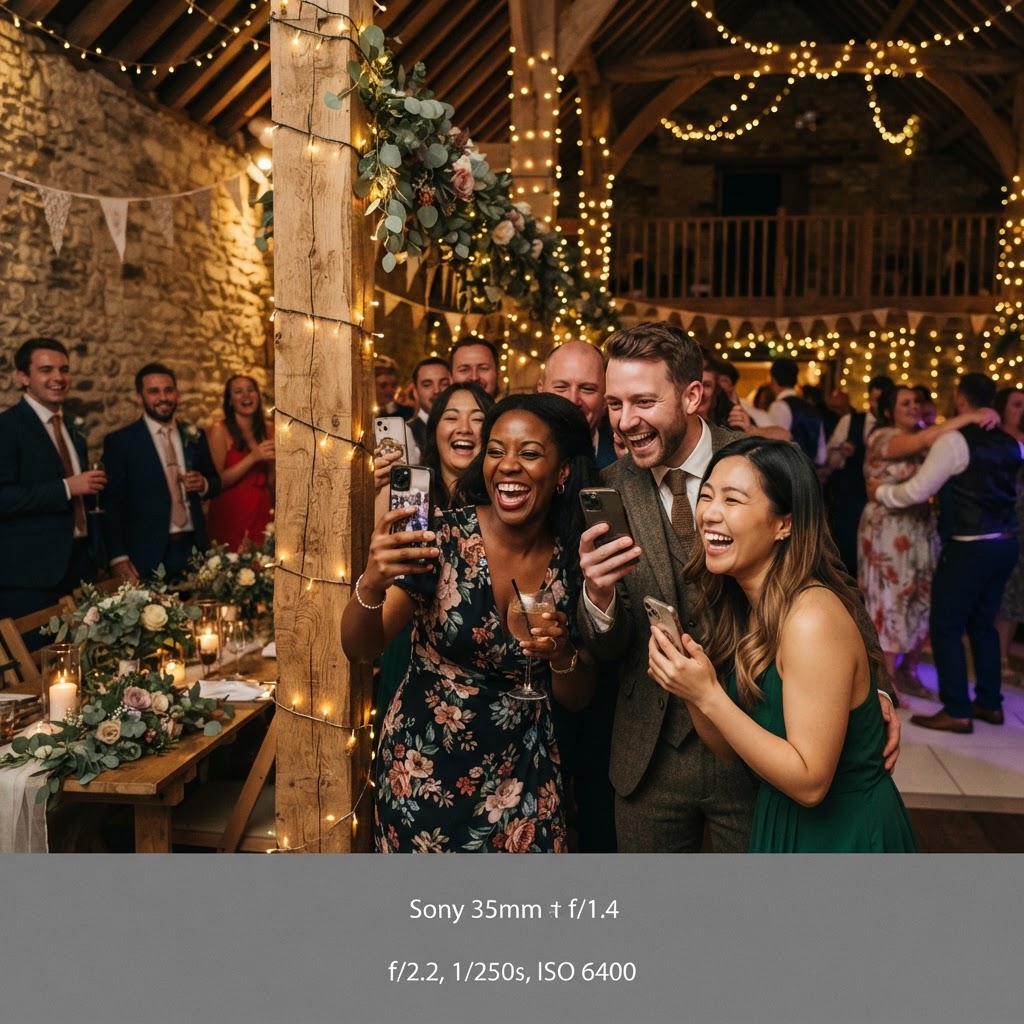
Wedding guest photo sharing is the process of collecting images and video clips captured by attendees during your celebration using a centralised digital platform.
How do guests upload wedding photos without an app?
Guests upload wedding photos without an app by scanning a QR code with their standard mobile camera and using the browser-based interface to select their files. This approach eliminates the need for downloading software or creating permanent user accounts. You print the QR code on cards at each table or display it at the venue entrance. When a guest scans the code, their phone opens a webpage where they can tap to upload existing photos or take new ones directly through the site. This simple workflow ensures that participation remains high because it mirrors the familiar process of browsing a website. You avoid the common frustration of guests refusing to download unfamiliar software for a one-time event. Guests complete the process in seconds and return to the party immediately.
What are the best ways to display a live wedding slideshow?
The best way to display a live wedding slideshow is to connect a laptop to a projector or a smart television at your venue and set the digital gallery to auto-refresh. This setup creates a loop where every new photo uploaded by a guest appears on the screen within seconds. Place the screen in a high-traffic area, such as near the bar or the dance floor, where guests naturally congregate. Watching their own photos appear on a large screen serves as positive reinforcement for attendees. When guests see that their contributions are valued and visible, they feel more inclined to capture and share more moments. You should test the internet connection at your venue in advance to ensure the page refreshes reliably throughout the evening. Using a dedicated monitor or a large TV screen often provides better clarity than a projector in rooms with high ambient light.
How to create fun wedding photo challenges for guests
You create fun wedding photo challenges by providing a list of specific prompts that encourage guests to look for unique moments rather than just taking standard portraits. Print these challenges on a small card tucked into the menu or place a list inside the wedding programme. A good challenge list prompts action during different stages of the day. You might ask guests to photograph the groom during a specific song, capture a reaction to a funny speech, or find the most enthusiastic dancer. Encourage guests to upload these to your shared gallery by reminding them that you will be watching the feed later. This strategy transforms photography from a passive habit into an engaging activity that brings guests together. Keep the instructions simple and easy to read. A list of five to ten items is usually sufficient for an entire wedding reception.
What should you look for in a wedding video guestbook service?
You should look for a wedding video guestbook service that prioritises user ease and provides a clear deadline for downloading your final files. A system that allows guests to record a short message using their phone camera is ideal for capturing authentic sentiment. Unlike paper guestbooks that often remain unread, video messages preserve the tone of voice and the genuine energy of your loved ones. Check if the platform offers a bulk download option so you can save all clips to your own computer after the event. Remember to clarify with your service provider how long your files will remain accessible. For example, some platforms allow uploads for seven days after your wedding and then store the gallery for ninety days. This is a short-term collection tool rather than a permanent cloud storage solution. You must plan to download your files once the gallery reaches its final phase to ensure you do not lose your memories.
How to manage your private wedding photo gallery
You manage your private wedding photo gallery by regularly logging into your account to review, sort, and download the content uploaded by your guests. A private platform gives you total control over who sees the images, which is preferable to sharing files on open social media profiles. You should organise your digital folders by the stage of the event, such as arrival, ceremony, speeches, and evening party. This makes it significantly easier to find specific moments when you want to look back through your collection. If the system supports a green screen mode, you can direct guests to take photos against a simple background and apply digital filters to match your event theme. This turns a standard phone snapshot into a creative keepsake that your guests enjoy making. Once your event concludes, use the seven-day window to encourage any final uploads from guests who may have forgotten to share their shots. After the seven days pass and you have your downloads, you can safely store the files on your own secure hard drives or personal cloud accounts. A simple service like Moment49 provides this exact functionality to keep your wedding photos accessible during the celebration without any subscription fees.