Wedding photo sharing is the process of using digital tools to collect, organise, and view images and video clips captured by guests during a marriage celebration.
How can I get all my wedding photos from guests without them using an app?
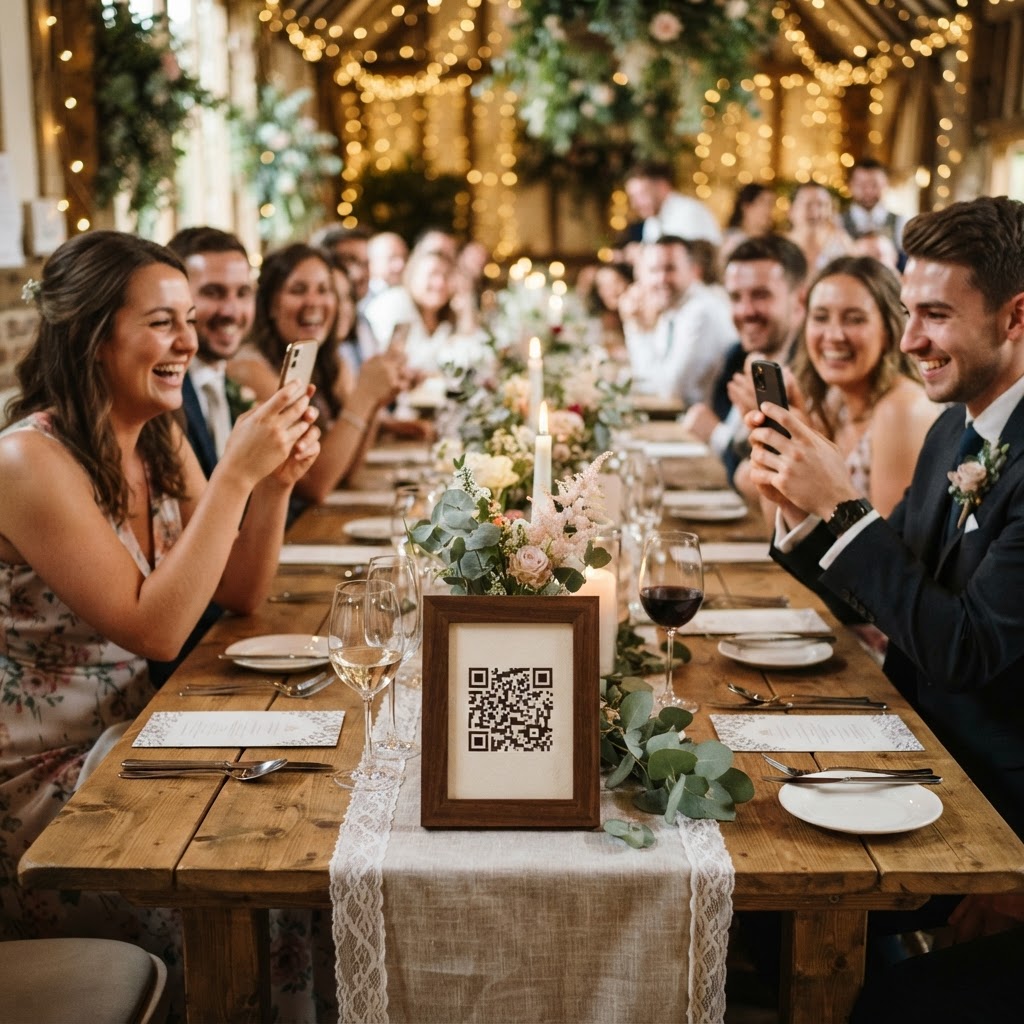
You collect guest photos by providing a direct link or a QR code that opens a simple upload interface within a mobile phone web browser. This method bypasses the need for guests to download a specific app from a store or create a new user account. When you remove these technical hurdles, you immediately increase the number of contributions you receive from your attendees. Guests are often busy enjoying the event, so the barrier to entry must be extremely low. They simply scan the code, select the media from their camera roll, and hit submit. The browser handles the file transfer in the background, allowing the guest to return to the dance floor or the meal instantly. This frictionless workflow is essential for ensuring that even the least tech-savvy members of your family can participate in the documentation of your day.
How should I communicate the photo sharing process to guests?
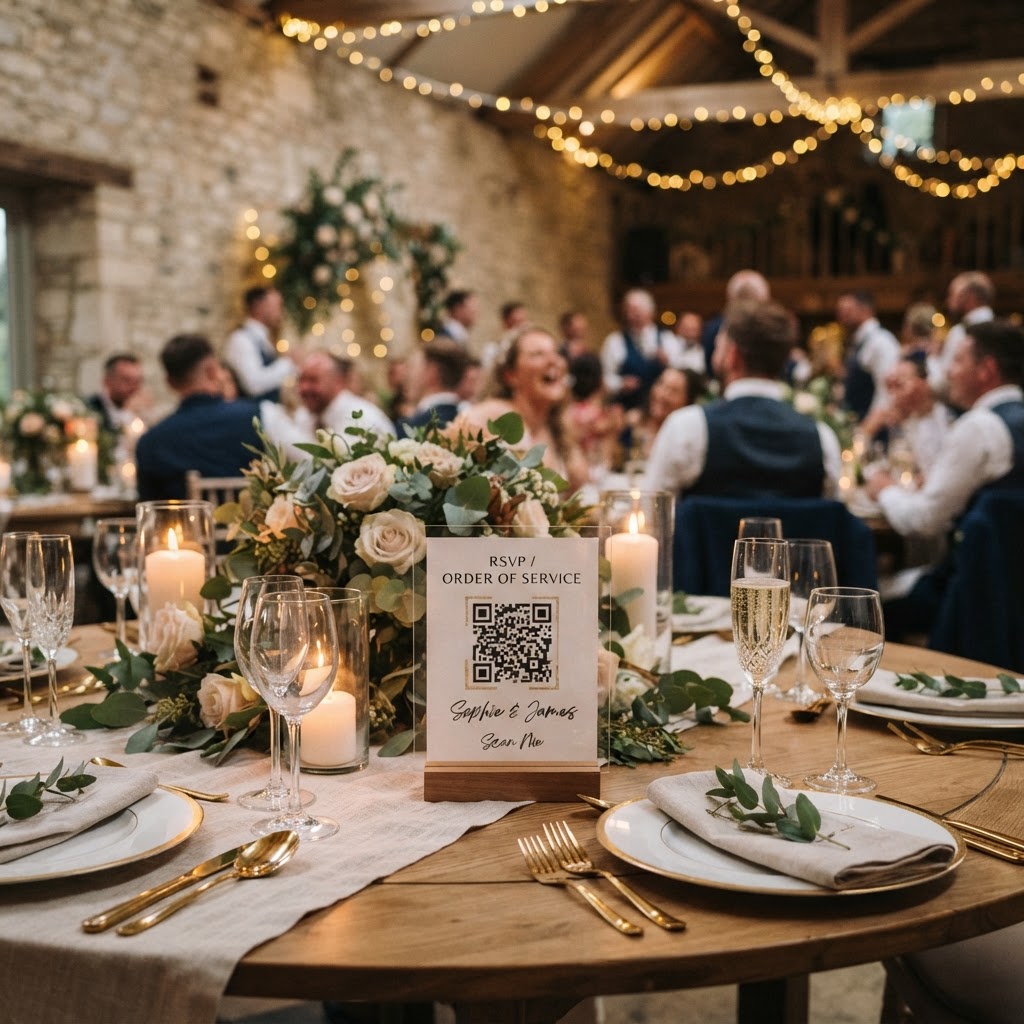
You communicate the process by placing small, clear instruction cards on every dining table or at the venue entrance. Each card should feature your unique QR code alongside a single, simple sentence explaining what to do. For example, include a line that reads: Scan to share your photos and videos with the couple. You may also want to print a small instruction at the bottom of your order of service or wedding programme. Keep the language direct and avoid jargon. If you are worried that guests might miss the instructions, consider a brief mention by the master of ceremonies or the best man during the welcome speeches. Providing a clear call to action prevents confusion and ensures that guests understand they have a role to play in capturing the spirit of the wedding.
What are the best ways to keep guests engaged with photo uploads?
You keep guests engaged by providing immediate feedback such as a live slideshow that displays their uploaded photos on a screen during the reception. When a guest sees their own contribution appear in the room, it encourages others to participate. This creates a feedback loop where guests compete to capture the most entertaining or heartfelt moments. You can also implement photo challenges to guide the content you receive. Place a list of prompts on the table that asks guests to find specific subjects, such as a photo of the dessert, a selfie with a stranger, or a video message for the newlyweds. This transforms the task of photo taking into an interactive game rather than a chore. It is also a fantastic way to break the ice between guests who are sitting at the same table but may not know each other well yet.
How should I handle video messages from my wedding guests?
You handle video messages by inviting guests to record short clips through the same upload portal used for photos. Video adds a layer of depth that still images simply cannot convey, capturing the voices, laughter, and energy of your friends and family. Encourage guests to record a 15-second message wishing you well or a snippet of the dance floor action when the music is at its peak. Ensure the instructions provided on the table mention that short video clips are welcome. These files are often larger than photos, so using a browser-based system that manages the compression and upload automatically is vital. Since these videos are captured on personal phones, they often feel more authentic and raw than a formal guestbook entry. Keep in mind that these digital files are stored for a limited period, so be sure to download your final collection before the expiry date.
What are the practical constraints of using a digital photo collection service?
The primary constraint of using a modern photo collection service is that these platforms are designed for immediate retrieval rather than long-term archival. Most services, including those charging a flat fee of thirty-nine pounds, provide a temporary window for uploads and storage. Typically, guests can continue to upload files for up to seven days after the event. The full gallery is then available for the couple to view and download for a specific duration, such as ninety days, before the system purges the data to maintain privacy. You must plan to download all your files to a personal computer or an external hard drive well before the ninety-day deadline expires. This structure offers a fixed-cost alternative to expensive professional gallery subscriptions, as you pay once and own the right to download the content during the active period. Never treat these temporary galleries as a permanent cloud backup for your life; think of them as a fast-track way to pool your wedding memories in the immediate aftermath of your ceremony. By keeping this timeline in mind, you can set a reminder on your phone for one month after the wedding to ensure you have saved every single clip. Creating your shared archive is a manageable task when you embrace a tool like Moment49 for your big day.