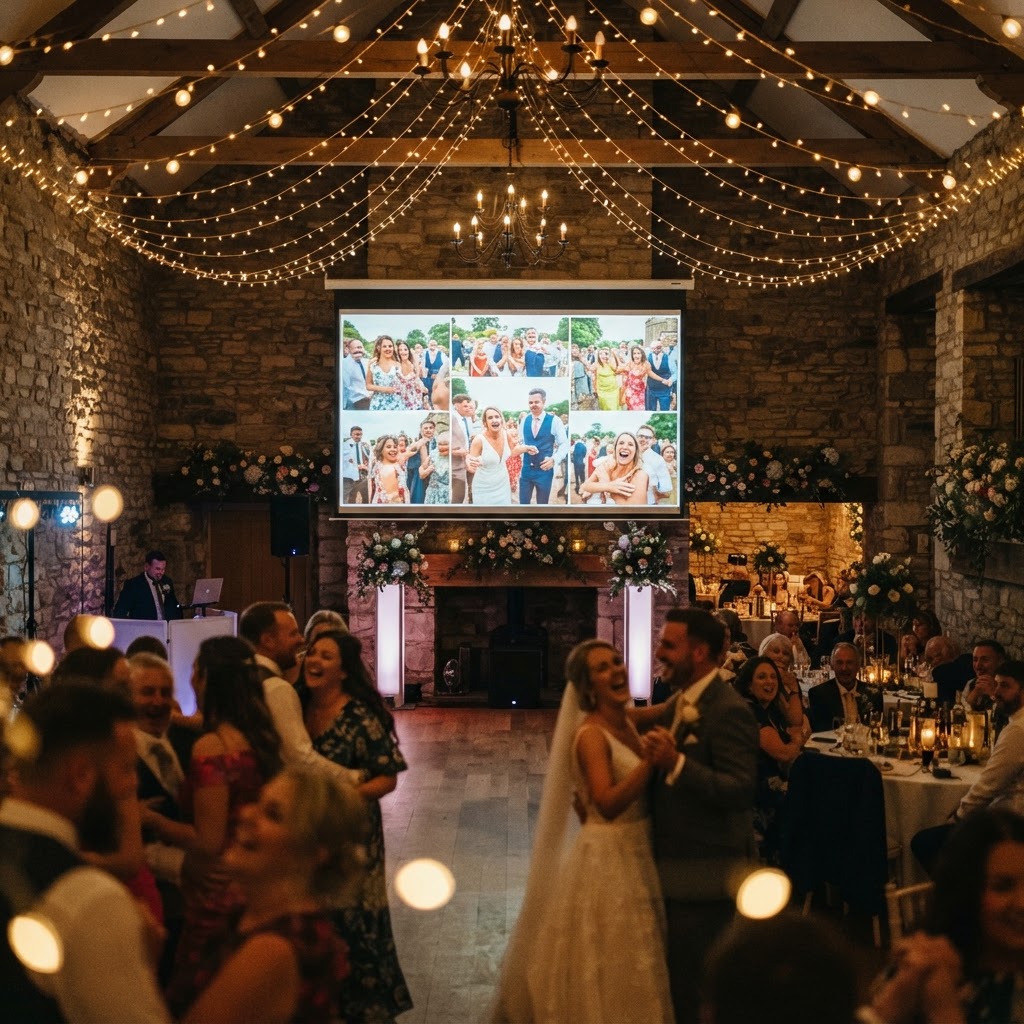
What is a live wedding photo stream?
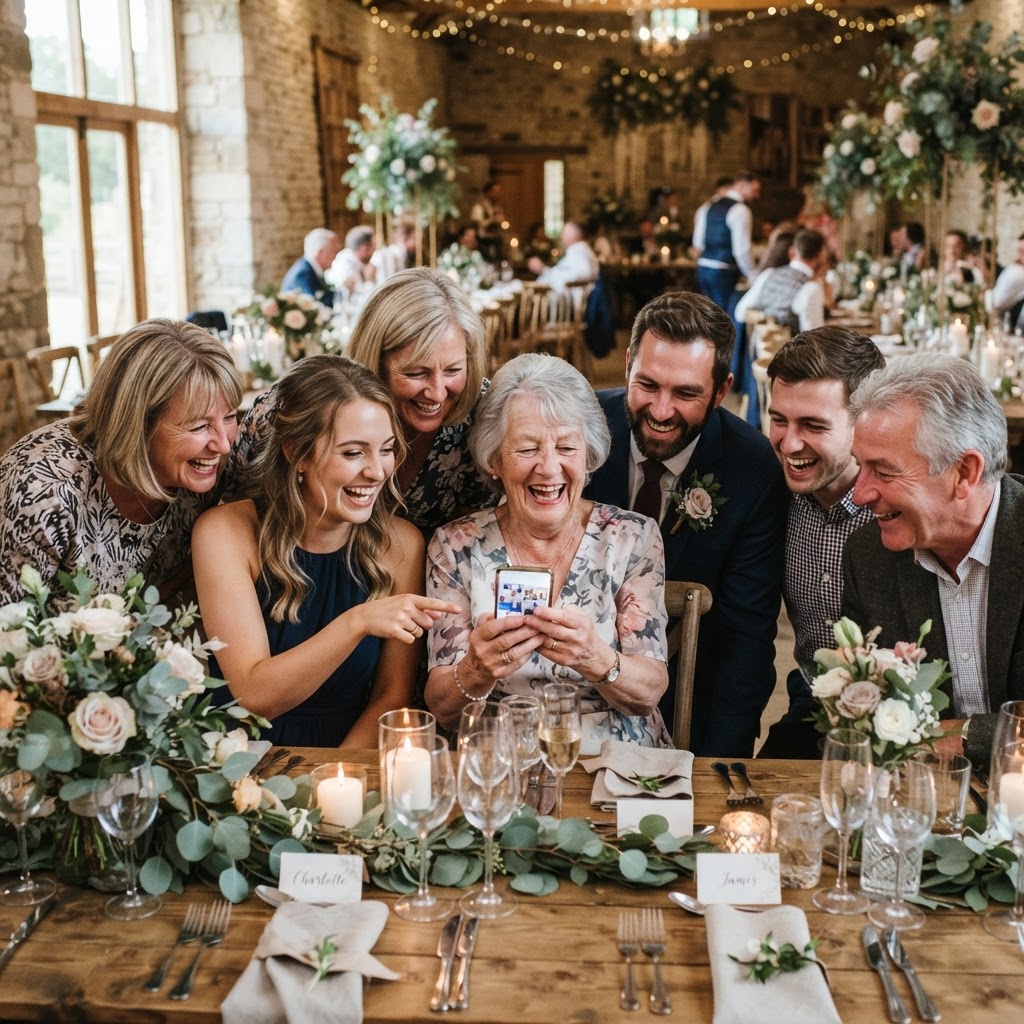
A live wedding photo stream is a digital service that projects guest-captured images onto a screen or wall in real-time during your reception. This display allows your friends and family to see candid moments immediately after they are taken throughout the evening. Rather than waiting for your professional photographer to deliver an edited gallery weeks later, a live feed turns your guests into a collaborative camera crew. This approach captures unique perspectives that a single photographer might miss during the busy reception period. It builds a sense of shared community as guests see their own contributions appearing alongside those of other attendees. The experience relies on a simple upload process that encourages participation from every generation in the room.
How do guests upload photos without an app?
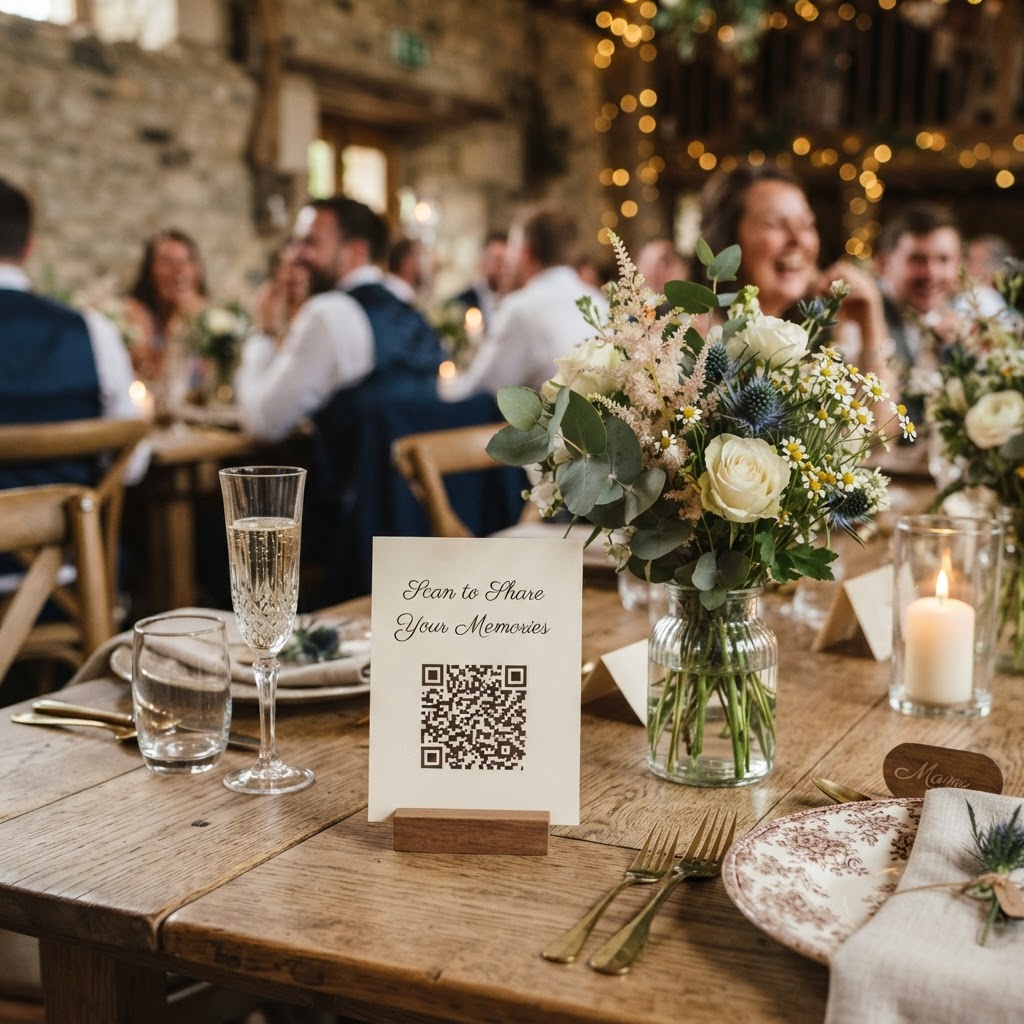
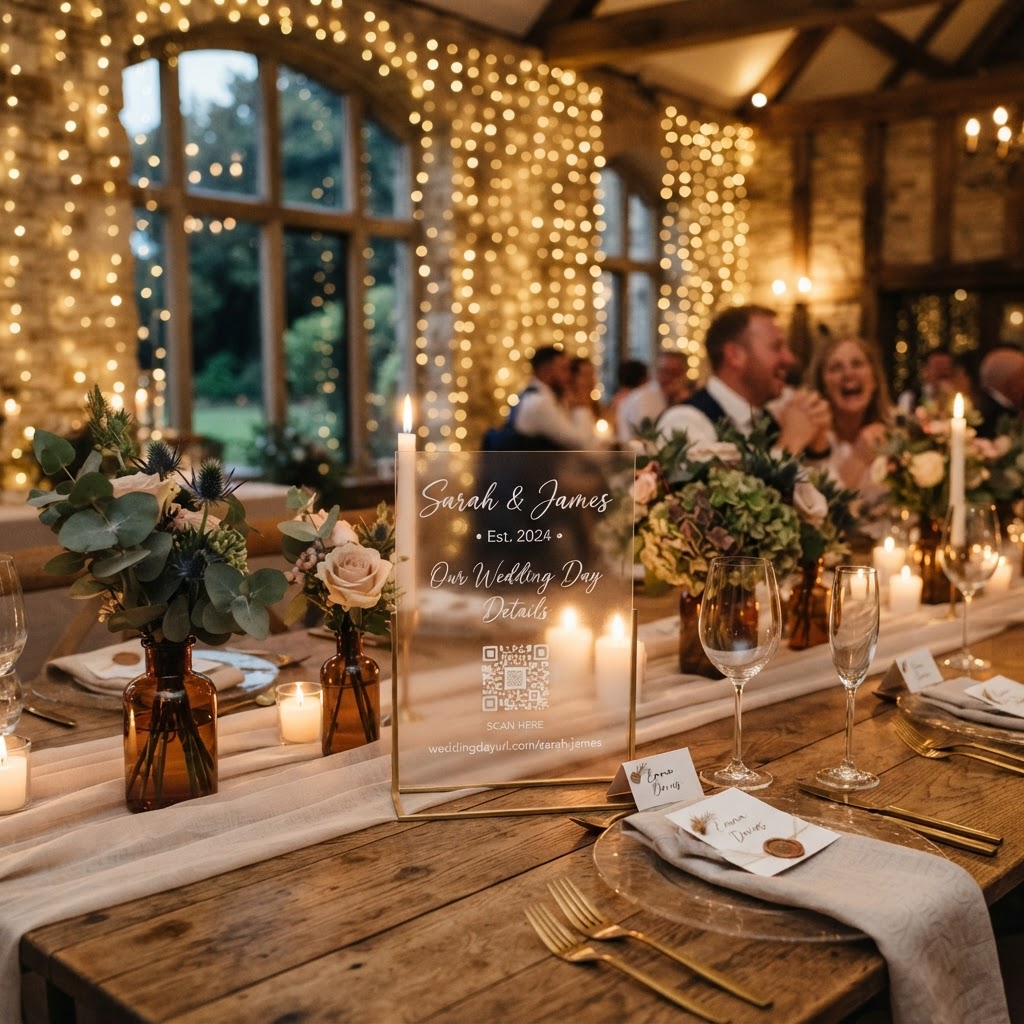
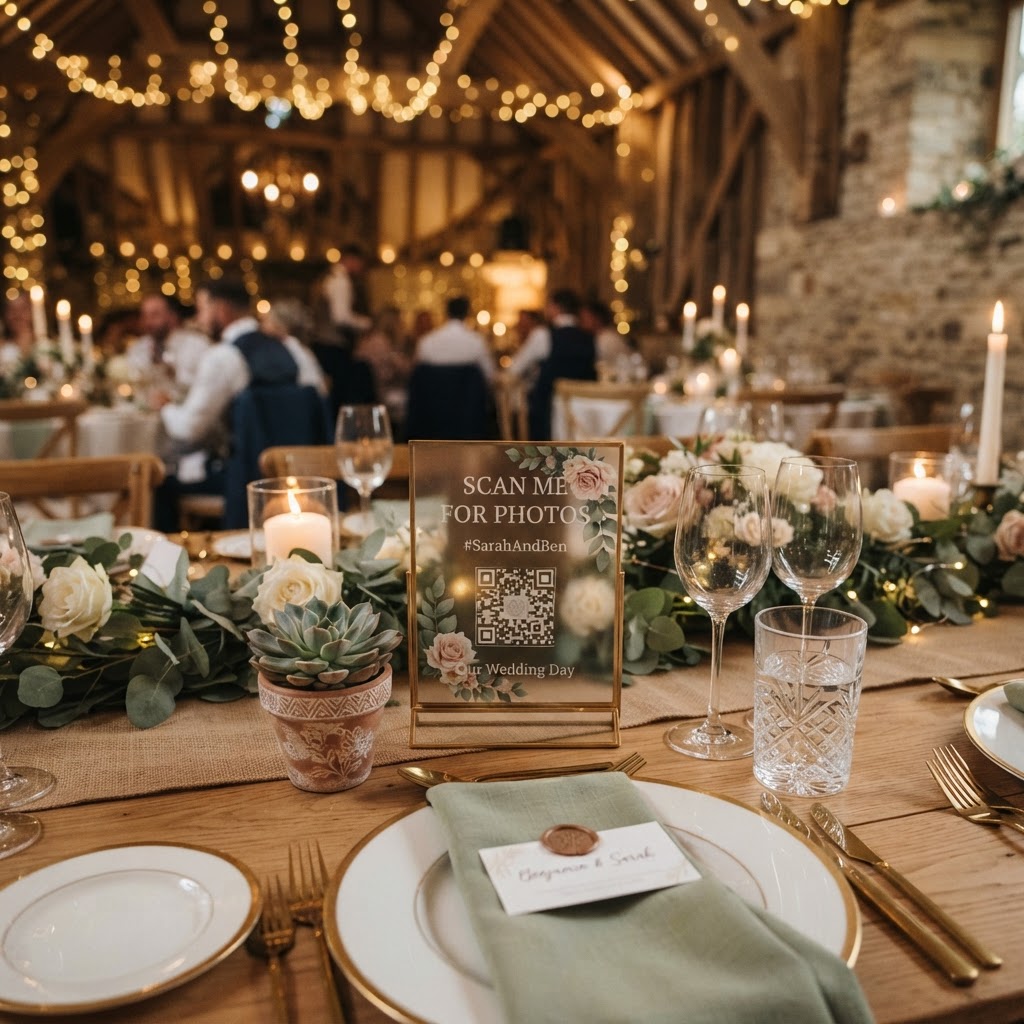
Guests upload photos to your live stream by scanning a QR code with their mobile camera to open a web browser portal. This system removes the friction of downloading dedicated software, creating accounts, or remembering passwords. You print the QR codes and place them on tables, at the bar, or near the dance floor to prompt people to participate. Because the system runs entirely within a standard mobile browser, any guest with a smartphone can contribute without needing technical expertise. Users simply snap a photo or record a short video, hit upload, and the content flows to the display screen within moments. This accessibility ensures that your feed remains active throughout the event as more people join the shared gallery. The ease of use is critical because guests will only participate if the process feels instantaneous and effortless.
How do I set up a live stream for my wedding?
You set up your live stream by choosing a web-based service that allows for simple QR code generation and direct browser-based uploads. You must verify that your venue offers a stable Wi-Fi connection for the device running the display, such as a laptop or tablet connected to a projector. Start by testing the signal strength in the exact corner where your projection screen will be placed. A poor signal can cause delays in image loading that disrupt the flow of the presentation. You should confirm that your projector or screen supports a compatible aspect ratio to ensure images do not appear stretched or distorted. Conduct a full dry run during your rehearsal or at least two days before the wedding day. During this test, make sure you know how to toggle between the live slideshow mode and any secondary features like video guestbook messages. Have a trusted friend or family member designated to manage the screen if you cannot be near the laptop during the party. They should be able to restart the stream if the browser refreshes or if the connection drops during the transition from dinner to dancing.
Managing your content and privacy
Most browser-based systems provide a moderation tool that allows you to review content before it hits the big screen. This setting is vital if you are concerned about inappropriate content appearing in front of your family or younger guests. You can usually access a dashboard on your phone to hide or delete any photos that you do not want displayed. Keep in mind that these platforms operate on specific timelines for data management. Guest uploads typically remain open for seven days after the wedding date to allow for stragglers to contribute their best shots. The full gallery is usually deleted from the company servers 90 days after the event. This window is sufficient for downloading the images you want to keep, but it means the service is not intended as a permanent cloud storage solution.
What activities encourage guest participation?
Engagement increases significantly when you gamify the experience by introducing specific photo challenges for your guests. Create small signs that ask attendees to find and capture particular moments throughout the night. Examples include taking a selfie with the best dancer, catching a funny expression during the speeches, or snapping a shot of the most creative cocktail at the bar. When guests know they are looking for something specific, they tend to use their phones more actively. Another effective tactic is to display a call to action on the screen itself during quiet moments, reminding people to scan the table codes. Short video clips also break up the monotony of static images. Encourage guests to record brief, heartfelt messages instead of just posing for photos. These video snippets turn your live feed into a dynamic guestbook that feels intimate and personal. The transition between photos and videos keeps the energy level consistent throughout the evening.
Where should I place my display screen?
You should place your display screen in a central, high-visibility area near the dance floor or the dessert station to maximise exposure. Avoid placing it in dark corners or hallways where guests are unlikely to congregate. The screen must be visible from the primary seating areas so guests can enjoy the stream while they are eating or resting between songs. If your venue has a large wall behind the band or DJ, this is an ideal spot to capture the attention of the crowd. Ensure that cables for your laptop and projector are safely taped down to prevent tripping hazards during the celebration. You might consider using a professional AV stand to lift the screen above table level for better visibility. Check the lighting in the room to ensure that the projection is bright enough to be seen clearly against ambient light. You may need to dim certain house lights near the screen for better contrast during the evening. Effective placement makes the stream feel like a natural part of the event decor rather than a detached tech installation. By ensuring that the screen is easily viewed, you create a shared experience that connects guests across different age groups. This setup helps everyone feel like they are contributing to the legacy of your day using Moment49.