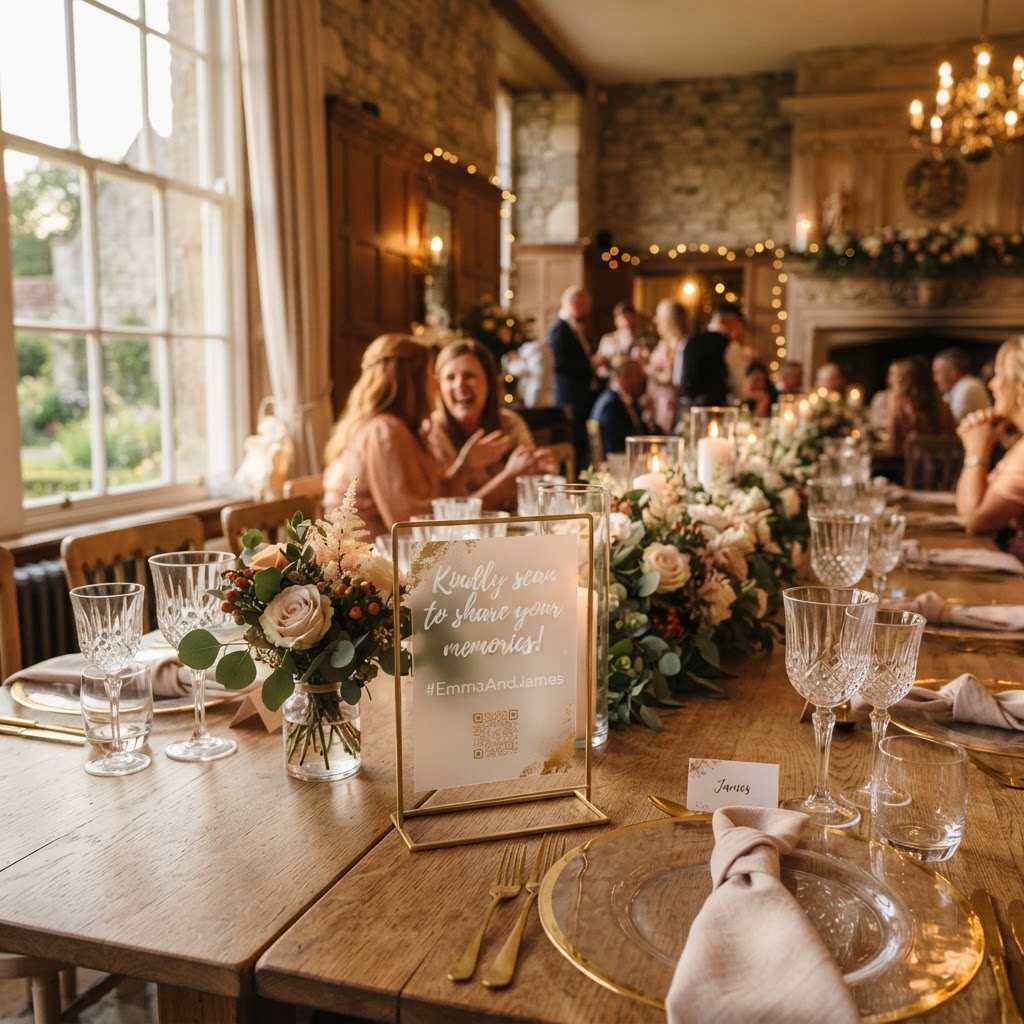
Wedding guest photography is the practice of inviting your friends and family to document your special day from their unique, candid perspectives throughout the ceremony and reception.
While your professional photographer captures the formal portraits and key milestones, guest images often fill in the gaps with laughter, spontaneous dancing, and behind-the-scenes moments that might otherwise go unrecorded. Managing the influx of these images, however, can quickly become a logistical nightmare for a busy couple. You need a system that functions without manual effort or constant reminders to your guests after the party is over.
How do I encourage guests to share their photos?
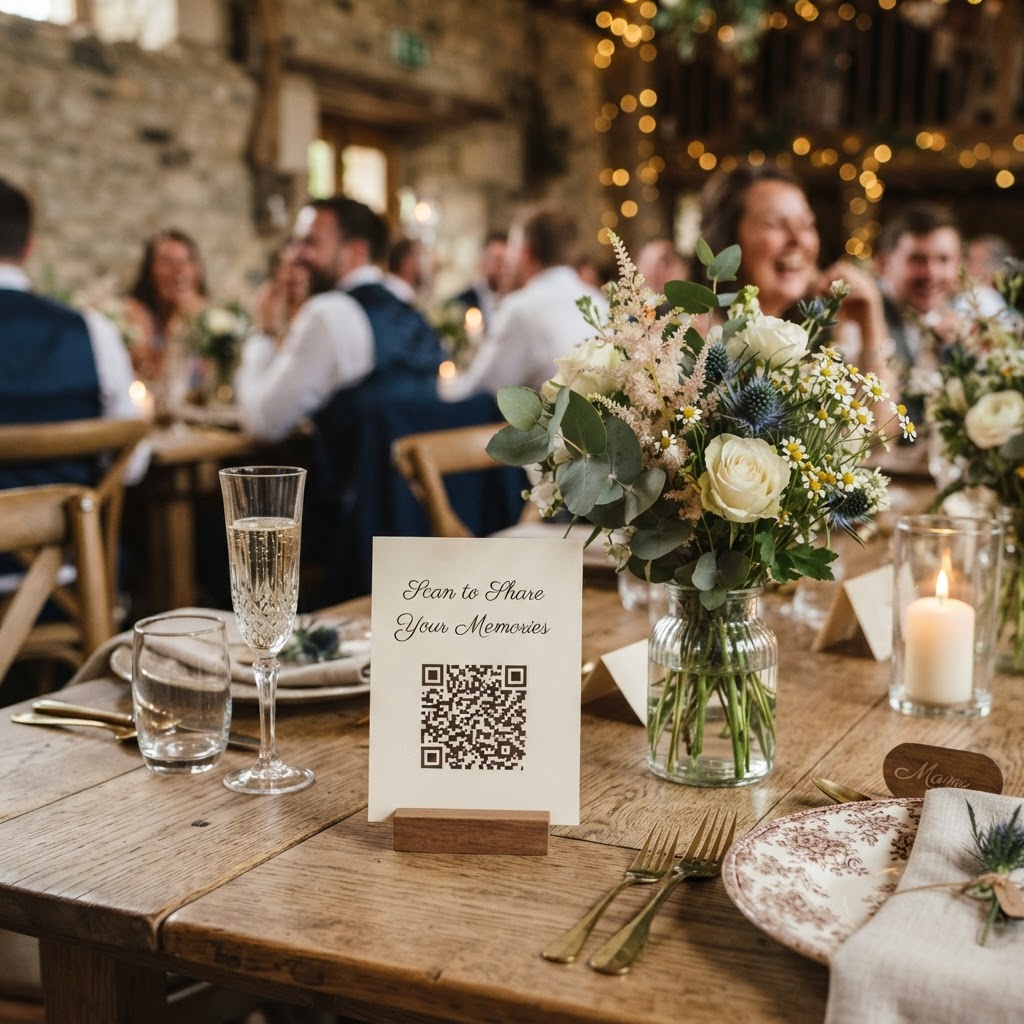
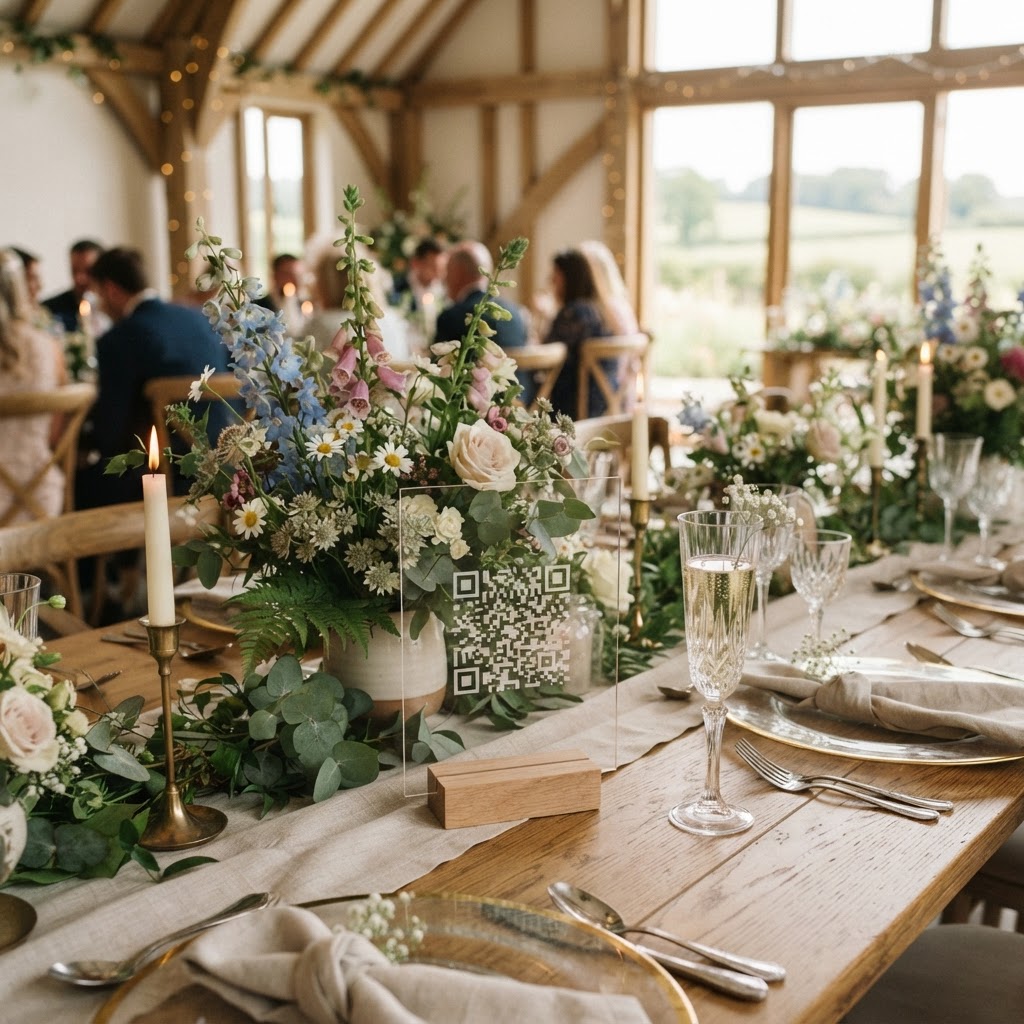
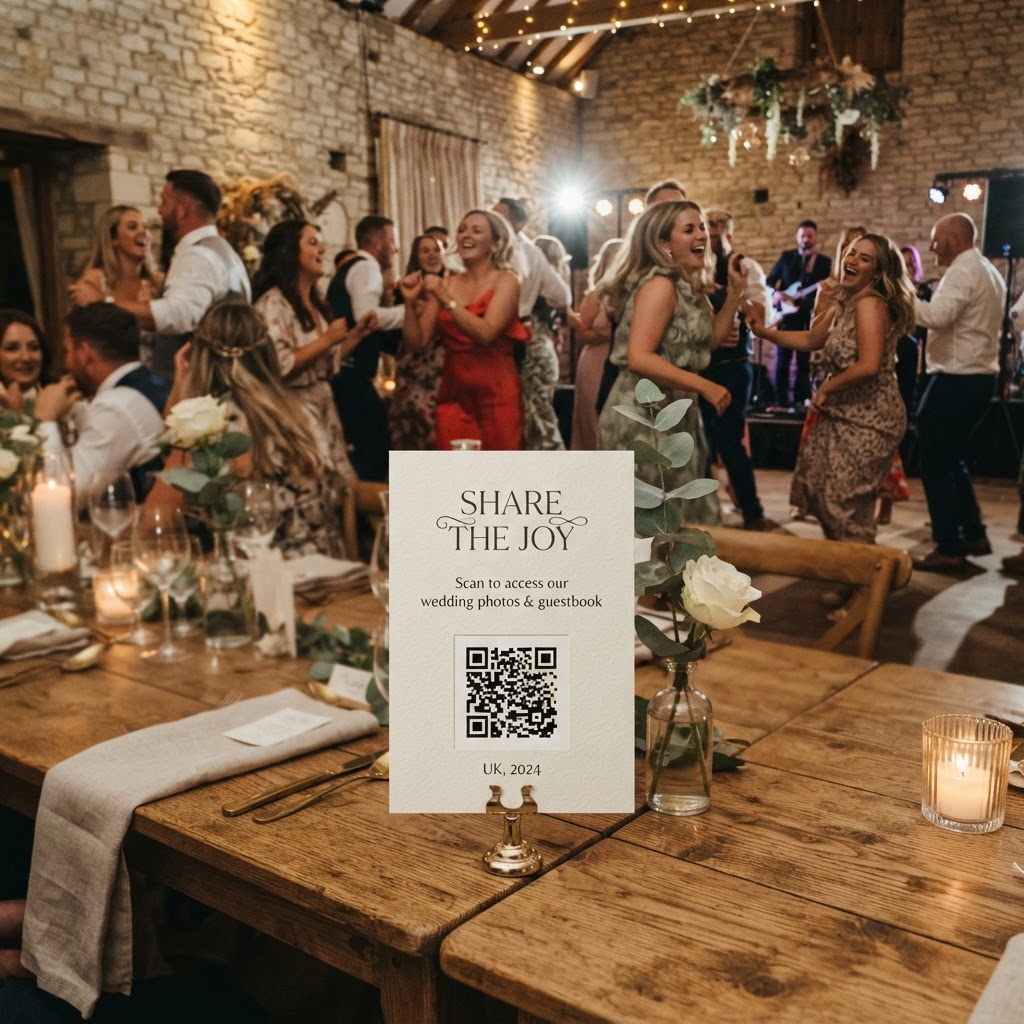
The secret to high participation rates lies in removing every single friction point that prevents a guest from uploading their media. Most people are willing to share a few snaps, but they will rarely download a specific app or register for an account simply to upload a photo to someone else’s wedding. By providing a direct, browser-based interface accessed via a simple QR code, you allow guests to contribute their files in seconds without leaving their camera roll. Placing these codes on table cards or welcome signs ensures they are visible exactly when the photo opportunity arises. This approach turns passive attendees into active participants in your visual story.
When you place your QR codes, consider the flow of the room. A sign at the entrance is a good start, but repeating the code on table cards ensures that people see the option throughout the dinner service. Include a brief, friendly instruction like Scan to share your photos or Please capture the candid moments. Keep the instruction simple so that even those who are not particularly tech-savvy feel confident participating. If the process is confusing, guests will simply put their phones away and move on to the next conversation.
Why should I set up a live slideshow during the reception?
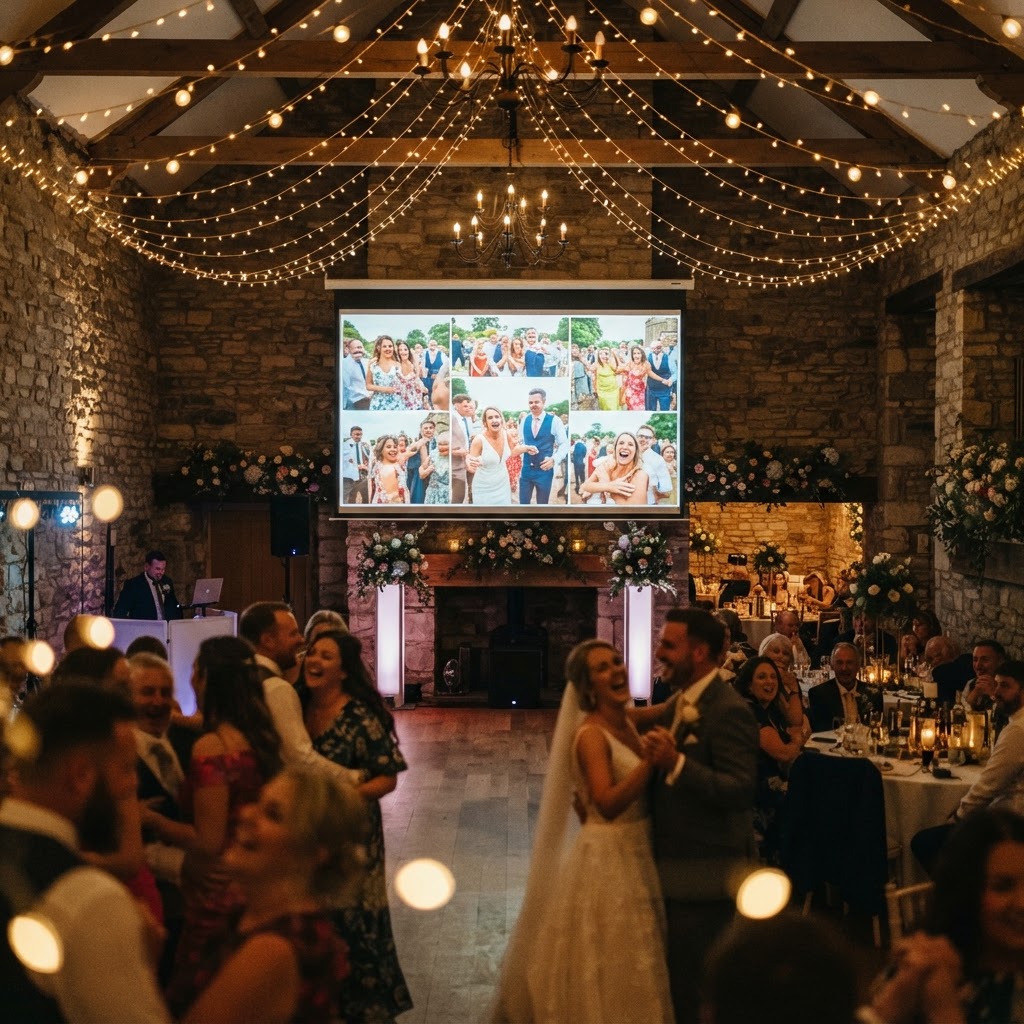
Integrating a live slideshow during your reception provides an immediate incentive for guests to keep their cameras clicking. When attendees see their own photos appearing on a large screen or projector within minutes of being taken, they feel a sense of contribution and excitement. This real-time feedback loop transforms the act of photography from a chore into a group activity, effectively gamifying the process. You can even encourage specific themes, such as the best dance floor move or the most creative group selfie, to keep the energy high as the night progresses. When guests see their friends on the screen, they are far more likely to capture their own version of the event to see it displayed as well.
To make this work, you need a stable internet connection at the venue and a projector or large television. The slideshow acts as a natural icebreaker for guests who might not know each other well. Sharing a common visual experience gives people something to talk about while they are at their tables. It creates a cohesive atmosphere where the entire room feels like they are contributing to a shared digital archive. Ensure the display is positioned in a central location where it can be seen from the bar or the main dining area, rather than hidden in a corner or back room.
What is the best way to manage digital messages?
A video guestbook is a powerful evolution of the traditional pen-and-paper version, allowing your loved ones to share heartfelt stories that capture their personality and voice. Instead of struggling to find a pen or feeling pressured to write something profound on a blank page, guests can record a quick video message right from their phone. These clips offer a much richer, more emotive record of your day that you can watch back on your anniversary for years to come. Providing this as part of your digital gallery keeps all media, including photos, videos, and messages, consolidated in one private place for you to enjoy after the event.
When planning your video guestbook, consider the noise levels of your venue. If the music is loud, the audio quality on the videos may suffer. You might suggest that guests record their messages in a quieter area, such as near the entrance or in a lobby space. Give them a prompt to help them get started, such as share a favourite memory or offer some marital advice. Having a specific prompt removes the performance anxiety that sometimes prevents people from speaking freely into a camera. These videos capture the genuine emotions and excitement of the day in a way that static photographs simply cannot replicate.
What are the technical limits of guest photo sharing?
True accessibility in wedding technology means that your grandmother and your youngest tech-savvy cousin should have the same effortless experience. You must be realistic about the digital tools you use, keeping in mind that guest-uploaded galleries often have a set lifespan. Most modern browser-based platforms, such as those that cost a flat fee for the event, will accept uploads for about seven days following the ceremony. This ensures that you have time to collect late-night party shots from the morning after without keeping the portal open indefinitely. After that window, the uploads close to protect the privacy of the participants and to manage server space effectively.
You should also be aware that these galleries are temporary storage solutions rather than permanent cloud backups. Typically, the gallery is deleted approximately 90 days after the event. This is a crucial detail to remember when your photos are available. Once you receive your final collection, you must download them to your own secure hard drive or preferred cloud storage service. Failing to do so within that 90-day window will result in the loss of your guest images. Use the weeks following your wedding to curate and save your favourite files. This approach ensures your gallery remains clean and efficient while you are collecting content during your honeymoon phase.
By choosing a simple service like Moment49, you ensure that every captured smile and candid moment is preserved in one place, allowing you to focus on enjoying your newlywed life rather than managing digital files across a dozen different messaging apps.